

11 Headcount Approval Best Practices That Actually Speed Up Hiring in 2026
Struggling with slow hire approvals? Learn 11 proven headcount approval best practices to align HR and Finance, reduce delays, and hire top talent faster in 2026.


Is your hiring slowdown really a talent shortage, or is a broken approval process costing you roles, budget, and candidates?
According to GoodTime's 2026 Hiring Insights Report, 60% of companies reported that time-to-hire increased in 2025, and only 1 in 9 companies managed to reduce it.
Most organizations track time-to-fill obsessively. But very few measure the upstream variable that controls it, which is how long it takes to approve a role in the first place.
A broken headcount approval process doesn't just slow recruiting. It creates budget overruns, erodes trust between HR and Finance, and costs you the candidates you actually want to hire.
In this article, we cover what headcount approval really is, why it breaks down, and 11 headcount approval best practices to make your approval process faster, tighter, and more strategic, without sacrificing governance.
Key Takeaways
- Most headcount approval delays start with incomplete requests and absent compensation data, not slow approvers.
- A tiered approval model (backfill vs. net-new vs. out-of-plan) is the single most effective fix for balancing speed and governance.
- Approval cycle time is a real metric. Organizations that track it reduce downstream recruiting delays significantly.
- Embedding compensation guardrails at the request stage (not after approval) prevents budget surprises and offer failures.
- CandorIQ unifies headcount requests, pay band guardrails, approval routing, and Finance visibility in one platform, replacing the spreadsheets and Slack threads that slow everything down.
What is Headcount Approval?
Headcount approval is the formal process by which organizations review, authorize, and budget new hire requests before recruiting begins. It ensures every open role is tied to a business need, a budget, a compensation range, and a clear owner.
Structured headcount approval speeds up hiring, while unstructured processes slow it down. When you rely on clear workflows, approvals align hiring with budget and strategy. When they rely on emails and ad hoc coordination, approvals turn into delays that hurt hiring speed.
Understanding what makes approvals break down is the first step to fixing them.
5 Reasons Why Your Headcount Approval Breaks Down and What It Costs
Most hiring teams spend enormous effort optimizing the recruiting funnel, sourcing, screening, interviewing, and closing. But by the time a role reaches a recruiter, approval-layer failures have already cost you time, budget clarity, and in many cases, the best candidates in the market.
Here are the five most common reasons headcount approval breaks down, and what each one costs you.

1. The Three-Way Misalignment Between HR, Finance, and Hiring Managers
HR tracks headcount by role and level. Finance tracks it by budget and cost center. Hiring managers track it in their own way, spreadsheets, memory, or Slack messages. These systems don’t connect.
When a hiring manager submits a request, the team doesn’t move to approval. They stop to reconcile data. HR checks its tracker. Finance reviews its model. The manager searches old emails or notes. Each team works with different numbers.
This back-and-forth slows everything down before approval even begins. The delay costs time, and strong candidates often drop out during the wait.
2. Why Your Approval SLA Is Your Recruiting SLA
Most organizations track time-to-fill, the time from opening a role to making an offer. Very few track the approval cycle time, the time from identifying a hiring need to opening the role.
This gap matters because approval speed directly affects recruiting speed. If a role sits in approvals for two weeks, recruiters lose access to active candidates during that window. Strong candidates, especially in competitive markets, move quickly and often accept other offers.
3. The Governance Risk of Spreadsheet-Based Approvals
The problem with spreadsheets is not just inefficiency. They cannot properly manage a headcount approval process.
A spreadsheet cannot route requests to the right approvers. It cannot check if a role stays within an approved pay range. It cannot warn when a hire pushes a team over budget. And it cannot keep a clear record of who approved what and when. One unchecked decision affects the entire team.
4. Approving Roles Without Compensation Data Attached
Most organizations approve a role first and decide the salary later. This slows hiring and creates budget issues.
When recruiters open a role and find that the budget doesn’t match market rates, they either pause to renegotiate or move forward with an offer that exceeds the budget. Both outcomes waste time.
5. No ATS Sync: The Req Drift Problem
Req drift happens when teams move an approved role into the ATS manually. During that step, details often change, such as the wrong level, title, pay range, or department code. These small errors create a gap between what Finance approves and what recruiting actually posts.
Also Read: A Practical Guide to Headcount Forecasting for High-Growth Teams
Now that you know where things break, let us look at exactly how to fix them.
11 Headcount Approval Best Practices That Drive Hiring Velocity
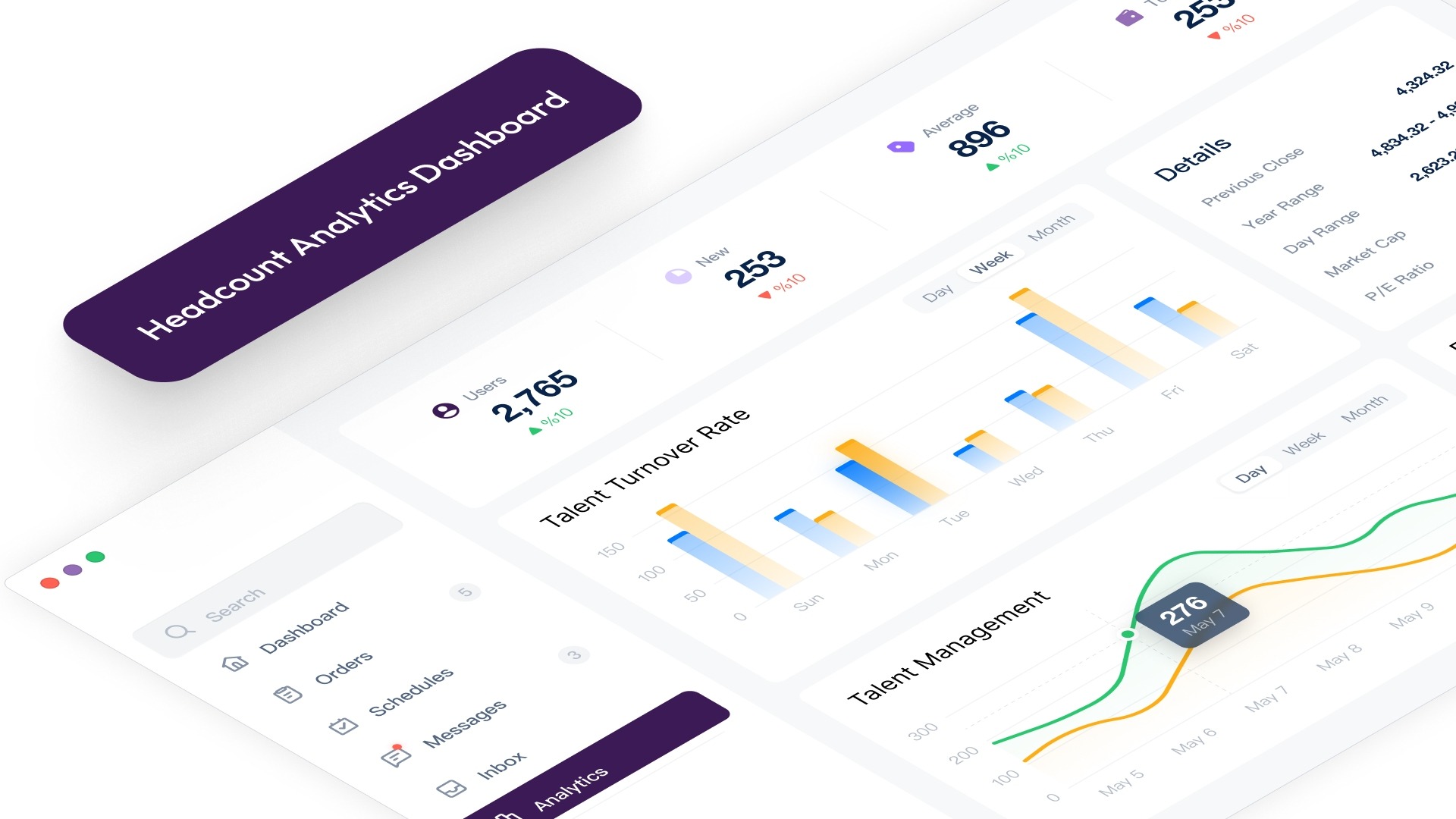
Getting headcount approvals right does not require a complete overhaul of your HR systems. It requires the right structure, the right routing, and the right data at each step of the process. Here are 11 proven practices that fast-growing US teams use to make approvals faster without losing governance.
1. Standardize the Headcount Request Form
Most approval delays do not start with a slow approver. They start with an incomplete request.
When a hiring manager submits a role without a business justification, a defined level, a compensation range, or a budget source, the approver cannot actually approve anything. They can only ask follow-up questions.
A complete headcount request must include:
- Business justification (why this role, why now)
- Job level and title
- Department and cost center
- Geo-adjusted compensation range
- Budget source (in-plan or out-of-plan)
- Expected start date and burn rate impact
When every request comes in complete, approvers can move in hours.
2. Use a Tiered Approval Model, Not One-Size-Fits-All Routing
Not every headcount request carries the same risk. And treating them the same way is where velocity dies.
A simple 3-tier model solves this:
- Tier 1: Backfill of an approved role: HR confirmation only. Target: 2-day SLA.
- Tier 2: Net-new role within the approved plan: Department head + Finance review. Target: 4-day SLA.
- Tier 3: Net-new role outside the approved plan: Full escalation path, including CFO or People leadership. Target: 7-day SLA with a committed response date.
Most organizations treat every request like a Tier 3. That is why everything feels slow. Matching routing complexity to role risk fixes the bottleneck without weakening governance.
3. Embed Compensation Guardrails Into the Request
Approving a role without a pay band is like approving a blank cheque. Teams should include compensation details, pay range, level, and location at the request stage.
This keeps HR and Finance aligned from the start and avoids budget surprises later. Recruiters don’t have to pause mid-process to fix gaps between budget and market rates.
Also, location-based pay matters, especially for distributed teams. The same role carries different costs in different regions, so teams need to account for that upfront.
This is one of the clearest cases where a purpose-built platform like CandorIQ pays for itself, with native pay-band integration at the request layer, not a separate spreadsheet someone has to update manually.
4. Define SLAs and Make Approval Cycle Time a Visible Metric
An approval process without stated Service Level Agreements (SLAs) is not an ideal process. Define turnaround targets for each tier, and publish approval cycle time to department heads every month. When approvers know their average response time is visible, they prioritize accordingly.
Approval cycle time is the metric almost nobody tracks. Start tracking it by tier, by department, and by approver. You will quickly see where the real bottlenecks live — and it is rarely where you expect.
5. Route Approvals Dynamically by Role Type and Cost Threshold
A backfill and a net-new executive role should never follow the same approval path.
Configure routing logic based on:
- Role tier (individual contributor vs. manager vs. director+)
- Department (engineering vs. sales vs. G&A)
- Compensation band threshold
- In-plan vs. out-of-plan flag
Dynamic routing ensures the right eyes see the right request, without pulling a CFO into every junior hire or letting a high-cost executive role slip through a lightweight review.
6. Build a Complete Audit Trail for Every Approved Role
Every headcount approval should create a clear record of who approved it, the reason behind it, the budget used, and when each step happened.
This is not an extra process. It is how teams stay accountable. When Finance questions a budget overrun, teams can point to a clear decision trail instead of piecing it together from emails. It also protects HR when team members or leadership change.
7. Sync Approvals Directly to Your ATS, Eliminate Req Drift
Once a role is approved, it should flow directly into your ATS with all the approved details intact, title, level, department, comp range, and hiring manager. No manual re-entry.
Requisition drift, the gap between what was approved and what gets posted, is one of the most underestimated sources of budget and recruiting misalignment. A single transposed number or wrong level can send recruiting in the wrong direction for weeks.
Native ATS sync is not optional for teams running aggressive hiring plans. It is a baseline requirement.
8. Bring Finance Into Scenario Planning, Before the Annual Plan Is Set
Most organizations involve Finance only after finalizing the headcount plan. This puts Finance in a position where they review decisions they did not help shape.
Bring Finance in earlier. Let them review and adjust hiring scenarios before the plan is approved. When they can see how different hiring choices affect budget and burn, they engage more actively in the process.
This approach speeds up approvals and improves how HR and Finance work together. Teams move from back-and-forth reviews to making decisions together from the start.
CandorIQ's headcount scenario planning module makes this possible. Finance and People teams can model org charts, compare multiple hiring scenarios, and align against budget thresholds before a single request is submitted.
9. Give Finance Real-Time Dashboards
Most HR–Finance conflict is not about disagreement. Finance rejects or delays headcount requests because they cannot see the live budget impact of what has already been approved.
A real-time dashboard that shows actuals vs. plan on headcount and compensation changes everything. Finance no longer needs to wait for a monthly report to understand where the workforce budget stands. They can see it live and approve requests with confidence rather than caution.
10. Use AI to Surface Comp Benchmarks at the Point of Request
When a manager submits a headcount request, most of the information needed for approval already exists in the system, but teams don’t surface it in time.
AI changes this. At the point of request submission, AI can automatically surface:
- Median compensation for this role and level in this market
- How the proposed comp compares to the current pay band
- Budget remaining in this department
- Whether this role is in-plan or out-of-plan
Approvers get everything they need upfront and make decisions in minutes instead of days, without searching across tools.
CandorIQ's AI Agent does exactly this, pulling comp recommendations from historical benchmarks and peer data, so every approval decision is backed by real data, not gut feel.
11. Enable Natural Language Impact Modeling for Finance and People Leaders
Finance leaders and CPOs need to understand the trade-offs behind every hiring decision. They should be able to ask: What happens to budget and hiring priorities if we approve certain roles?
In the past, answering this meant building spreadsheets and waiting for analysis. Now, teams can ask the question directly and get a clear answer right away.
It exists today in platforms like CandorIQ. And for fast-growing teams that need to make real-time decisions about headcount, it is fast becoming a competitive advantage.
Also Read: The 7 Best Headcount Planning Strategies to Scale Smarter
Now, with the right practices in place, you need the right metrics to know if they are working. Here is what to track.
6 Headcount Approval Metrics Your Team Should Track in 2026
Most organizations track time-to-fill and cost-per-hire to measure headcount approval best practices results, but those numbers worsen when approval delays go unchecked. To fix this, teams need to track what happens before recruiting starts.
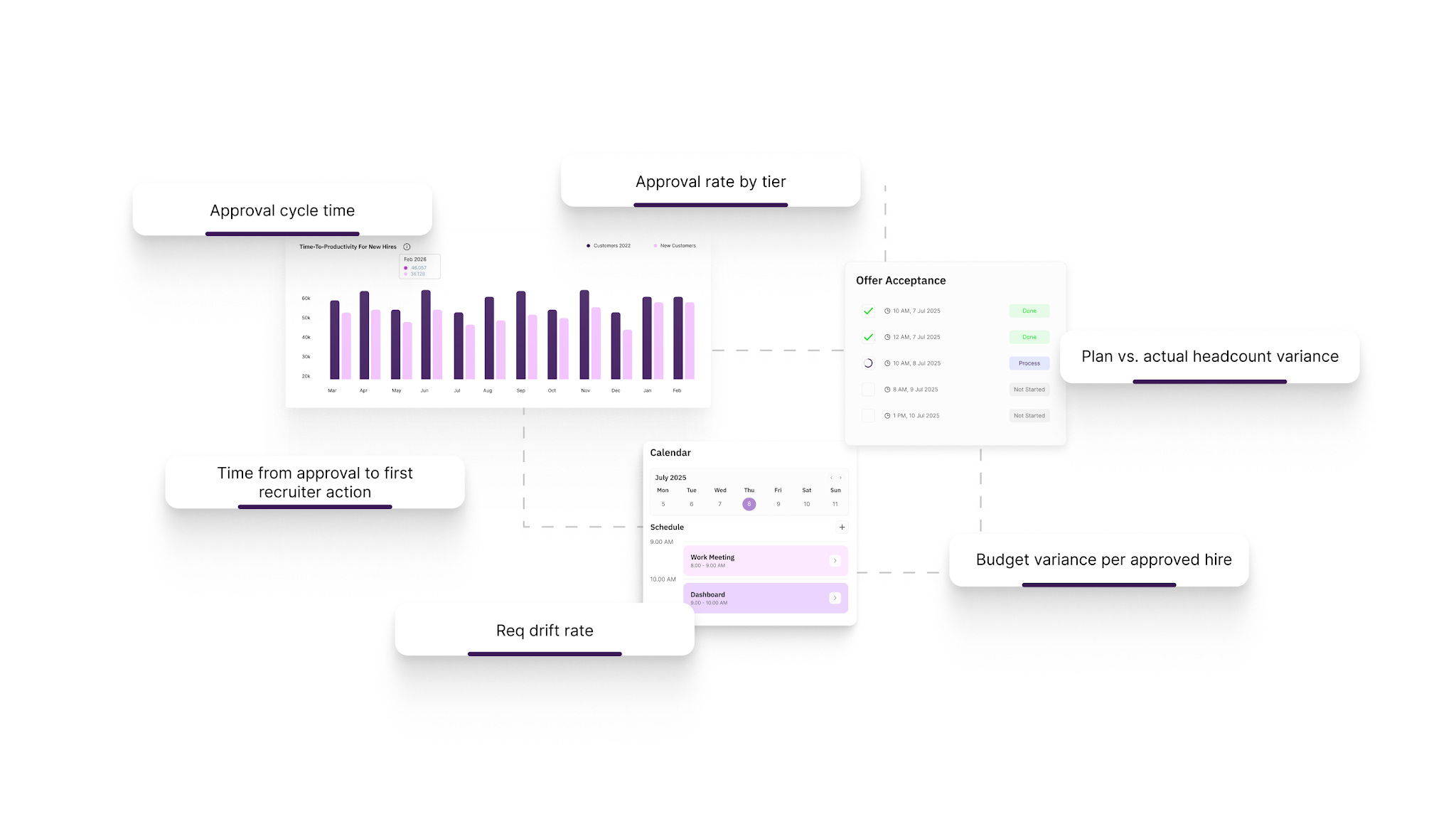
- Approval cycle time (median + 90th percentile, by tier): Track how long approvals take across different role types, teams, and approvers. If simple backfills take too long, the process is already slowing hiring.
- Approval rate by tier: A very high approval rate means teams approve requests without enough checks. A very low rate means managers submit roles that don’t match the budget or plans.
- Plan vs. actual headcount variance (quarterly): Compare planned hires with actual hires each quarter. Large gaps show a disconnect between planning and execution.
- Budget variance per approved hire: Measure the gap between approved pay and actual offers. Frequent overruns suggest outdated pay ranges or poor location-based adjustments.
- Req drift rate: Track how often posted roles differ from approved details like title, level, or pay. High drift points to manual errors in the process.
- Time from approval to first recruiter action: Measure how quickly recruiters act after approval. Delays here show issues in the handoff from approval to hiring.
Tracking these metrics helps teams find where approvals slow things down, create budget gaps, or cost strong candidates. The next step is ensuring you have the right platform to make the right practices stick.
Also Read: Top HR Metrics to Track for Success
How CandorIQ Fixes Headcount Approval From End to End
Headcount approval often fails because teams use multiple disconnected tools. Compensation sits in spreadsheets, requests move through email, Finance works in a separate model, approvals happen in Slack, and the ATS runs on its own.
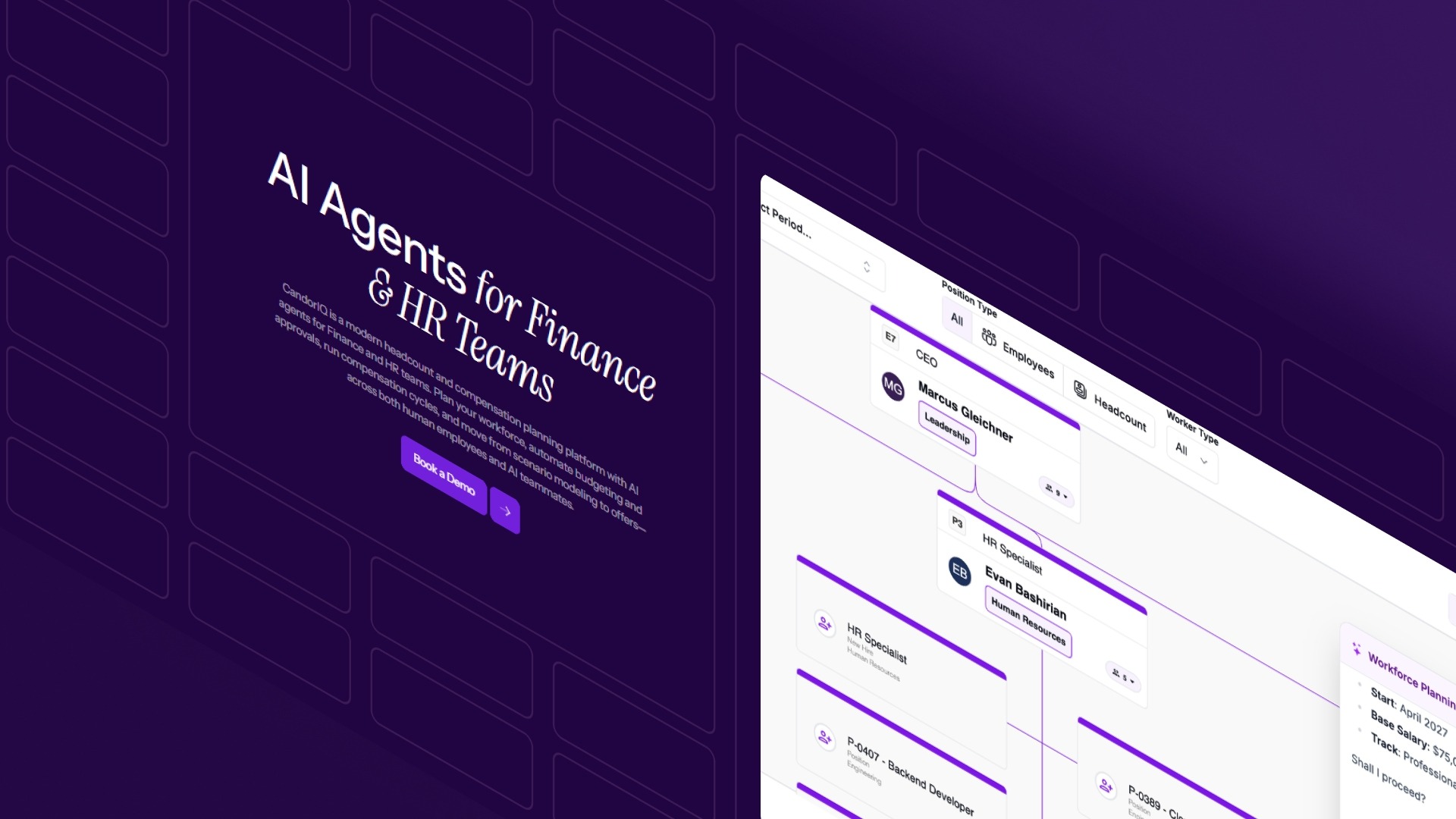
CandorIQ brings all of this into one place. It connects request submission, pay band checks, Finance approval, and ATS integration in a single, structured workflow, so teams don’t have to manage everything manually.
Here is what that looks like in practice:
- Headcount Requests & Approvals: Create structured requests with embedded job details, rationale, and compensation ranges. Route approvals dynamically based on team, location, or cost threshold. Every decision is logged with a full audit trail.
- Compensation & Payband Builder: Define pay bands by level, location, and department with geo-adjusted benchmarks built in. Every approved role is tied to a validated comp range before it goes to recruiting.
- Headcount Scenario Planning: Model hiring scenarios and see burn rate impact in real time. Finance and People teams plan together, before requests are submitted, not after they are rejected.
- Workforce Management: Track actuals vs. plan on headcount and compensation with custom dashboards for Finance, exec teams, and HRBPs. Real-time visibility replaces monthly reconciliation.
- AI Agent: Surface comp recommendations, model approval impact in plain language, and identify budget gaps before they become problems, at the point of request, not after the fact.
CandorIQ was built for the teams that are scaling fastest, lean HR functions at SaaS, fintech, and growth-stage companies, where every hire matters and every approval delay costs real money.
Conclusion
Headcount approval drives whether you hire on time and within budget. These headcount approval best practices, clear request formats, structured routing, and built-in pay checks help teams move faster and stay aligned.
Teams that follow headcount approval best practices make quicker, more accurate decisions because HR and Finance work from the same data.
If your process still runs on spreadsheets and emails, it costs you time and visibility. CandorIQ brings everything into one place so approvals stay fast and controlled.
Get in touch to see how it works for your team.
.png)
FAQs
1. What is the difference between headcount approval and headcount planning?
Headcount planning is the strategic process of forecasting how many roles your organization needs, when, and at what cost. Headcount approval is the operational process of reviewing and authorizing individual hire requests against that plan. Planning sets the budget and direction; approval governs execution role by role.
2. Who should be involved in the headcount approval process?
Typically, the hiring manager submits the request. HR or People Ops validates the role details and pay band alignment. Finance confirms the budget impact. For high-cost or out-of-plan roles, CFO or executive leadership provides final sign-off. The key is having defined ownership at each stage, not ad hoc consensus.
3. How do you prevent headcount approvals from becoming a bottleneck?
Three things help most: a standardized request form so requests arrive complete, a tiered routing model so low-risk approvals move faster, and committed SLA targets for each tier that are tracked and shared with stakeholders.
4. What should a headcount request template include?
At a minimum: business justification, job title and level, department and cost center, geo-adjusted compensation range, budget source (in-plan or out-of-plan), expected start date, and impact on quarterly burn rate.
5. How often should headcount approval SLAs be reviewed?
Quarterly. As your hiring plan changes and your team scales, approval volumes and routing complexity shift. SLAs that worked for 20 open roles a quarter may not hold at 80. Review them alongside your headcount plan each quarter and adjust accordingly.
6. What is req drift, and why does it matter?
Req drift is the gap between what was approved in the headcount process and what actually gets posted in your ATS. It happens when approved role details are re-entered manually, and small errors compound into recruiting misalignment, budget discrepancies, and offer failures. Eliminating req drift requires direct ATS sync from your approval system.
Ready to modernize your workforce and compensation strategy?
See how CandorIQ brings workforce planning and compensation together with AI.