
12 Must-Have Workforce Management Software Features for Scaling Teams in 2026
Discover 12 must-have workforce management features for scaling teams in 2026, including headcount planning, compensation control, and budget governance.
.jpg)

Are you still managing your workforce with tools built for a pre-remote world? In 2024, over 22.9% of the U.S. workforce, more than 35.5 million people, worked at least part of the time remotely, making distributed teams the new normal.
But the real issue is that most workforce tools still focus on tracking hours and schedules rather than controlling hiring, compensation, or workforce costs. As teams scale, this gap leads to budget overruns, inconsistent pay decisions, and slow hiring processes.
That’s exactly what this blog addresses. Read on to know what modern workforce management features should look like, and the features you actually need to scale with control.
At a Glance
- Modern workforce management features go beyond scheduling. They enable headcount planning, compensation control, and real-time workforce cost visibility to support scalable growth.
- Traditional tools fail scaling teams because they lack alignment between HR and Finance, offer no real-time budget visibility, and rely on fragmented workflows that slow hiring.
- The 12 must-have features, from AI forecasting to compliance automation, help teams balance hiring speed with financial discipline while managing distributed workforces effectively.
- Choosing the right system requires prioritizing planning, real-time data, workflow automation, and deep integrations, not just basic tracking capabilities.
- Platforms like CandorIQ unify compensation, headcount planning, and budget control, helping teams scale with clarity, consistency, and financial accountability.
What is Workforce Management Software?
Workforce management software helps you plan, track, and optimize work across your team. Traditionally, that meant scheduling shifts, tracking hours, and processing payroll.
Modern workforce management software now includes:
- Scheduling and time tracking to manage daily operations.
- Compliance controls to handle U.S. labor laws and policies.
- Workforce analytics to track productivity and utilization.
- Capacity planning tools to forecast hiring needs.
- Workforce cost visibility to understand how people decisions impact budgets.
In simple terms, it’s no longer just about who is working. It’s now about who you should hire, how much you should pay, and whether you can afford it.
Let’s look at why workforce management software is now critical in 2026.
6 Reasons Workforce Management Software Is Necessary in 2026
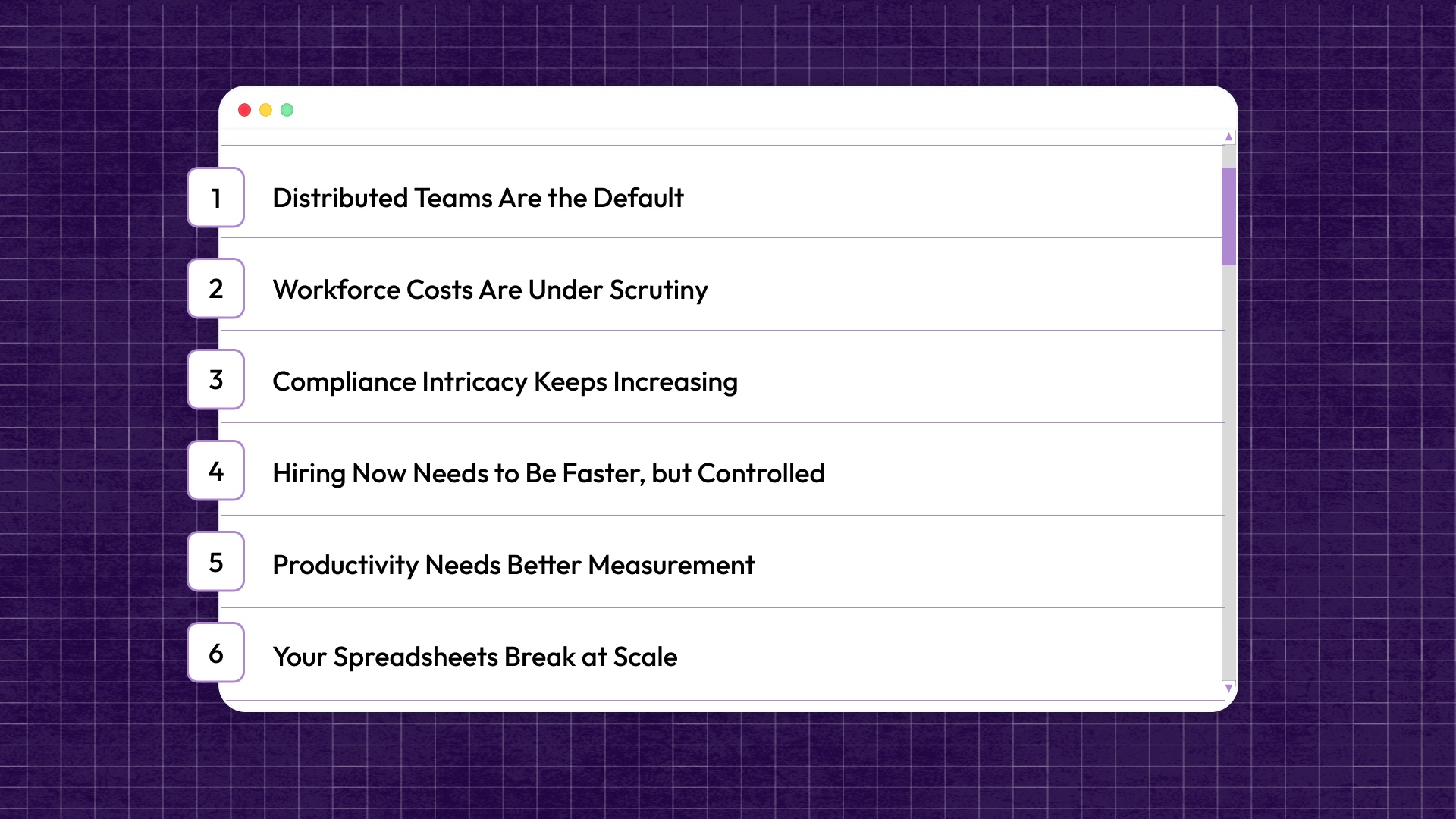
Workforce management now directly impacts hiring speed, cost control, and team performance. Here’s why it has become essential for scaling teams in 2026:
- Distributed Teams Are the Default: Teams are no longer in one office under a single policy. Employees work across states, time zones, and countries. Each location brings different labor rules and expectations. Managing this manually creates confusion fast.
- Workforce Costs Are Under Scrutiny: Payroll is often the largest expense for growing companies. Every new hire impacts the burn and runway. Leadership needs visibility before approving hires. Without real-time data, hiring becomes guesswork.
- Compliance Intricacy Keeps Increasing: US labor laws are not simple, and they’re not consistent. Overtime rules vary by state. Break timing laws and scheduling rules keep changing. Missing even small details can lead to penalties.
- Hiring Now Needs to Be Faster, but Controlled: Speed matters, but so does discipline. Hiring delays slow down growth. Uncontrolled hiring breaks budgets. Your teams need structured workflows that allow fast decisions without losing financial control.
- Productivity Needs Better Measurement: You can’t manage distributed teams by tracking hours alone. Output matters more than time spent online. Managers need visibility into workload and utilization. This requires better data analytics.
- Your Spreadsheets Break at Scale: In your spreadsheets, data lives in multiple places. Version control becomes a nightmare with no real-time visibility. As teams grow, these gaps turn into real business risks.
Workforce management software solves these problems, but only if it’s built for scale. And that’s where most traditional tools fall short.
5 Reasons Traditional Workforce Tools Fail Scaling Teams
Most companies already use some form of workforce tool. But as teams grow, these tools start to show clear cracks. Here’s where they fall short, and why scaling teams outgrow them quickly:
- Built for Scheduling, Not Planning: Traditional tools focus on daily operations. They manage shifts and attendance. But don’t help you plan future hiring. You can see who is working today, but not who you need next quarter. That gap makes proactive growth almost impossible.
- No Alignment Between HR and Finance: HR manages hiring. Finance manages budgets. But most tools don’t connect the two. Hiring decisions happen without real budget visibility. This creates constant friction between teams and often leads to overspending or delayed approvals.
- Compensation Lives Outside the System: Compensation is rarely managed inside workforce tools. Teams rely on spreadsheets or scattered documents. Pay decisions vary across managers and departments. This leads to inconsistent offers and internal pay gaps.
- No Real-Time Visibility Into Workforce Spend: Most tools show activity, not cost. You can track hours worked. But not the financial impact of hiring decisions. Without real-time insights, leaders react too late. By the time issues show up, budgets are already off track.
- Fragmented Workflows Slow Everything Down: Hiring and workforce decisions don’t happen in one place. Approvals happen over email, Slack, and spreadsheets. Data needs to be manually updated across systems. This slows down hiring and creates errors.
Also Read: Data-Driven HR Strategies for Effective Payroll Management
Traditional tools weren’t built for today’s complexity. They solve operational problems, but miss strategic ones. So what should you actually look for instead? Let’s break down the 12 workforce management features that truly support scaling teams.
The 12 Workforce Management Features Your Software Must Have in 2026
.jpg)
The right workforce management software doesn’t just support operations. It helps you plan hiring, control costs, and make better decisions as you scale. Each feature below plays a specific role in making that possible.
1. Advanced, Flexible Scheduling
Scheduling has evolved far beyond filling shifts. It now needs to reflect demand, employee skills, and time zone differences across distributed teams.
Modern systems use AI to:
- Match schedules with demand patterns
- Adjust for time zones in distributed teams
- Factor in employee skills and availability
They also give employees more control through:
- Shift swaps
- Self-service scheduling
- Flexible work preferences
This reduces burnout and improves coverage without over-hiring.
When scheduling becomes flexible and data-driven, teams stay productive without overstaffing or burnout.
2. Accurate Time & Attendance
Time tracking must work wherever your team works. Remote, hybrid, and field employees all need reliable ways to log their time.
That means:
- Web and mobile clock-ins for remote employees
- Kiosk options for on-site teams
- Offline tracking when connectivity is limited
Advanced systems also include:
- Geofencing for location validation
- Automatic timesheet generation for payroll
This removes manual errors and ensures accurate pay.
If time tracking is accurate, payroll errors decrease, and compliance becomes easier to manage.
3. Compliance & Policy Automation
Compliance in the United States is complex and constantly evolving. So, it has now become a financial risk area.
In the U.S., rules vary across states for:
- Overtime calculations
- Mandatory breaks
- Scheduling policies
Modern workforce systems handle this by:
- Embedding labor rules into workflows
- Automatically flagging violations
- Maintaining audit trails for every change
This reduces the need for manual checks and lowers legal risk. When compliance is automated, teams spend less time worrying about risk and more time focusing on growth.
4. Distributed Productivity & Activity Analytics
Managing distributed teams requires visibility, but not micromanagement. You need to understand how work is getting done without constantly checking in.
Modern tools track:
- Work patterns and focus time.
- Workload distribution across teams.
- Signs of overwork or underutilization.
Instead of micromanaging, you can:
- Spot bottlenecks early.
- Rebalance workloads.
- Support teams before burnout happens.
When productivity is measured through meaningful data, teams operate more efficiently and sustainably.
5. Real-Time Dashboards & Custom Reporting
Workforce decisions move quickly, so your data needs to keep up. Static reports quickly become outdated in a growing organization.
You need dashboards that show:
- Attendance and utilization in real time.
- Hiring progress vs. plan.
- Workforce trends across departments.
More importantly, different teams need different views:
- HR tracks headcount and engagement.
- Finance tracks cost and budget impact.
- Leaders track performance and growth.
When everyone works from the same real-time data, decisions become faster and more aligned across the organization.
6. AI Forecasting & Capacity Planning
This is where workforce management becomes truly strategic. Instead of reacting to hiring needs, you start planning ahead.
Modern tools help you:
- Forecast hiring based on demand and growth
- Model scenarios like “hire now vs. delay”
- Understand the impact of each hire on budgets
For example, you can evaluate whether hiring now fits within your budget or if delaying would be more sustainable. These insights help prevent costly mistakes.
This capability connects workforce decisions directly to financial outcomes, as CandorIQ does, making it critical for scaling teams.
7. Skills-Based Routing & Multi-Skill Scheduling
Not every employee is suited for every task. Skills-based systems ensure that work is assigned to the right people.
That’s why modern systems use skills data to:
- Assign work based on expertise.
- Optimize high-value roles.
- Balance workloads across specialized teams.
This becomes especially important for high-value or specialized roles. It ensures that critical work is handled efficiently and by the right people.
When skills drive allocation, teams get better results without increasing headcount.
8. Strong Integrations & Open APIs
Workforce management does not happen in isolation. It depends on data from multiple systems across the organization.
Your system needs to connect with:
- HRIS platforms
- Payroll systems
- ATS tools
- Collaboration tools like Slack
This ensures that data flows smoothly between systems without manual input. Open APIs make it easier to connect with other tools and build custom workflows. This flexibility becomes important as your tech stack grows.
Strong integrations ensure:
- Data flows automatically across systems
- No duplicate entries or manual updates
- A single source of truth
When systems are connected, data stays consistent, and teams avoid unnecessary manual work.
9. Mobile-First Employee Experience
A distributed workforce needs access to tools at all times. Employees cannot rely on desktop systems alone.
Employees need access to:
- Schedules
- Time tracking
- Time-off requests
- Notifications
All from their phones. This improves communication and ensures that everyone stays aligned, even across locations.
When employees can easily access the system, adoption improves, and operations run more smoothly.
10. Onboarding, HR Data Hub & Lifecycle Workflows
Every workforce decision depends on accurate and centralized data. Without it, processes become fragmented and unreliable.
Modern systems act as a hub for:
- Employee profiles (roles, locations, compensation)
- Onboarding workflows
- Lifecycle changes (promotions, transfers)
They also streamline onboarding so new hires can quickly become productive. Over time, they track changes such as promotions and role transitions.
When combined with headcount planning tools such as CandorIQ, this foundation supports structured hiring and improved workforce visibility.
11. Engagement, Feedback & Gamification
Retention plays a critical role in workforce stability. Frequent employee turnover increases hiring pressure and costs.
Modern workforce tools include:
- Pulse surveys to track sentiment
- Feedback loops tied to schedules and workload
- Recognition systems linked to performance
This helps leaders:
- Identify disengagement early
- Improve team morale
- Reduce attrition
When employees feel heard and valued, retention improves, and teams perform better.
12. Enterprise-Grade Security & Scalability
As organizations grow, protecting workforce data becomes more important. This includes sensitive information like compensation and employee records.
You need systems that can:
- Control access with role-based permissions
- Protect sensitive data like compensation
- Maintain audit logs for accountability
At the same time, the system must scale with you:
- Support hundreds or thousands of employees
- Handle multi-region operations
- Maintain performance and uptime
When security and scalability are built in, organizations can grow confidently without operational risks.
Also Read: AI and the New Era of Workforce Management
These features define what modern workforce management looks like in 2026. But selecting the right system requires more than just checking boxes.
6 Tips to Choose the Right Workforce Management Software for Your Team
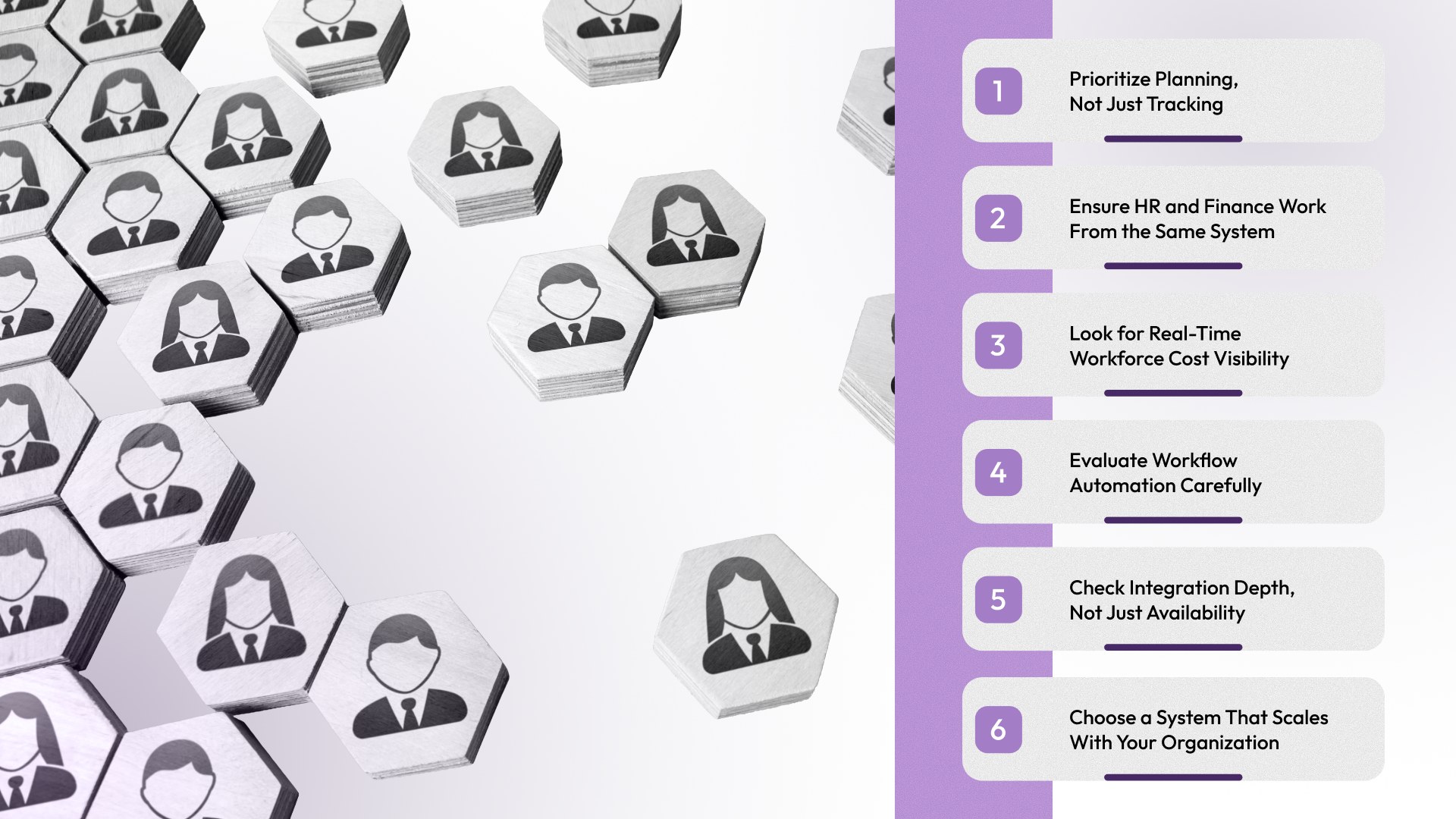
Not every tool that checks feature boxes will actually support your growth. You need a system that fits how your organization operates today, and how it will scale tomorrow.
Here are six practical tips to guide your decision:
- Prioritize Planning, Not Just Tracking: Most tools will offer scheduling and time tracking. That’s expected. What actually matters is whether the system helps you plan ahead. Can it forecast hiring needs? Can it show how new roles impact your workforce structure? Choosing a system with planning capabilities ensures you stay proactive.
- Ensure HR and Finance Work From the Same System: The right workforce software brings both teams onto the same platform. It connects hiring plans with budget visibility, so decisions are made with full context.
- Look for Real-Time Workforce Cost Visibility: A strong system gives you real-time visibility into how hiring decisions impact budgets. It shows planned versus actual costs and highlights gaps early. This allows leadership to adjust quickly instead of reacting after overspending happens.
- Evaluate Workflow Automation Carefully: Manual workflows slow everything down, especially as your team grows. Look for systems that automate key processes like hiring approvals, role creation, and compensation changes. These workflows should be structured but flexible.
- Check Integration Depth, Not Just Availability: Most vendors claim they “integrate” with other tools. That alone is not enough. You need to understand how deep those integrations go. Does data sync in real time? Can systems update each other automatically? Strong integrations reduce manual work and keep your data consistent across platforms.
- Choose a System That Scales With Your Organization: Your system should handle growth without needing constant replacement or workarounds. It should support more users, more data, and more complex workflows over time. Security, performance, and flexibility all play a role here.
Choosing workforce management software is not just a technical decision. It’s a strategic one that impacts how your company hires, spends, and grows. With the right system in place, you can move faster while staying in control.
Also Read: Best HR Software Solutions for Small Businesses
Let’s now look at how you can bring all of this together and take control of your workforce planning.
Take Control of Workforce Planning With CandorIQ
As teams scale, workforce decisions become harder to manage. Hiring happens across tools, compensation lives in spreadsheets, and budgets often lack real-time visibility. This leads to slow approvals, inconsistent pay decisions, and growing misalignment between HR and Finance.
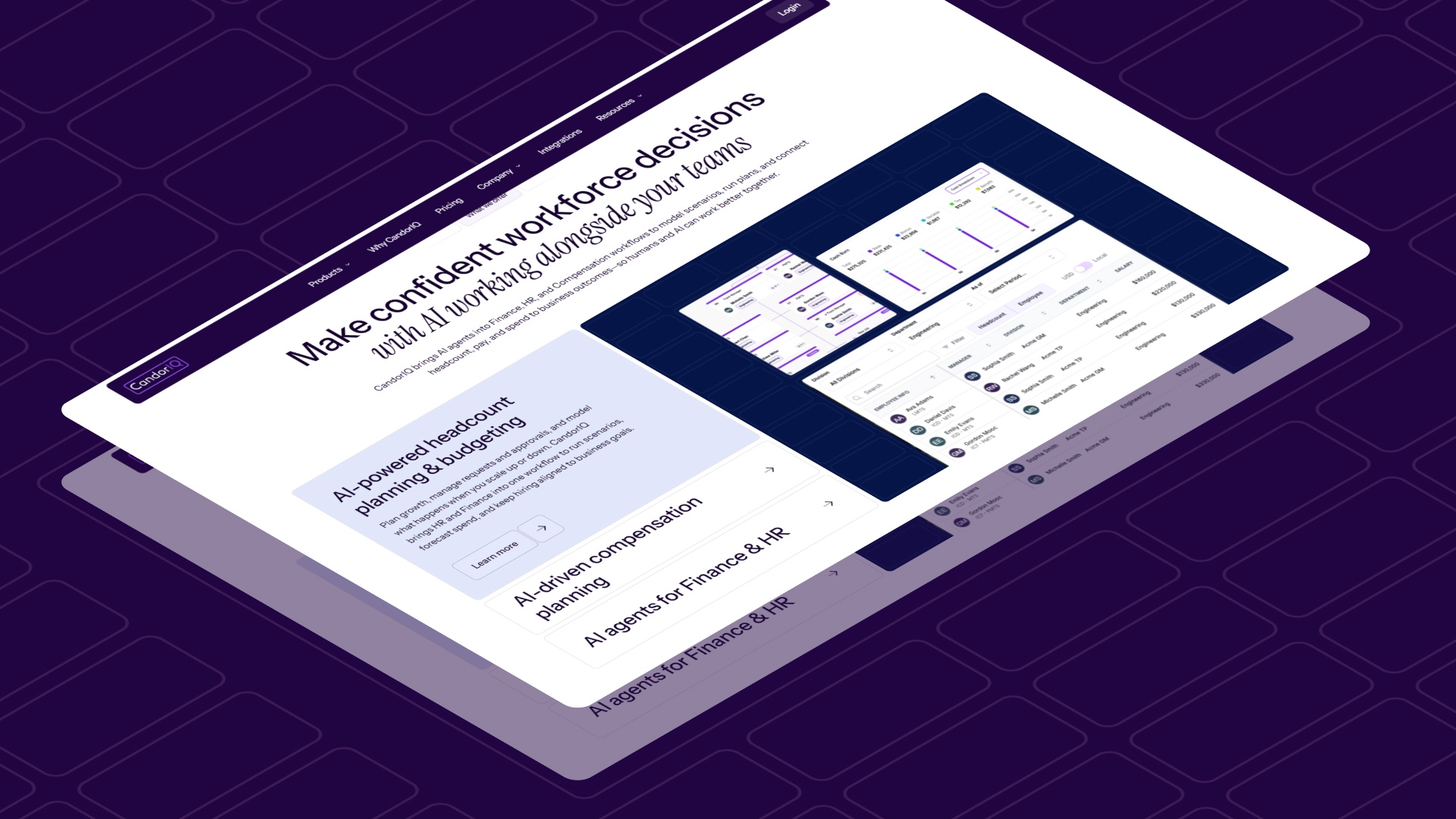
CandorIQ solves this by bringing compensation, headcount planning, and workforce cost management into one unified system. It replaces disconnected workflows with structured processes, giving teams the clarity and control they need to scale efficiently.
Here’s how we support modern workforce management:
- Build and manage structured pay bands by role, level, and location with real-time visibility into compensation distribution.
- Run compensation cycles with automated approvals, budget tracking, and built-in collaboration across teams.
- Create and manage candidate offers with full visibility into salary, equity, and total compensation.
- Model headcount scenarios and understand the financial impact of hiring decisions before they happen.
- Streamline headcount requests and approvals with structured workflows that connect HR and Finance.
- Track workforce metrics like hiring, attrition, and promotions in a single, unified dashboard.
- Use AI-powered insights to forecast workforce needs, analyze gaps, and support better decision-making.
Instead of managing workforce operations in silos, teams can operate with a single source of truth that connects hiring, compensation, and financial planning.
Conclusion
Workforce management is no longer just about schedules and time tracking. It now shapes how you hire, spend, and grow as a company. The right features help you move faster, stay compliant, and keep workforce costs under control. More importantly, they bring HR and Finance onto the same page.
If you want to scale without chaos, you need more than tools. You need a system that connects planning, compensation, and execution.
Ready to take control of your workforce planning? See how CandorIQ helps you plan headcount, manage compensation, and align every hiring decision with your budget.
FAQs
1. How can I connect hiring plans with budget control?
You need a system that links headcount requests with real-time budget tracking. This ensures every new hire is evaluated against financial impact before approval.
2. What causes compensation inconsistencies in scaling teams?
Compensation often lives in spreadsheets or manager discretion. Without structured pay bands and approval workflows, offers vary widely across teams and locations.
3. How do I prevent hiring beyond budget?
Use scenario planning and real-time workforce cost tracking. This helps you compare planned vs actual hiring spend and flag risks before overspending happens.
4. Why do hiring approvals slow down as teams grow?
Approvals happen across email, Slack, and spreadsheets. Without structured workflows, decisions get delayed and lack clear ownership or visibility.
5. How do distributed teams impact workforce planning?
Different locations bring different salary benchmarks, labor laws, and expectations. Without location-aware planning, companies risk overpaying or creating internal pay gaps.
6. What metrics matter most for workforce planning in 2026?
Headcount growth, compensation distribution, hiring velocity, and budget vs actual workforce spend are the most critical metrics for scaling teams.
Ready to modernize your workforce and compensation strategy?
See how CandorIQ brings workforce planning and compensation together with AI.