

10 Best HRIS Software Comparison for 2026
Compare the top 10 HRIS software platforms for 2026. Discover features, pricing, and compensation capabilities to find the best HRIS system for your growing organization.


Are you still managing compensation in spreadsheets while your HRIS handles everything else?
Most HR teams face this disconnect daily. Your HRIS tracks employee data, but when it's time to plan raises, build pay bands, or forecast headcount costs, you're back to Excel. This creates errors, delays, and frustrated finance partners who can't get real-time visibility into workforce spend.
In 2026, choosing the right HRIS means more than tracking PTO and benefits. It means finding a system that actually supports strategic compensation decisions. This guide compares the top 10 HRIS platforms and shows you what to look for when compensation planning matters.
Key Takeaways
- Most traditional HRIS platforms lack robust compensation management features like pay band modeling, geo-adjusted salary planning, and real-time budget tracking.
- The true cost of an HRIS extends beyond licensing fees to include implementation, integrations, and the hidden expense of manual compensation workflows.
- CandorIQ complements your HRIS by adding specialized compensation planning, headcount forecasting, and offer management capabilities that traditional systems miss.
- Growing companies with 50-5,000 employees need different capabilities than enterprise HRIS platforms offer, especially around agile compensation cycles and cross-functional collaboration.
- Integration between your HRIS and compensation tools determines whether Finance and HR can actually work from the same data.

5 Capabilities Traditional HRIS Systems Miss About Compensation Management
Your HRIS stores employee data. But when you need to make strategic compensation decisions, that data alone isn't enough. Here's what most platforms overlook:
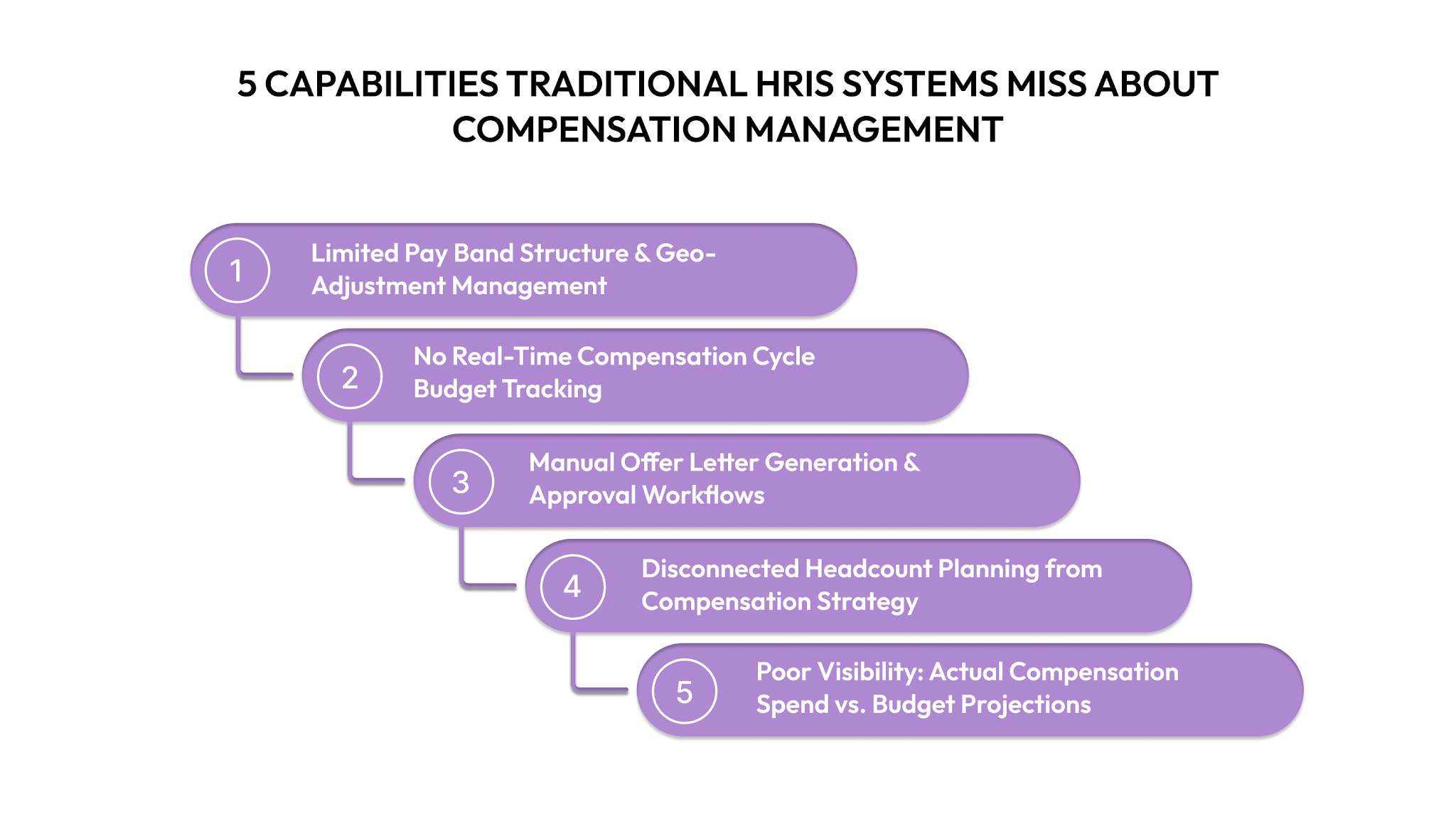
1. Limited Pay Band Structure & Geo-Adjustment Management
Traditional HRIS platforms let you record salary ranges. But they don't help you build them. You can't model pay bands by level, location, and department in one view.
You can't apply location-based adjustments using benchmark data. And you certainly can't control access, so managers only see relevant bands for their team.
2. No Real-Time Compensation Cycle Budget Tracking
Most HRIS systems lack live budget tracking during merit and bonus cycles. Without real-time visibility, you can't course-correct mid-cycle. You can't see which teams are under budget and which are over. And you can't give executives accurate updates without days of manual number-crunching.
3. Manual Offer Letter Generation & Approval Workflows
Creating offers in a typical HRIS means copying data between systems. You pull salary data from one place. Equity details from another. Benefits information from a third party.
Then you manually assemble an offer letter and email it through an approval chain. It slows down your hiring velocity when speed matters most.
4. Disconnected Headcount Planning from Compensation Strategy
Your HRIS records hires. But, headcount planning happens in disconnected spreadsheets. As a result, teams can’t see budget impact, model hiring scenarios, or adjust plans in real time.
5. Poor Visibility: Actual Compensation Spend vs. Budget Projections
Most HRIS tools show past spend, not future cost. You can report on history, but you can’t forecast compensation, track actuals against plan, or flag overruns early. The result? Month-end surprises and last-minute explanations to the CFO.
If this sounds familiar, you’re not alone. HRIS platforms were built for record-keeping, not planning. CandorIQ fills that gap. It works alongside your HRIS to handle compensation planning, headcount forecasting, and offer management. As a result, you get better workforce planning while you scale.
Now, let's look at the top HRIS platforms and what they actually offer.
2026 HRIS Software Comparison: Top 10 Platforms for HR & Finance Teams
Every platform claims to be the best HRIS. But when you dig into compensation capabilities, major differences emerge. Here's what each system actually delivers:
1. CandorIQ
CandorIQ is a specialized compensation and headcount planning platform built for growing companies.
Standout Features:
- Pay band builder with geo-adjusted salary ranges and version control
- Real-time compensation cycle management with budget tracking by team
- Candidate offer portal with total comp visualization and equity modeling
- Headcount scenario planning with financial impact modeling
- AI-powered compensation recommendations and natural language analysis
- Dynamic approval routing for headcount requests synced with ATS
Pricing: Custom pricing.
What Makes It Worth Considering: Unlike all-in-one HRIS tools, CandorIQ focuses only on compensation and headcount planning. That focus enables advanced features—scenario modeling, geo-based pay bands, and AI insights, which HRIS platforms don’t provide.
2. BambooHR
BambooHR handles core HR functions like onboarding, PTO tracking, performance management, and employee data management through an intuitive interface.
Standout Features:
- Clean, user-friendly interface with minimal training required
- Robust applicant tracking system integrated with core HR
- Employee self-service portal for updating personal information
- Performance management with goal tracking and review cycles
- Mobile app for on-the-go HR management
Pros:
- Extremely intuitive interface that employees actually enjoy using
- Strong customer support with helpful implementation guidance
- Good reporting capabilities for basic HR metrics
- Affordable entry point for growing companies
Cons:
- Limited compensation planning features beyond basic salary tracking
- No native headcount forecasting or budget modeling tools
- Integration ecosystem smaller than enterprise platforms
Pricing: Starts around $6-$8 per employee per month for core HR features. Pricing increases with add-on modules.
3. Rippling
Rippling combines HRIS, payroll, IT management, and benefits administration into one platform.
Standout Features:
- Unified employee management across HR, IT, and Finance systems
- Automated workflows that trigger actions across multiple apps
- Global payroll capabilities in multiple countries
- Device management and software provisioning integrated with HR
- Third-party app marketplace with 500+ integrations
Pros:
- Automation reduces manual work across departments
- Strong global capabilities for distributed teams
- IT and HR integration unique in the market
- Fast implementation compared to enterprise platforms
Cons:
- Pricing complexity with many add-on modules can increase total cost
- Compensation planning features focus on payroll execution, not strategy
- Customer support quality varies based on plan tier
Pricing: Starts at $8/user/month for the core platform, with additional costs for other benefits.
4. Workday
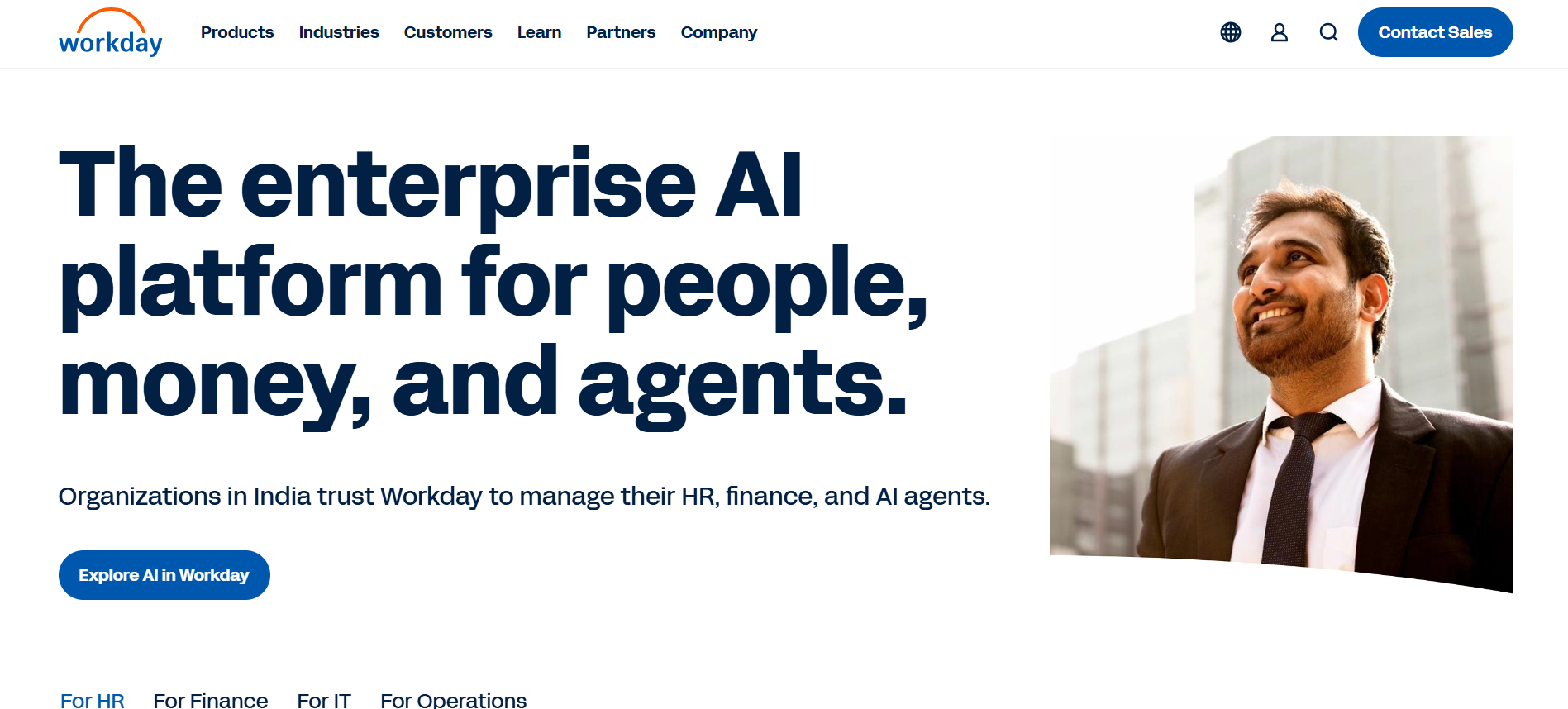
Workday is an enterprise-grade HCM platform serving large organizations with complex workforce needs. It combines HR, talent management, payroll, and financial planning in a unified cloud system.
Standout Features:
- Comprehensive talent suite including recruiting, learning, and succession planning
- Advanced reporting and analytics with configurable dashboards
- Workforce planning tools integrated with financial data
- Strong security and compliance features for regulated industries
- Mobile-first design with consumer-grade user experience
Pros:
- Deep functionality across all HR domains in one system
- Robust financial integration for workforce cost planning
- Strong compliance and audit trail capabilities
- Regular feature updates with twice-yearly releases
Cons:
- Expensive both in licensing and implementation costs
- Configuration complexity requires specialized expertise
- Overkill for companies under 1,000 employees
- Compensation cycles can feel rigid for agile organizations
Pricing: Custom pricing
5. UKG (Ultimate Kronos Group)
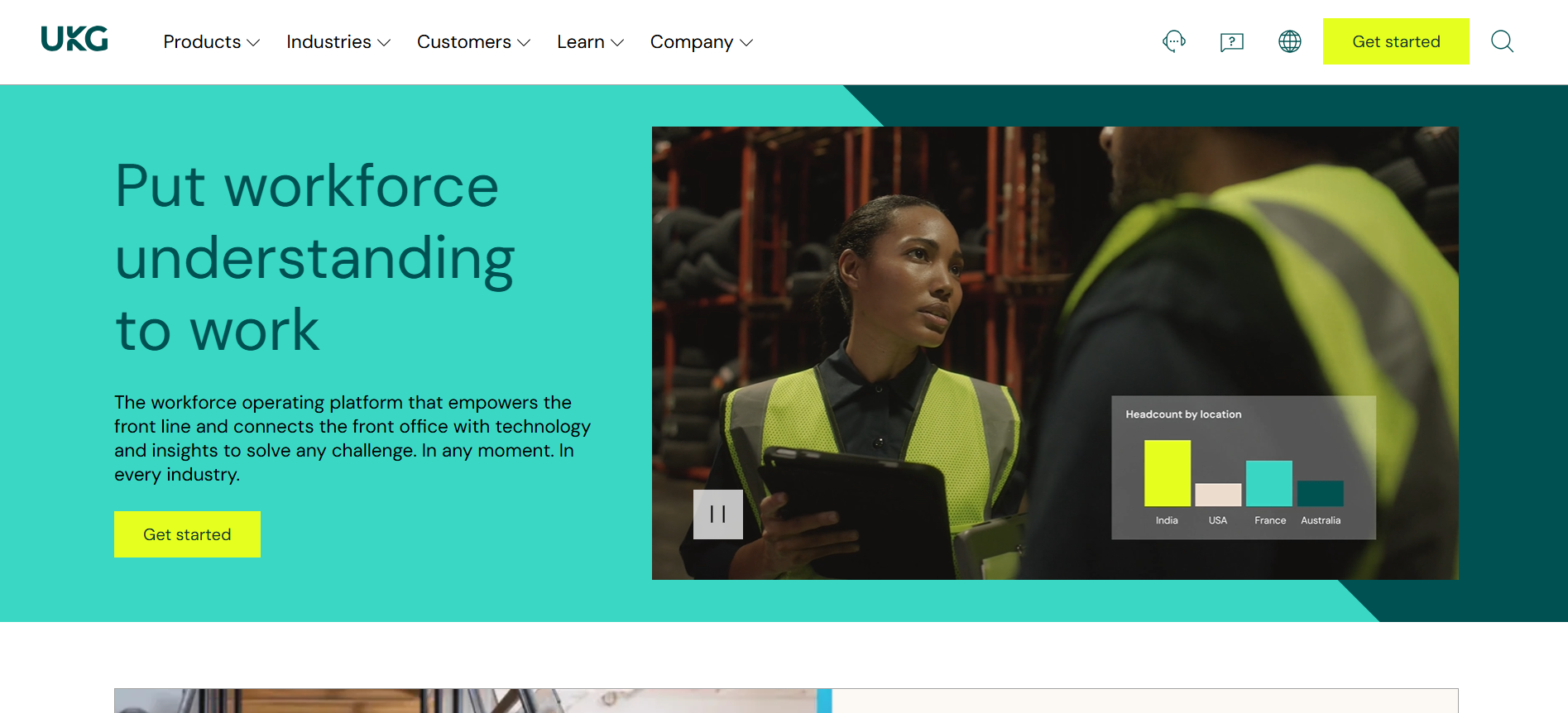
UKG provides HR, payroll, and workforce management solutions with particularly strong time and attendance capabilities.
Standout Features:
- Advanced time and attendance tracking with scheduling tools
- Workforce management focused on hourly and shift workers
- Payroll processing with tax compliance and reporting
- Benefits administration and enrollment management
- Mobile time clock and employee self-service apps
Pros:
- Best-in-class time and attendance features
- Strong payroll capabilities with compliance focus
- Good mobile experience for frontline workers
- Industry-specific solutions for vertical markets
Cons:
- Interface feels dated compared to newer cloud platforms
- Compensation planning limited to basic salary administration
- Implementation can be lengthy and complex
- Better suited for operational HR than strategic planning
Pricing: Custom pricing
6. Gusto
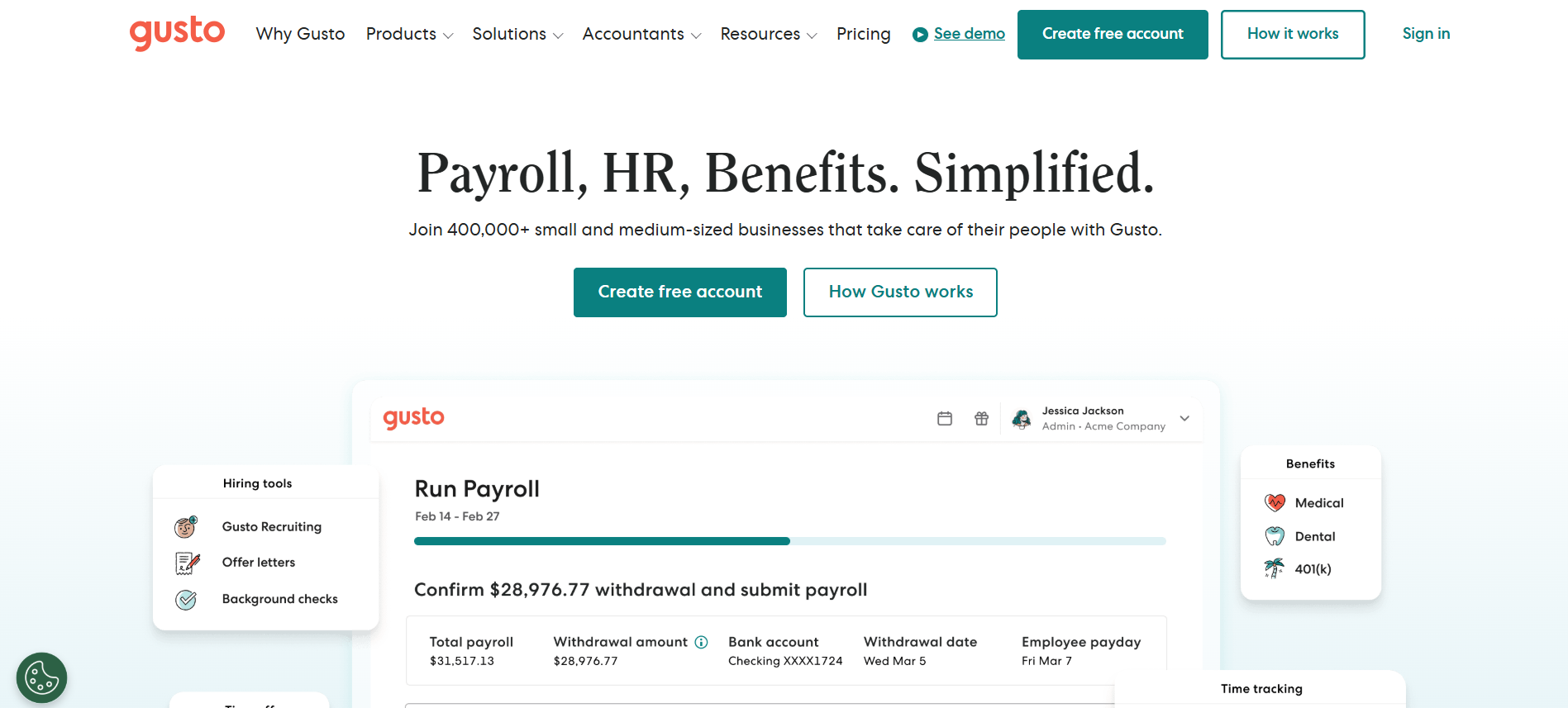
Gusto started as payroll software and expanded into a full-service HRIS for small businesses.
Standout Features:
- Streamlined payroll processing with automatic tax filing
- Useful for administration, health insurance and 401(k)
- Contractor payment management and 1099 filing
- Time tracking integration with payroll
- HR resource library with templates and compliance guidance
Pros:
- Extremely easy to set up and use
- Transparent pricing with no hidden fees
- Good customer support is included at all tiers
- Affordable for small business budgets
Cons:
- Limited functionality for companies with over 100 employees
- No compensation planning or pay band management
- Basic reporting compared to enterprise platforms
- Few integrations beyond accounting software
Pricing: Starts at $40 per month plus $6 per employee for basic payroll. Core plan at $60 per month, plus $12 per employee, adds more HR features.
7. Paylocity

Paylocity is a HCM and cloud-based payroll solution serving mid-sized businesses.
Standout Features:
- Comprehensive payroll with tax services and garnishment management
- Modern talent management tools, including learning and performance
- Community platform for employee engagement and recognition
- Advanced analytics and reporting dashboards
- Mobile app with employee self-service capabilities
Pros:
- Strong payroll accuracy and compliance capabilities
- User-friendly interface with good mobile experience
- Community features drive employee engagement
- Regular product updates with new features
Cons:
- Compensation planning limited to merit cycle administration
- Implementation requires dedicated project management
- Integration options narrower than larger platforms
- Customer support quality varies by account size
Pricing: Custom pricing
8. ADP Workforce Now
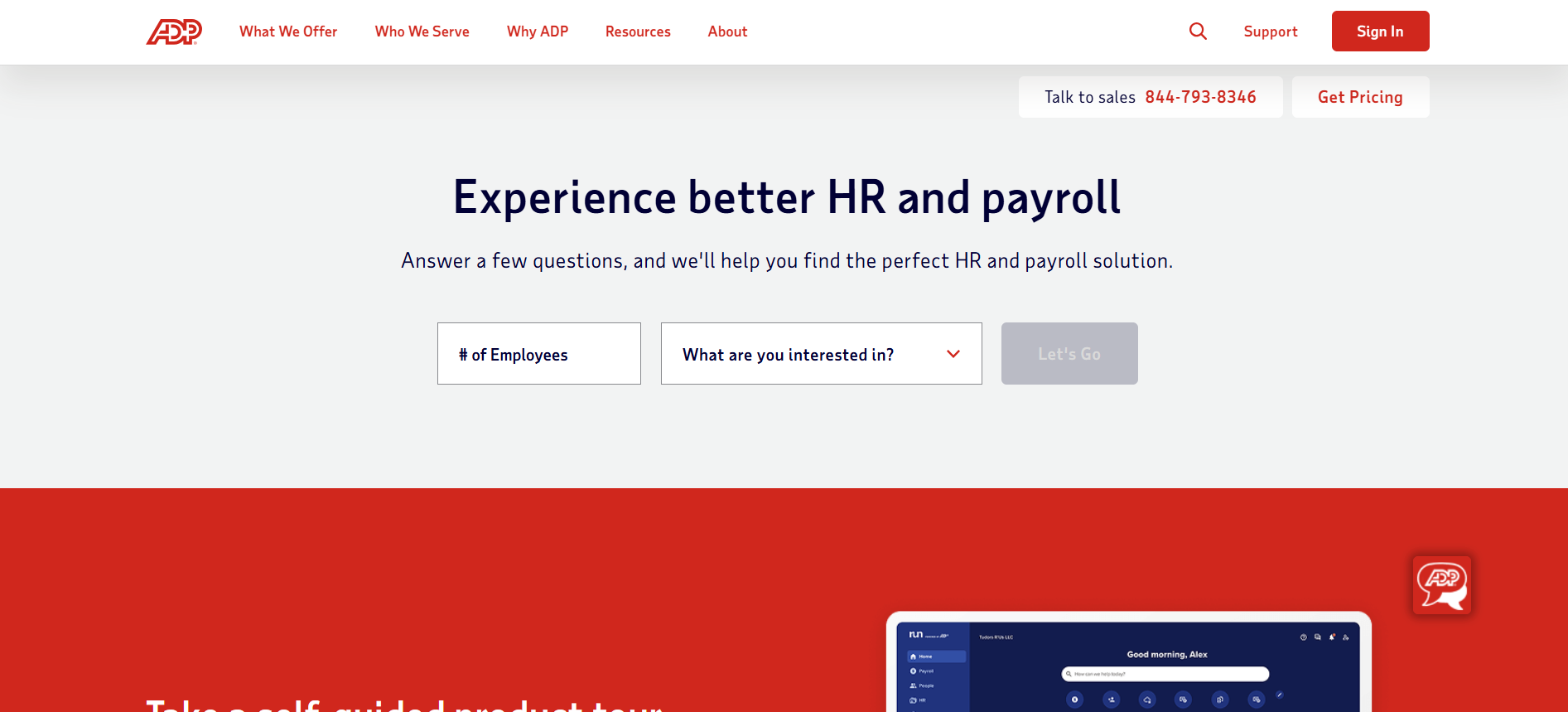
ADP Workforce Now is a comprehensive HCM platform from the payroll giant ADP.
Standout Features:
- Powerful payroll processing backed by ADP's compliance expertise
- Comprehensive benefits administration and broker connections
- Talent acquisition and onboarding workflows
- Time and labor management with scheduling tools
- Extensive reporting library with pre-built templates
Pros:
- Industry-leading payroll expertise and compliance support
- Robust benefits administration capabilities
- Reliable system uptime and performance
- Strong customer service with dedicated representatives
Cons:
- Interface feels dated compared to modern cloud platforms
- System navigation can be confusing for new users
- Compensation planning tools focus on execution, not strategy
- Implementation timelines can stretch longer than expected
Pricing: Custom pricing typically starts around $60-$100 per employee annually, varying by modules and company size.
9. Paychex
Paychex provides flexible service models from self-service software to fully managed payroll processing.
Standout Features:
- Flexible service tiers from DIY to fully managed payroll
- Integrated HR, payroll, and benefits administration
- Retirement services and 401(k) plan management
- Workers' compensation insurance services
- Dedicated support representatives for larger accounts
Pros:
- Multiple service tiers fit different budget levels
- Strong compliance support especially for complex tax situations
- Good for companies in multiple states or jurisdictions
- Established company with decades of payroll expertise
Cons:
- Technology platform feels outdated compared to newer competitors
- User interface requires more clicks than modern systems
- Limited compensation management beyond basic payroll
- Customer service quality inconsistent across service tiers
Pricing: Self-service starts around $40 per month plus per-employee fees.
10. Namely
Namely combines HR, payroll, benefits, and talent management with a modern interface.
Standout Features:
- Customizable platform adapts to company workflows and terminology
- Modern, social media-inspired user interface
- Benefits administration with broker integration
- Performance management and goal tracking
- Company newsfeeds and employee recognition tools
Pros:
- Attractive, intuitive interface that employees enjoy using
- Good customization options for workflows and fields
- Strong focus on employee engagement features
- Responsive customer support team
Cons:
- Payroll accuracy issues reported by some customers
- Compensation planning limited to basic salary management
- Reporting capabilities less robust than enterprise platforms
- Implementation support quality varies
Pricing: Custom pricing typically starts around $12-$15 per employee per month, varying by modules selected.
Each HRIS does some things well. But notice the pattern? Strategic compensation management consistently falls into the "con" or "limitation" column. That’s not a flaw, it’s by design. HRIS tools weren’t built for planning.
That’s why growing companies use CandorIQ for headcount scenarios. Keep your HRIS for employee data. Add CandorIQ to connect compensation decisions to real financial outcomes.
Also Read: 5 Steps for Successful HRIS Implementation
So how do you choose the right approach for your organization?
5 Tips on How to Choose the Right HRIS System for Your Organization
Choosing an HRIS feels overwhelming. Dozens of vendors. Hundreds of features. And a decision you'll live with for years.
Here's how to cut through the noise:
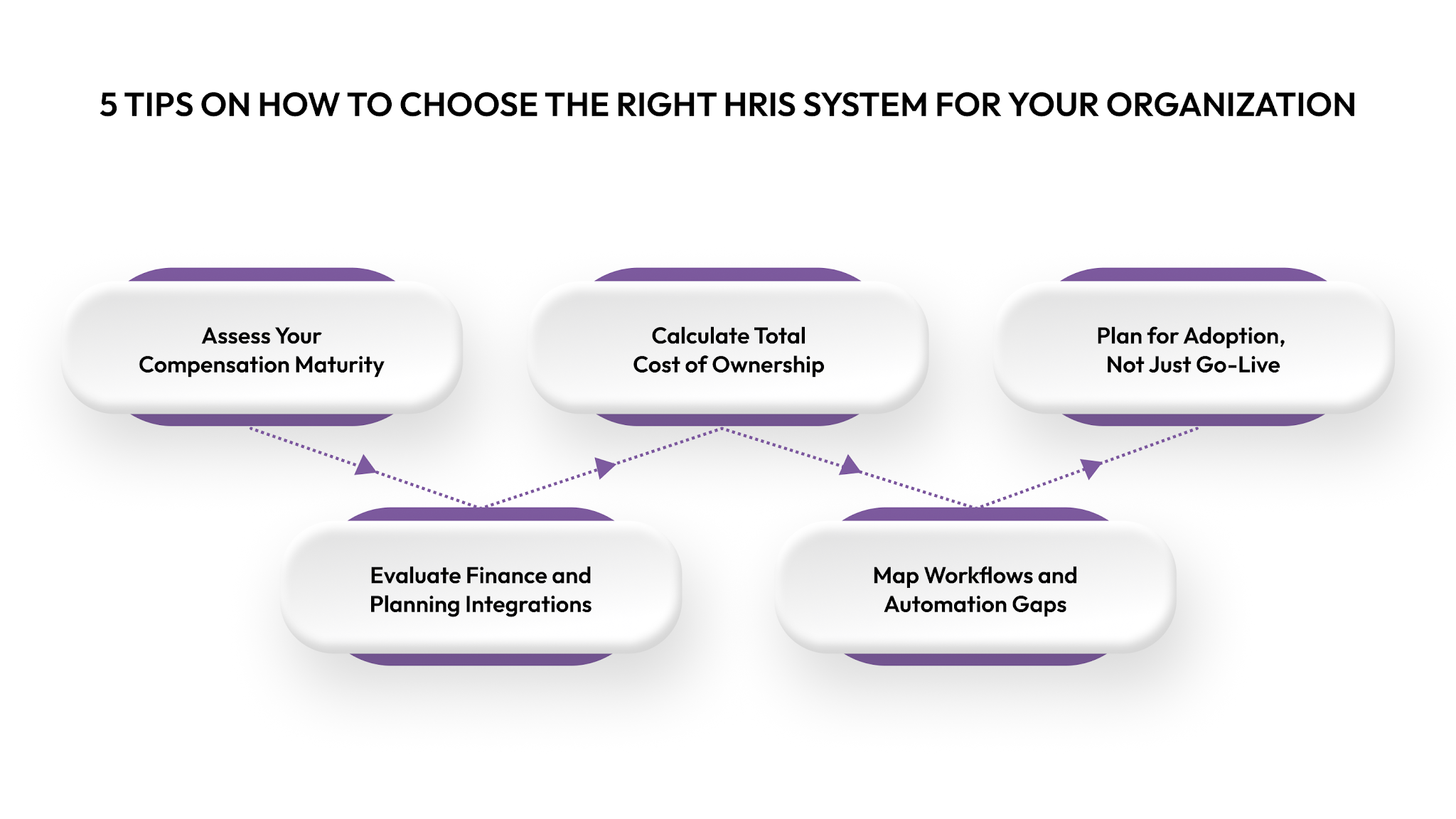
1. Assess Your Compensation Maturity
Be clear about where you are today.
- Stage 1: Salaries tracked in HRIS. Decisions are made in spreadsheets or ad hoc.
- Stage 2: Pay ranges and merit cycles exist, but execution is manual.
- Stage 3: Strategic pay bands, data-driven cycles, and real-time HR–Finance collaboration.
Most mid-market teams are at Stage 1 or 2. Scaling requires Stage 3 capabilities. Basic HRIS tools may work early. Strategic compensation requires specialized tools alongside your HRIS.
2. Evaluate Finance and Planning Integrations
Your HRIS must connect with Finance, ATS, performance, and equity systems.
Identify:
- Finance planning tools
- ATS and performance platforms
- Where equity and comp data lives.
Prioritize native integrations. If neither your HRIS nor FP&A tools can model workforce costs, you’ll need another system.
3. Calculate Total Cost of Ownership
License fees are only part of the cost. Include:
- Implementation
- Ongoing admin time
- Integration, build, and maintenance
- Training and change management
- Manual compensation work left outside the system
A cheaper HRIS that forces spreadsheet-based comp planning often costs more long-term.
4. Map Workflows and Automation Gaps
Document how compensation actually works:
- Merit cycles
- Pay band management
- Offer approvals
- Headcount planning with Finance
Watch vendors demo these workflows. Avoid vague “yes, we support that” answers that hide manual work.
5. Plan for Adoption, Not Just Go-Live
Implementation speed varies. Adoption determines success.
Plan for:
- Workflow changes
- Training needs
- Internal champions
- Transition from old systems
Unused software doesn’t solve problems.
If no HRIS fully supports compensation planning, that’s by design. HRIS tools manage records. CandorIQ adds strategic compensation and headcount planning on top. Keep your HRIS for employee data. Use CandorIQ to connect compensation decisions to financial outcomes.
Also Read: A Guide to Conducting an Effective HRIS Needs Analysis
Let's wrap this up with some final thoughts.
Conclusion
Choosing an HRIS matters. Expecting it to handle strategic compensation planning leads to disappointment. HRIS platforms are built for operations, employee data, payroll, PTO, and benefits. Choose one that fits your size and budget. But understand where they stop.
Strategic compensation requires purpose-built tools: pay band modeling, merit budget tracking, offer-level total comp views, and headcount scenarios tied to financial forecasts.
High-performing HR teams use a best-of-breed approach. They keep the HRIS for core HR. They add CandorIQ for compensation planning. The systems integrate, so data stays aligned.
If you're tired of managing compensation in disconnected tools and manual processes, book a demo with CandorIQ. See how specialized compensation planning software transforms HR from an operational cost center into a strategic business partner.
FAQs
1. What’s the difference between HRIS, HRMS, and HCM?
HRIS manages core employee data like records, org structures, and basic reports. HRMS adds operational workflows such as performance reviews, time tracking, and benefits. HCM covers the full employee lifecycle, including hiring, development, and analytics. In practice, vendors use these terms loosely, so the name matters less than the capabilities you need.
2. Can HRIS systems handle equity compensation?
Most HRIS platforms can store basic equity details like grant dates and share counts. They cannot calculate real-time equity value, include equity in offer comparisons, or model future equity spend. For that, you need dedicated equity and compensation tools that connect salary, bonus, and equity data in one view.
3. Do I need separate software for compensation planning?
If compensation decisions are important to your business, separate software is usually necessary. HRIS systems store salary data, while compensation tools support planning, scenario modeling, merit cycles, and cost forecasting. Spreadsheets may work for very small teams, but companies with 50 to 1,000 employees typically outgrow them.
4. How long does HRIS implementation take?
Basic HRIS tools can go live in two to four weeks. Mid-market platforms usually take six to twelve weeks. Enterprise systems often need three to six months or more, depending on data readiness, integrations, and process complexity.
5. What integrations are essential for compensation management?
Compensation tools should integrate with payroll, HRIS, applicant tracking, financial planning, and equity systems. Strong integrations reduce manual work, improve accuracy, and give real-time visibility into workforce costs.
Ready to modernize your workforce and compensation strategy?
See how CandorIQ brings workforce planning and compensation together with AI.