

10 Best Workforce Headcount Planning Tools for 2026
Discover the top 10 workforce headcount planning tools for 2026. Compare features, scenarios, and forecasting solutions to build smarter, data-driven workforce.

Workforce planning has become too complex for static spreadsheets. Hiring shifts, market volatility, and budget constraints can change your headcount forecast in days, not months. Without the right tools, it’s hard to understand how staffing changes affect cost, productivity, or long-term growth.
Modern headcount planning and scenario forecasting tools solve this challenge. They give you real-time visibility into your workforce, connect data across HR and Finance, and let you model multiple “what-if” situations before making decisions.
Whether you’re preparing next year’s hiring plan, testing cost scenarios, or aligning workforce growth with business goals, these tools help you stay proactive instead of reactive.
In this guide, we’ll look at the best platforms for headcount planning and scenario forecasting, and how to choose the one that fits your organization.
At a Glance: Top 10 Headcount Planning & Scenario Forecasting Tools (2026)
Before diving into tools, it helps to understand what “headcount” really means in a corporate context and why it drives strategic planning.
You can read more in What Does Headcount Mean (in Corporate Terms): A Definition and Explanation.
Top Headcount Planning & Scenario Forecasting Tools (2026 Edition)
Headcount planning software has evolved beyond simple staffing trackers. The best tools combine people data, forecasting, and collaboration in one interface.
Below are the 11 leading solutions that help you plan smarter, forecast accurately, and adapt to change in real time.
1. CandorIQ: Unified Headcount Scenario Planning & Workforce Forecasting
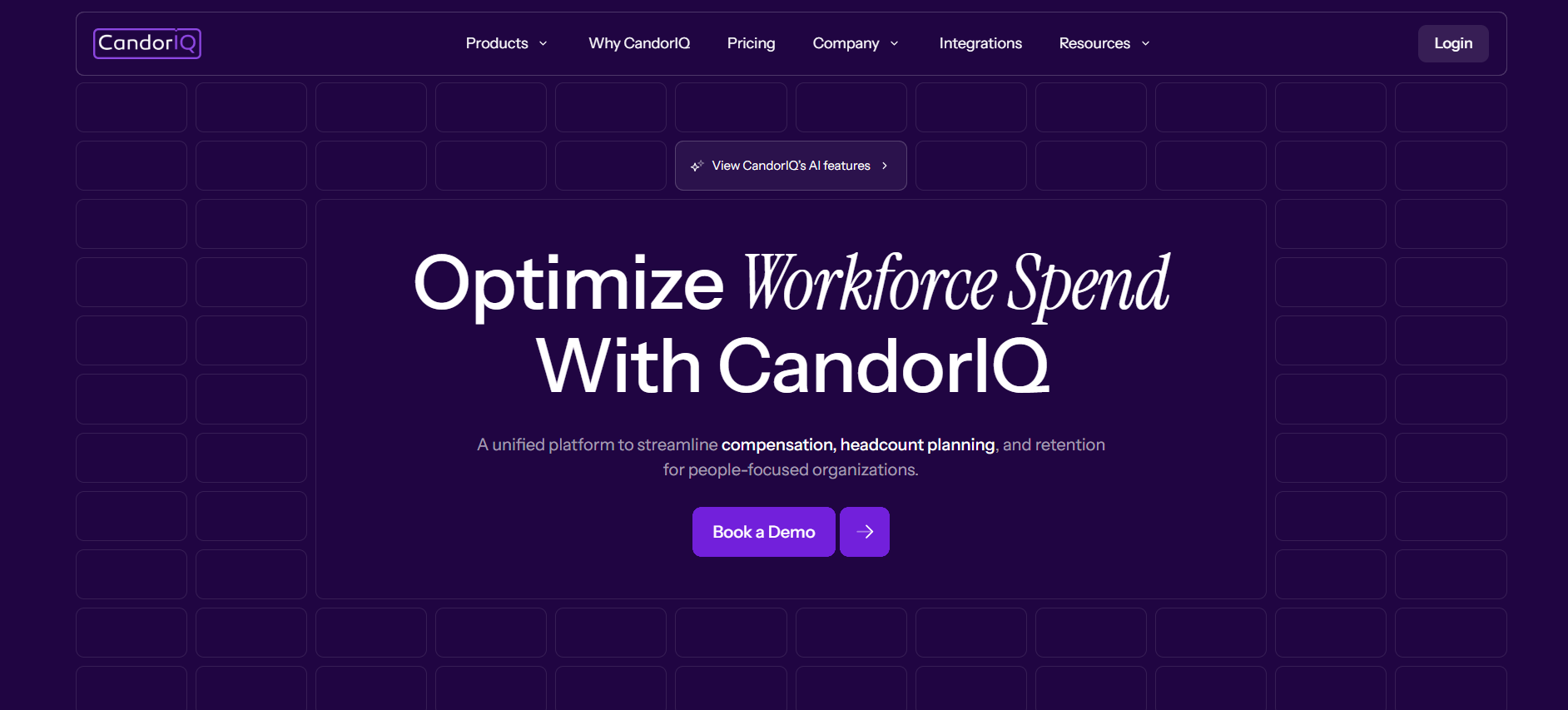
CandorIQ gives you full visibility into your workforce plan — current roles, open positions, and projected growth. It lets you create multiple hiring and attrition scenarios, then view their financial impact instantly.
Instead of managing disconnected spreadsheets, you can plan your entire workforce in one shared workspace.
Key Features
- Headcount Scenario Modeling: Model different workforce plans and see how they affect cost and budgets.
- Budget & Compensation Integration: Link each scenario with compensation, pay bands, and geo-adjusted data.
- Collaboration Tools: HR and Finance can review, approve, and adjust scenarios together.
- AI-Powered Forecasting: Identify gaps, predict costs, and model future workforce needs automatically.
- Integrations: Connects seamlessly with HRIS, ATS, and FP&A tools.
Best For: Organizations that want a single system to connect workforce planning, compensation forecasting, and scenario modeling.
Distinction: Unlike traditional workforce tools, CandorIQ merges headcount planning with financial forecasting so that you can model every scenario with clear budget impact and equity alignment.
2. Drivetrain: Connected FP&A and Workforce Planning Platform
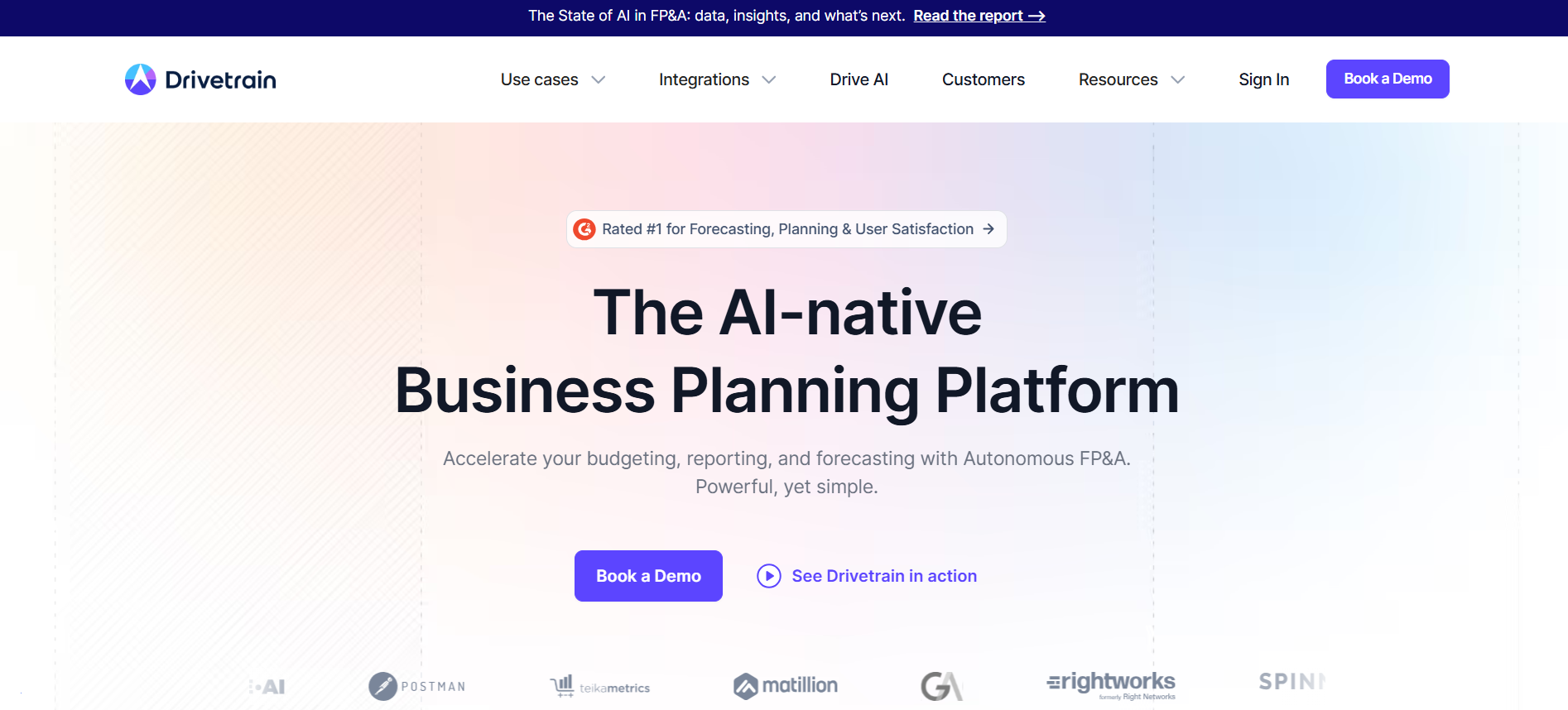
Drivetrain unifies headcount planning with financial forecasting, making it easier for teams to align hiring plans with budgets. It helps you build dynamic models that link workforce growth to revenue, cost, and capacity.
Key Features
- Workforce Forecasting: View headcount and cost implications side by side.
- “What-If” Scenario Analysis: Create and compare hiring plans based on growth or budget constraints.
- Automated Data Sync: Integrates HRIS, payroll, and CRM data to keep forecasts current.
- Collaboration Tools: Centralize input and approvals across HR, Finance, and operations.
Best For: Companies that want to connect workforce planning with their broader FP&A process and budgeting models.
Distinction: Drivetrain focuses on connected planning, helping teams tie headcount forecasts directly to company-wide financial goals, reducing planning silos and rework.
3. Workday Adaptive Planning: Enterprise-Grade Workforce Forecasting
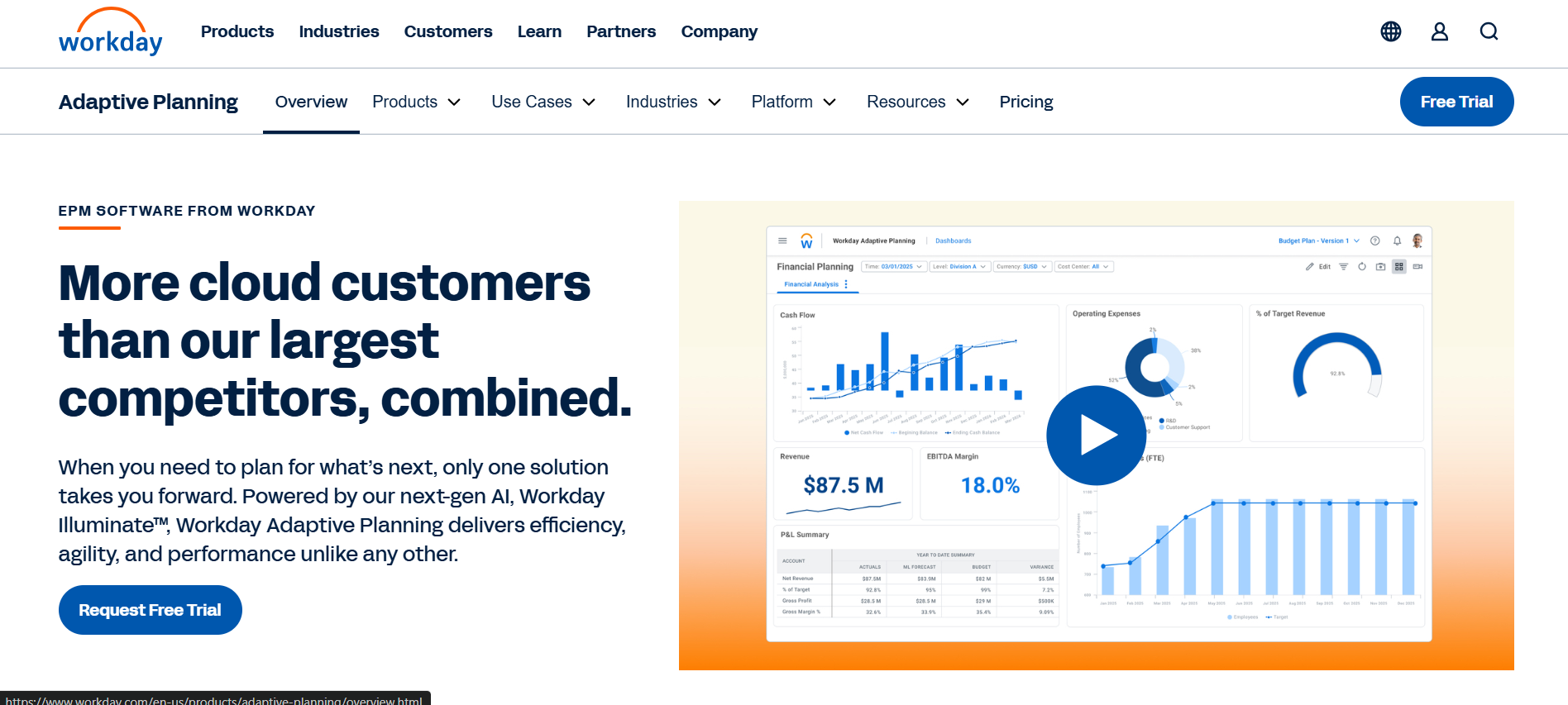
Workday Adaptive Planning is a robust solution built for enterprise-level workforce and financial planning. It integrates workforce data, budgets, and forecasting models into one platform.
With powerful analytics and scenario planning, it helps large organizations align hiring plans with long-term business goals.
Key Features
- Scenario Modeling: Run multiple headcount and cost scenarios with real-time results.
- Workforce Budgeting: Align hiring needs with financial and operational forecasts.
- Dashboards & Analytics: Visualize workforce trends and budget performance.
- Integrations: Natively connects with Workday HCM and other ERP systems.
Best For: Enterprises managing complex workforce structures that require detailed, multi-level forecasting.
Distinction: Workday Adaptive Planning offers deep integration with enterprise data, giving HR and Finance teams unified forecasting visibility, ideal for large-scale, multi-department workforce planning.
4. Anaplan: Advanced Scenario Modeling and Workforce Simulation
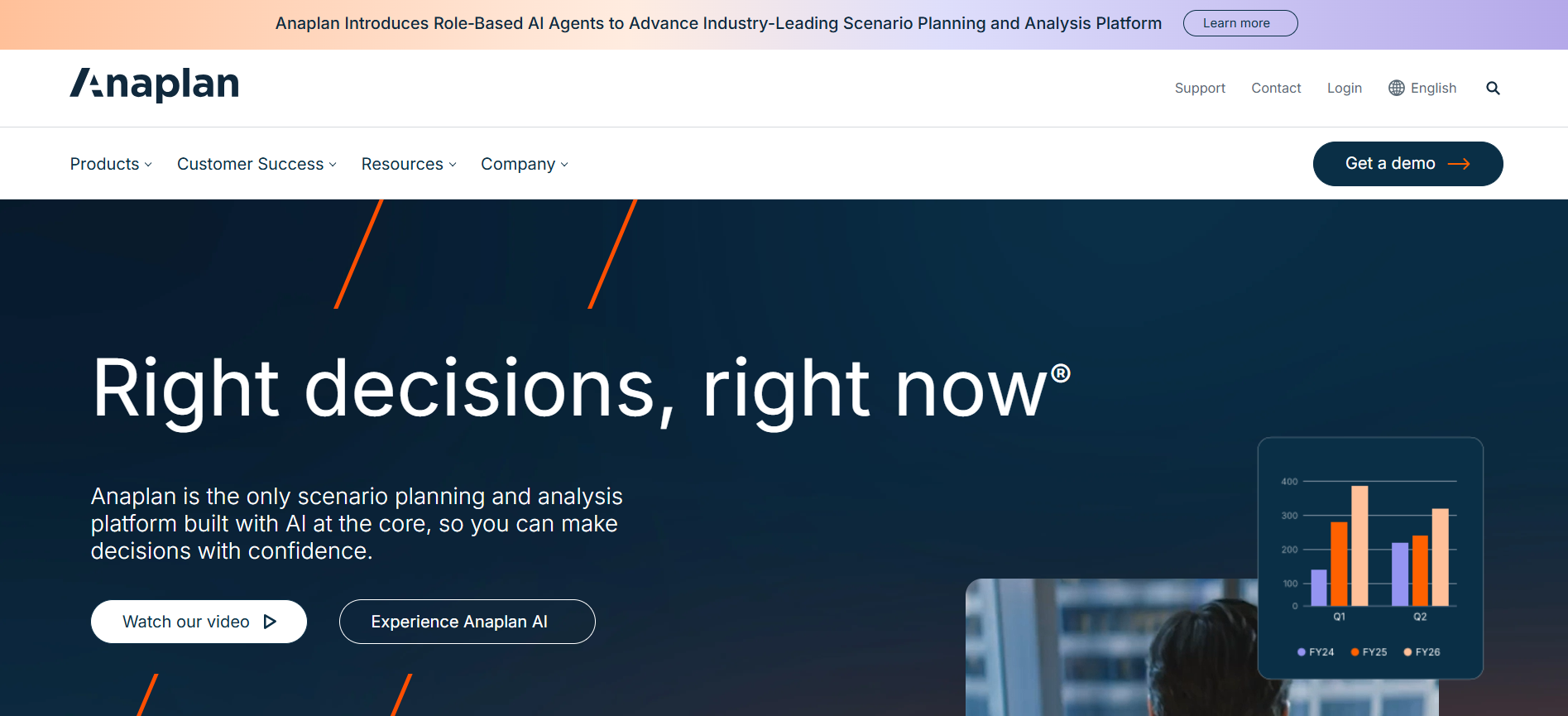
Anaplan helps organizations model complex workforce and headcount scenarios at scale. Its flexible planning architecture supports “what-if” simulations, enabling you to compare multiple hiring, turnover, or restructuring scenarios instantly.
Key Features
- Custom Workforce Models: Build and scale dynamic headcount models.
- Advanced Scenario Forecasting: Evaluate how different hiring plans impact cost and revenue.
- Collaboration Tools: Allow HR, Finance, and leadership to plan in real time.
- AI & Predictive Insights: Identify risks and opportunities across workforce plans.
Best For: Enterprises and global companies that need deep forecasting flexibility and complex scenario modeling.
Distinction: Anaplan excels at multi-scenario workforce simulations that combine financial, operational, and talent data, ideal for organizations managing large or distributed teams.
5. ADP Workforce Now: Workforce Insights Built Into HCM
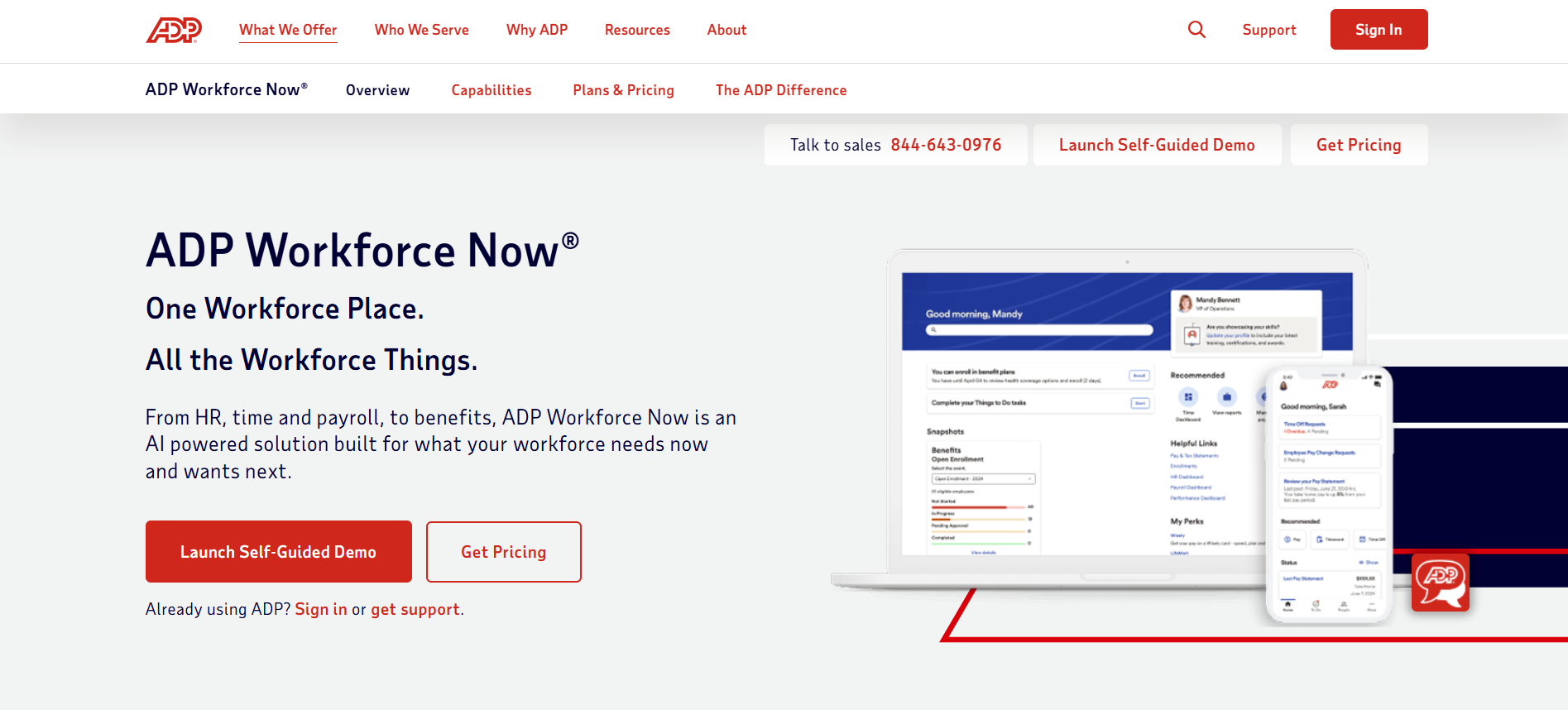
ADP Workforce Now brings workforce analytics and planning into its broader human capital management suite. It provides visibility into headcount, turnover, and labor costs, making it easier to plan and adjust staffing levels using real-time operational data.
Key Features
- Workforce Analytics Dashboard: View staffing trends and capacity in real time.
- Scenario Forecasting: Analyze hiring or attrition effects on budget and workload.
- Payroll & HR Integration: Access connected employee and cost data.
- Compliance Tools: Maintain audit-ready workforce records.
Best For: Organizations using ADP for HR or payroll that want integrated headcount insights without adopting a separate planning platform.
Distinction: ADP Workforce Now is best suited for teams that want workforce planning directly within their HR workflows, offering practical forecasting inside a familiar, all-in-one system.
6. Pigment: Flexible, Collaborative Headcount Planning and Forecasting
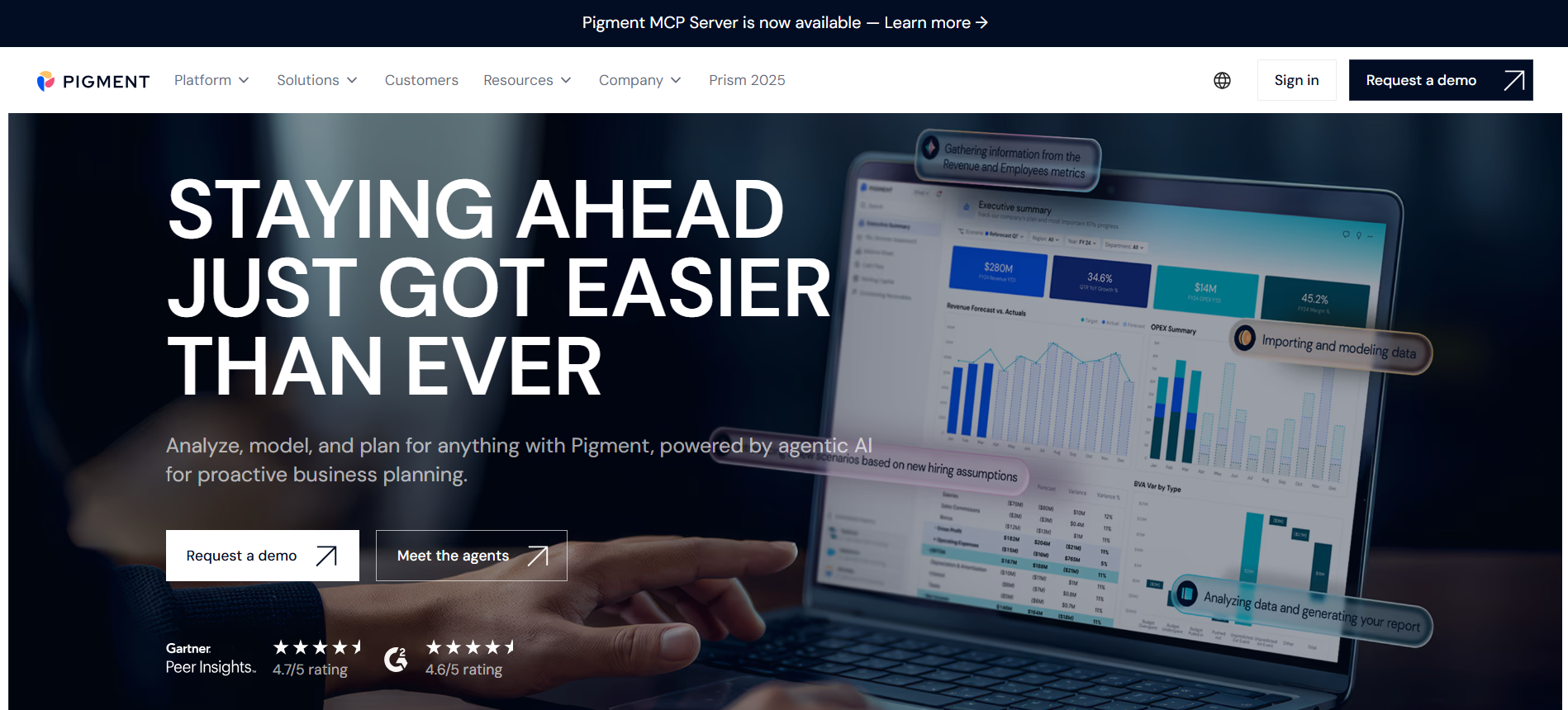
Pigment is a modern planning platform designed for organizations that want to connect headcount planning with financial modeling. It allows HR and Finance teams to collaborate on workforce plans, forecast scenarios, and track changes visually across time.
Key Features
- Interactive Scenario Planning: Model hiring, attrition, or restructuring in real time.
- Cross-Functional Collaboration: Invite multiple stakeholders to plan together within shared dashboards.
- Budget Forecasting: Link headcount decisions directly to revenue and cost projections.
- Integrations: Connects with HRIS, ATS, and accounting systems for continuous data sync.
Best For: Mid-market companies or scaling organizations that want an adaptable, collaborative workforce planning solution.
Distinction: Pigment’s biggest strength is flexibility; it lets you design headcount plans as intuitively as spreadsheets but with real-time forecasting power.
7. ChartHop: Visual Headcount Planning and Scenario Modeling
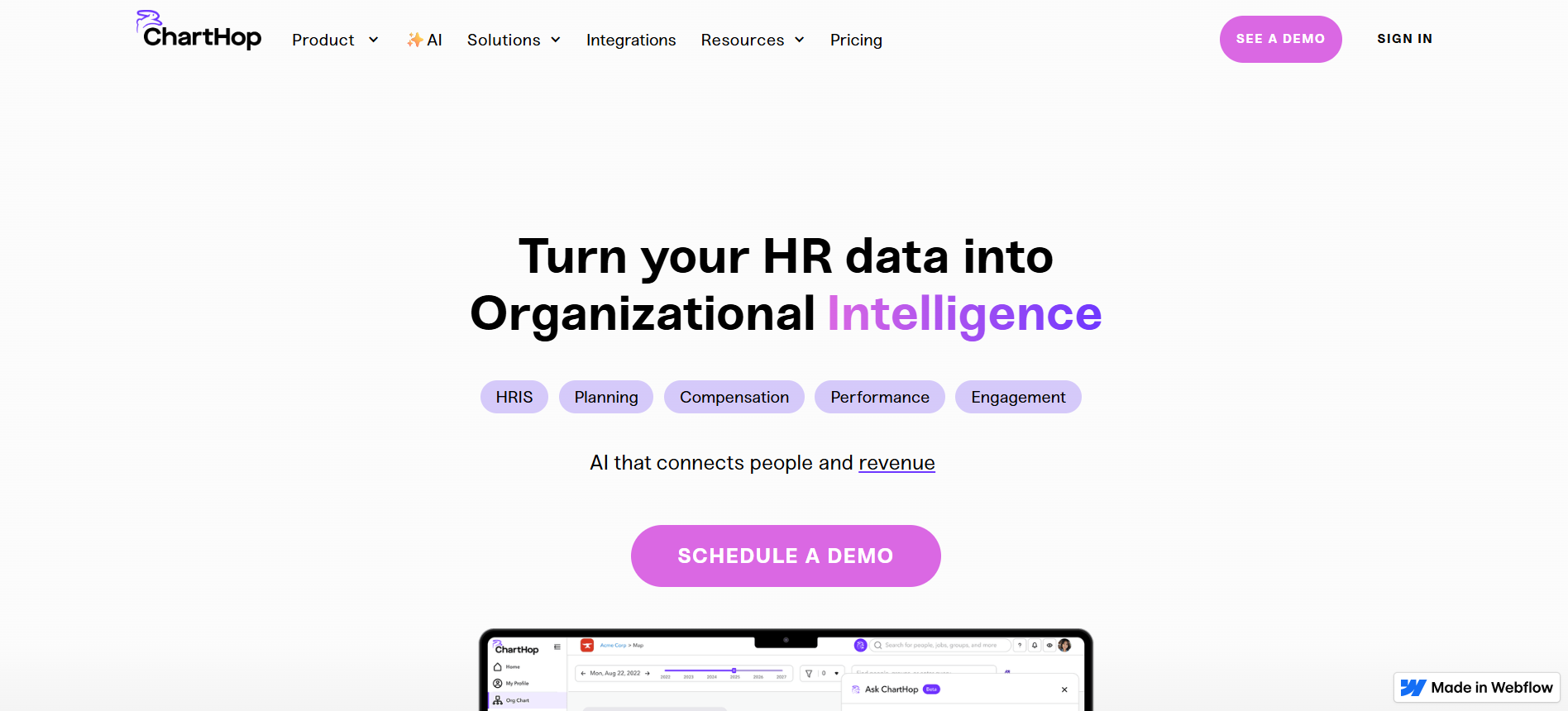
ChartHop offers a visually-driven approach to workforce planning. It helps organizations map, model, and forecast their workforce structure using dynamic org charts and live analytics.
Managers can visualize potential team structures and simulate changes before making hiring or budget decisions.
Key Features
- Org Chart Visualization: Drag-and-drop to plan or reorganize teams.
- Scenario Forecasting: Model different headcount scenarios and view cost impact.
- Real-Time Reporting: Track headcount, budget variance, and hiring pipeline in one view.
- Collaboration Tools: Allow managers and HR teams to comment and approve changes together.
Best For: Organizations that want intuitive, visual planning, especially those managing distributed or hybrid teams.
Distinction: ChartHop turns planning into a visual collaboration experience, helping teams see how changes affect both structure and spend before implementing them.
8. UKG Pro Workforce Management: Workforce Planning with Operational Context

UKG Pro combines workforce management, time tracking, and planning into one unified platform. It provides real-time visibility into staffing levels, schedule efficiency, and labor costs, helping teams forecast demand and adjust workforce allocation proactively.
Key Features
- Forecasting and Scheduling Tools: Predict labor demand and align staffing levels.
- Workforce Dashboards: View utilization, costs, and performance metrics in one place.
- Integrated HR Suite: Connects workforce planning with payroll, benefits, and compliance data.
- Scenario Modeling: Simulate scheduling or staffing changes to optimize workforce capacity.
Best For: Enterprises and large operations-driven organizations (e.g., manufacturing, retail, logistics) needing workforce forecasts connected to operational data.
Distinction: UKG Pro stands out for its blend of operational workforce planning and HR data integration, giving teams real-time insight into how staffing aligns with labor costs and business demand.
9. Visier: Predictive People Analytics and Workforce Forecasting
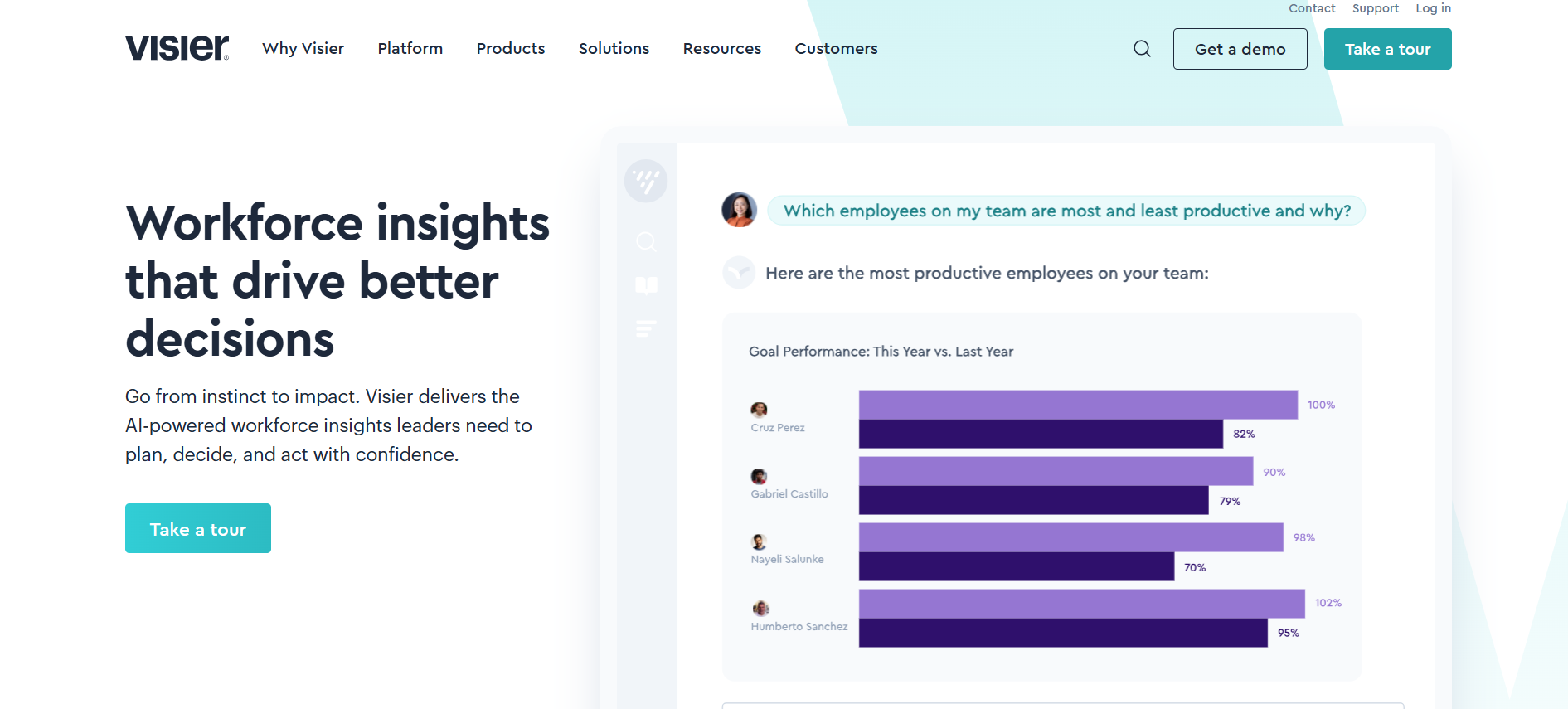
Visier is known for its advanced people analytics and predictive workforce forecasting. It helps organizations use data to understand workforce trends, identify risk areas, and plan future headcount with precision.
Key Features
- Predictive Workforce Analytics: Identify potential turnover, hiring needs, and future capacity gaps.
- Scenario Modeling: Compare different workforce growth or reduction plans.
- Benchmarking Tools: Analyze performance and cost efficiency against market data.
- Dashboards & Reporting: Visualize workforce metrics and predictive insights.
Best For: Enterprises or HR analytics teams focused on data-driven decision-making and proactive workforce strategy.
Distinction: Visier excels at forecasting and predictive analysis, helping HR and leadership anticipate workforce changes before they affect performance or cost.
10. Cube: Spreadsheet-Native Headcount Forecasting and Planning
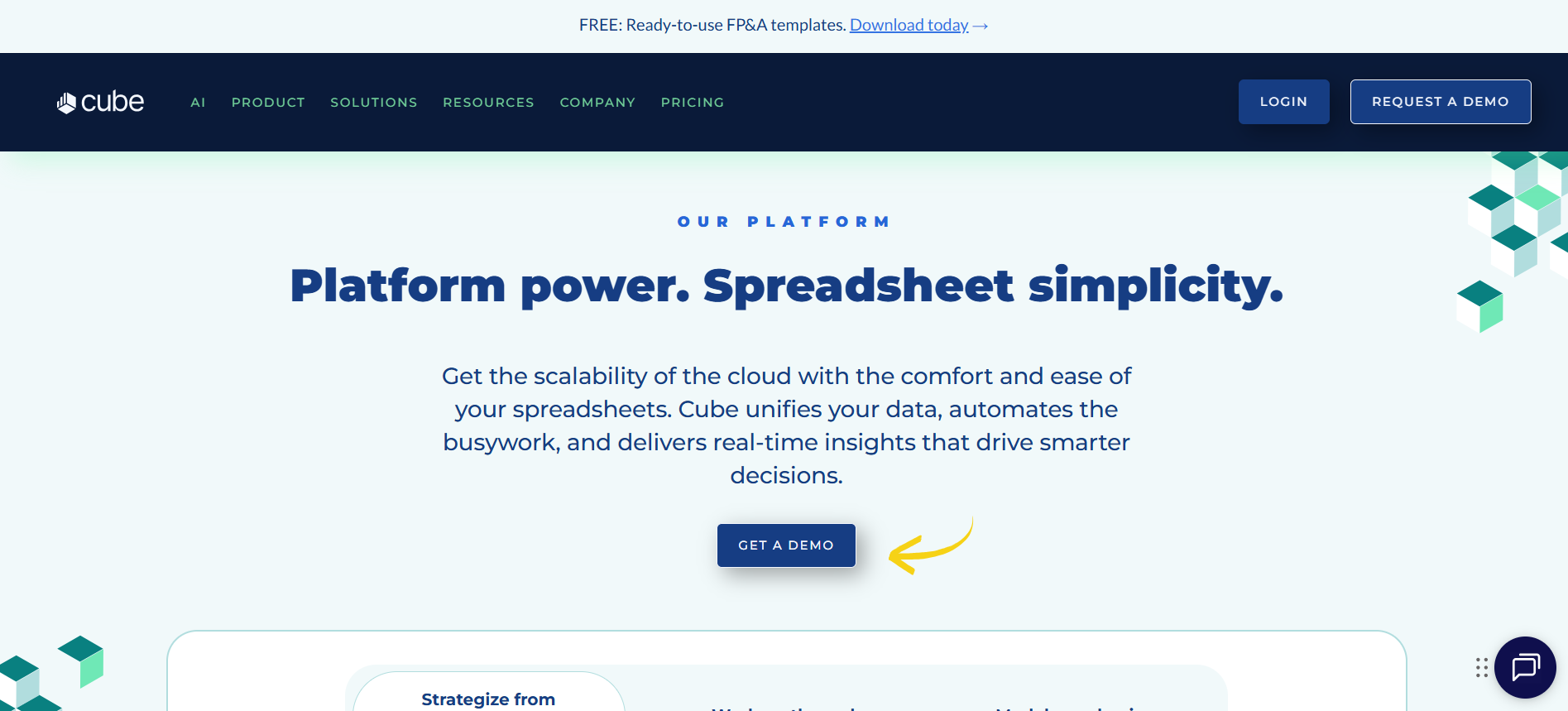
Cube brings financial and workforce planning into familiar spreadsheet environments. It allows teams to forecast headcount, salary costs, and scenario outcomes directly in Excel or Google Sheets, but with automation and data connectivity built in.
Key Features
- Spreadsheet Integration: Plan and forecast within Excel or Sheets.
- Scenario Planning: Compare multiple headcount and budget models.
- Automated Data Sync: Pull live data from HRIS and accounting systems.
- Collaboration: Share and review plans without email back-and-forth.
Best For: Small to mid-sized teams that prefer spreadsheet workflows but need more accuracy and automation in their forecasting.
Distinction: Cube delivers FP&A-level modeling without heavy implementation, bridging the gap between manual spreadsheets and enterprise planning systems.
To see how leading organizations use these tools in real-world planning, watch our on-demand session: Tactical Workforce Management: Tools to Manage Compensation & Headcount.
How to Choose the Right Tool for Your Organization
With so many workforce planning tools available, choosing the right one depends on your organization’s size, structure, and planning maturity. A clear evaluation framework helps you identify what matters most and match features to your operational goals.
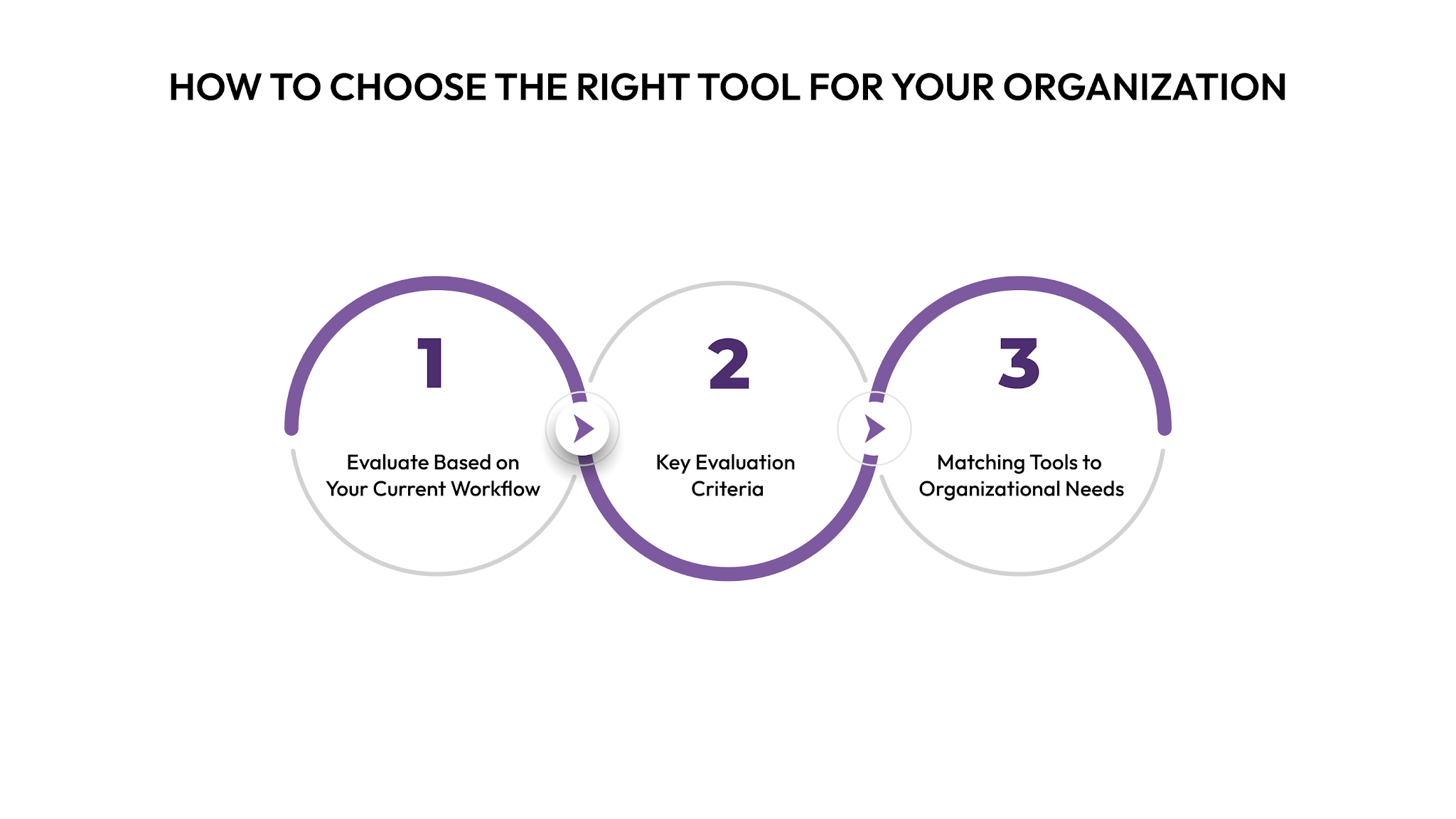
1. Evaluate Based on Your Current Workflow
Start by assessing how you currently manage headcount planning.
Ask:
- Are plans created manually in spreadsheets?
- How often are hiring or budget assumptions updated?
- Is workforce data stored across different systems?
If your team spends time reconciling spreadsheets, look for platforms that centralize data and automate updates.
2. Key Evaluation Criteria
Tool selection is just one part of the process. Effective workforce planning also depends on strong analytical methods.
Learn how to combine both in The Ultimate Guide to Headcount Analysis and Workforce Planning.
3. Matching Tools to Organizational Needs
Different organizations require different levels of complexity:
- Small teams or startups: Prefer lightweight tools like Cube or Pigment, which offer flexibility and minimal setup.
- Mid-sized, fast-growing companies: Need integrated solutions like CandorIQ or Drivetrain that connect workforce and financial planning.
- Enterprises: Benefit from scalable systems like Workday Adaptive Planning or Anaplan, which support complex hierarchies and global forecasting.
If your team wants to connect headcount and compensation planning in one workflow, CandorIQ provides the clearest view of both workforce cost and structure, helping you forecast growth and spending with confidence.
Conclusion
Strategic headcount planning is about building the right workforce at the right cost, with the agility to adapt when business conditions change. Scenario forecasting makes this possible by turning static plans into living models that respond to real-time data.
The best tools don’t just visualize change; they help you understand its financial and organizational impact before it happens.
Whether you need advanced analytics, seamless HR-finance collaboration, or unified compensation insights, modern planning platforms can make your workforce strategy more data-driven and resilient.
To explore how integrated headcount and compensation planning can improve accuracy and collaboration across your teams, book a demo with CandorIQ and see the difference unified planning makes.
.png)
FAQs
1. What is headcount planning software?
Headcount planning software helps organizations forecast workforce needs, align staffing with budgets, and plan for hiring or attrition using real-time data instead of manual spreadsheets.
2. What is scenario forecasting in workforce planning?
Scenario forecasting lets you model “what-if” situations, such as hiring increases, turnover, or role changes, to understand their cost, capacity, and budget impact before implementing decisions.
3. Who should use headcount planning tools?
HR, People Ops, and Finance teams use these tools to align staffing decisions with company strategy, prevent overstaffing, and maintain cost predictability during business growth.
4. How do these tools differ from HRIS systems?
HRIS tools store employee data; headcount planning platforms use that data to forecast and model future workforce scenarios for better financial and operational decisions.
5. What’s the best tool for integrated workforce and compensation planning?
Platforms like CandorIQ unify headcount forecasting and compensation planning, allowing teams to model both workforce structure and total cost impact in one system.
Ready to modernize your workforce and compensation strategy?
See how CandorIQ brings workforce planning and compensation together with AI.