

What is Workforce Capacity Planning in 2026
Learn workforce capacity planning steps, tools, and best practices for scaling companies. Align headcount, budget, and hiring before gaps become costly.

Is your company planning its headcount based on instinct and a shared spreadsheet? According to Gartner, only 15% of companies actually do strategic workforce planning, and that gap costs organizations dearly.
A lack of an effective workforce planning strategy can lead to a significant productivity loss during talent shortages or unexpected exits, and a potential loss in annual revenue.
For scaling US companies, especially those running lean HR and finance teams across distributed locations, workforce capacity planning is the operational backbone. It connects your hiring decisions, compensation budgets, and business goals into one coherent plan.
This blog covers what workforce capacity planning actually is, why it breaks down at growth-stage companies, and a practical seven-step framework to build it right.
At a Glance
- Workforce capacity planning aligns headcount, roles, and compensation budgets to business demand, before gaps turn into crises.
- Only 15% of companies do this strategically, which means most scaling teams are one bad quarter away from a hiring or budget problem.
- The most common failure point is the disconnect between HR and Finance. They plan in parallel, not together.
- A strong capacity planning framework covers demand forecasting, supply assessment, gap analysis, budget governance, and offer workflows in one connected cycle.
- CandorIQ gives HR and Finance teams a single platform to manage headcount requests, pay bands, offer workflows, and compensation cycles, so your workforce plan is always tied to your actual budget.

What Is Workforce Capacity Planning?
Workforce capacity planning is the process of determining whether your organization has the right number of people, in the right roles, at the right cost.
Here is what workforce capacity planning is not:
- It's not just a headcount spreadsheet updated once a year.
- It's not the same as workforce scheduling (shift management).
- It's not purely an HR function. Finance owns the budget.
- It's not a static plan. It is a living cycle that connects directly to your compensation and hiring cadence.
The goal is to meet current and future business demand and build the operational workflows to act on that determination before gaps become crises.
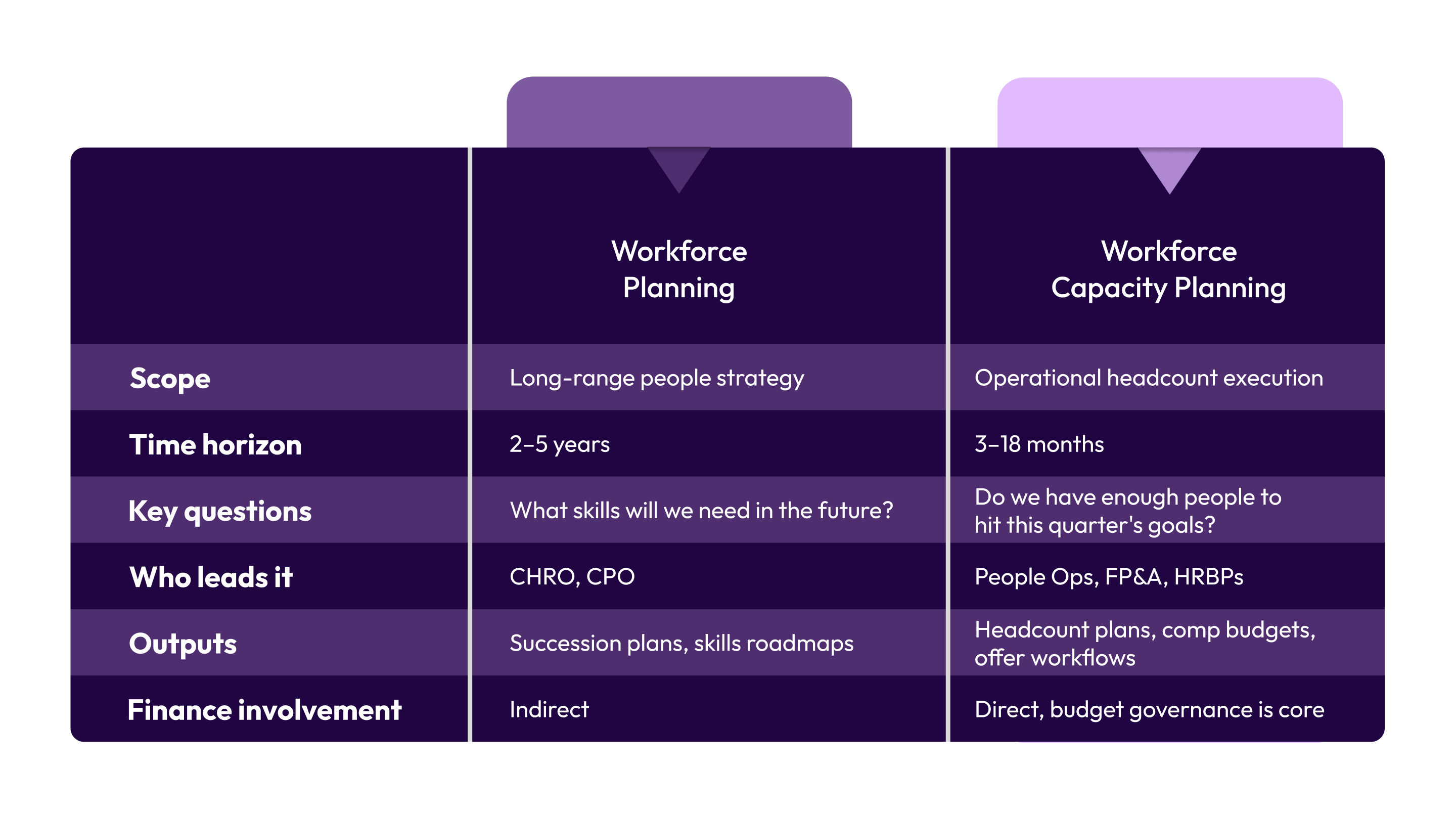
Workforce Capacity Planning vs. Workforce Planning
You might often get confused over workforce capacity planning and workforce planning. These two terms get used interchangeably, but they serve different purposes.
Once you understand what workforce capacity planning is, the next question is: why does it matter so much for companies that are growing fast?
Benefits of Workforce Capacity Planning in Scaling and Distributed Teams
For a 200-person SaaS company expanding across multiple US states, workforce capacity planning is the difference between controlled growth and reactive chaos. Here is what it delivers in practice:
- Budget precision before headcount is approved: Every open role gets mapped to a pay band and total comp estimate before it enters the approval queue. Finance knows what it costs before the offer is verbal.
- Faster hiring velocity: When headcount requests have a defined approval workflow, decisions happen in days instead of weeks. Approved roles move into recruiting with a budget already cleared, which cuts time-to-fill significantly.
- Pay equity and band integrity: Distributed teams across New York, Texas, and California cannot run on a single compensation structure. Workforce capacity planning ties each role to a geo-adjusted pay band from the start, protecting equity and consistency.
- Attrition risk becomes visible: Instead of discovering a retention problem after three resignations in one quarter, capacity planning builds attrition assumptions into the headcount model so you can act before the gap opens.
- CFO and CPO alignment on the same data: When HR and Finance share a live headcount-to-budget view, there are no surprises at reviews. You can make go or no-go hiring decisions with full budget context.
- Headcount governance at scale: As your team grows, informal headcount approval through Slack and email creates accountability gaps. A structured capacity planning process defines who requests, who reviews, and who approves, with an audit trail.
However, you can visualize these benefits only when workforce capacity planning is built as an operational system. That brings us to why it breaks down so often.
Also Read: Workforce Analytics: Examples, Benefits, and Best Practices
5 Reasons Why Workforce Capacity Planning Breaks Down at Growth-Stage Companies
Most companies between 150 and 1,000 employees don’t fail at planning because they lack intent. They fail because the structure can’t support the pace of growth. Here are five failure points that show up again and again:
- HR and Finance work off different numbers: Your headcount sits in one spreadsheet. The budget lives in another model. Neither updates the other. Hiring decisions stall while teams reconcile conflicting versions of the truth.
- There’s no formal approval process for headcount: Your requests come through Slack or meetings. There’s no standardized intake, prioritization, or approval log. Finance often learns about hires after offers are already drafted.
- Approved roles aren’t tied to compensation bands: You approve hires without mapping them to pay ranges, location differentials, or total comp impact. Recruiting moves forward. Compensation scrambles to catch up, often above band.
- Geographic differences distort cost assumptions: Distributed teams across states don’t share a single labor cost model. Wage laws, pay transparency rules, and market rates shift the real cost of each hire.
- Attrition is modeled as a flat percentage: Most forecasts plug in last year’s attrition rate and move on. They ignore role-level and tenure-based risk. When departures cluster in key teams, planned capacity disappears.
Capacity planning fails when tools, governance, compensation logic, geography, and attrition modeling aren’t connected from the start. Once you recognize these failure points, you can build a framework that accounts for all of them from the start.
7 Steps of an Effective Workforce Capacity Planning Framework

Workforce capacity planning is not a linear project with a start and end date. It is a repeatable operating cycle that runs in sync with your compensation and business planning. Here are the seven steps that make it work.
Step 1: Define Business Demand.
Start with what the business needs to achieve in the next 6–18 months. Revenue targets, product milestones, customer expansion plans, and go-to-market commitments all translate into headcount requirements. FP&A should be a primary input here, not a reviewer at the end.
Step 2: Audit Your Current Supply
Map your actual headcount by department, role, level, and location. Include open roles already in recruiting, internal transfer candidates, and employees at attrition risk by tenure and role type. This is your capacity baseline. Platforms like CandorIQ consolidate workforce data, open roles, and organizational structure into one system rather than scattered spreadsheets.
Step 3: Run A Gap Analysis
Compare demand against supply. Where do you have shortfalls, by role, team, geography, and hiring timeline? Where might you have over-capacity or redundancy risk? This is where the spreadsheet breaks if you have more than 50 open roles across more than 3 departments.
Step 4: Map Every Gap To A Pay Band And Total Comp Budget
This is the step most teams skip. Before a role goes to recruiting, it needs a pay band, a geographic comp adjustment, a total compensation estimate including benefits and equity, and a department budget validation. Without this, offers consistently land above band or outside budget.
Step 5: Build And Run Your Headcount Governance Workflow
Define who submits headcount requests, who reviews them, and who approves them, with clear criteria at each stage. Approval routing should be dynamic. For example, a senior engineering hire in San Francisco routes differently than an entry-level ops hire in Dallas.
Step 6: Align The Capacity Plan With Your Comp Cycle
Headcount forecasting and compensation planning are the same conversation. If you are planning to hire 20 engineers next year but your engineering pay bands are 18 months out of date, your capacity plan is priced wrong from the start. Review bands as part of the capacity planning cycle, not only during annual merit reviews.
Step 7: Review Quarterly, Not Annually
A workforce capacity plan built in November is partially outdated by February. Attrition shifts, business priorities change, and new roles get created mid-cycle. Quarterly reviews with live headcount-to-budget data keep the plan accurate and actionable.
Many organizations rely on tools like CandorIQ to track planned versus actual headcount, compensation spend, and hiring pipeline in real time so you can adjust your workforce plans without rebuilding the model from scratch.
With a framework this structured, the natural question becomes: what tools actually support it at scale?
Best 5 Tools for Optimizing Your Workforce Capacity Planning in 2026
Choosing the right tool for workforce capacity planning is a structural decision. Here are five platforms that actually move the needle:
1. CandorIQ
.jpg)
Most growth-stage U.S. companies run workforce capacity planning across disconnected systems, spreadsheets for headcount, an HRIS for employee data, email for approvals, and a separate tool for pay bands. CandorIQ brings headcount, compensation, approvals, and reporting into one governed platform.
Standout features:
- Headcount Scenario Planning: Model hiring timelines, org structures, and attrition assumptions. See the full cost impact before approving roles.
- Structured Requests and Approvals: Standardized headcount submissions with embedded job details and budget context. Dynamic approval routing. Full audit trail.
- Compensation and Pay Band Builder: Define geo-adjusted pay bands by level and function. Every approved role maps to a validated band before offers go out.
- Compensation Cycle Automation: Run merit and bonus cycles with live budget tracking and built-in approval workflows.
- Workforce Dashboard: Track open roles, filled seats, attrition, and promotions in one view, with role-based access.
- AI Agent: Ask natural language questions to analyze pay gaps, forecast headcount, and model cost impact instantly.
- 80+ Integrations: Sync with HRIS, ATS, and payroll systems to keep data aligned.
CandorIQ removes the gap between headcount approval and compensation reality. Every approved role is tied to a pay band, budget, and approval chain upfront. As a result, offers stay within range, finance and HR work from the same live data, and the capacity plan remains accurate when hiring begins.
2. Workday Adaptive Planning
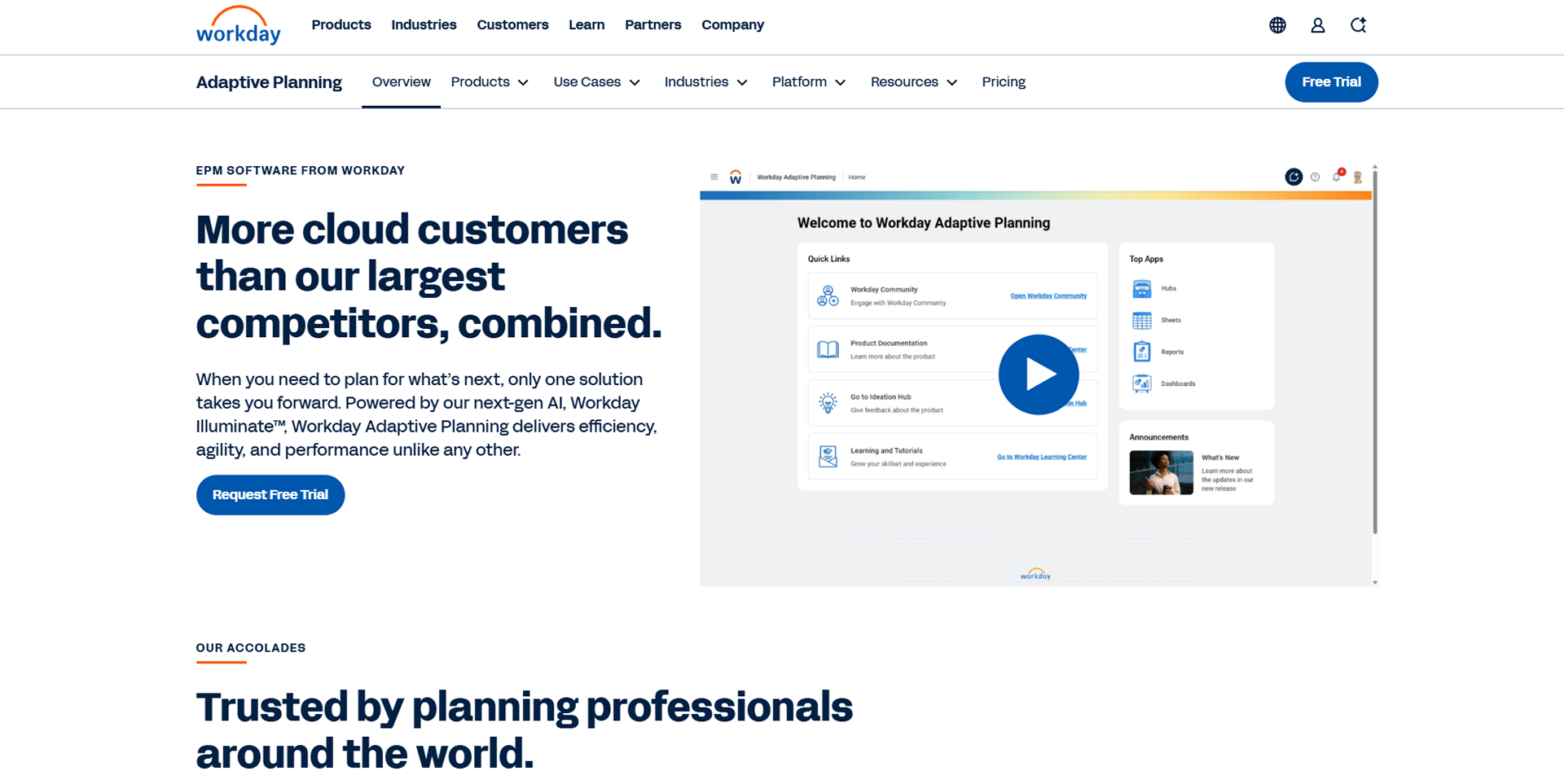
Workday Adaptive Planning’s 2026R1 release expands workflow controls, scenario modeling, forecasting speed, and AI-assisted analysis.
Standout features:
- Bottom-Up and Top-Down Headcount Planning: Department leaders and FP&A build plans in the same interface. Hiring requests and budget ceilings are visible in one model.
- Driver-Based Scenario Modeling: Model hiring, transfers, and retention using defined drivers. Compare best-, worst-, and likely-case scenarios without altering the active plan.
- Real-Time Cost Visibility: Role changes update projected workforce costs instantly across the financial model.
- HCM and Financial Integration: Approved workforce plans sync directly into Workday HCM for recruiting execution. No manual data transfer.
- Built-In Audit Workflow: Structured review and approval processes with task tracking, discussion logs, and cell-level audit history.
- Workday Assistant (Generative AI): Surfaces insights, flags variances, and recommends actions to reduce manual analysis time.
Workday Adaptive Planning works best for mid-to-large enterprises already standardized on Workday. Workforce planning runs from the same data foundation as payroll, HCM, and financial reporting, reducing reconciliation risk.
3. Anaplan
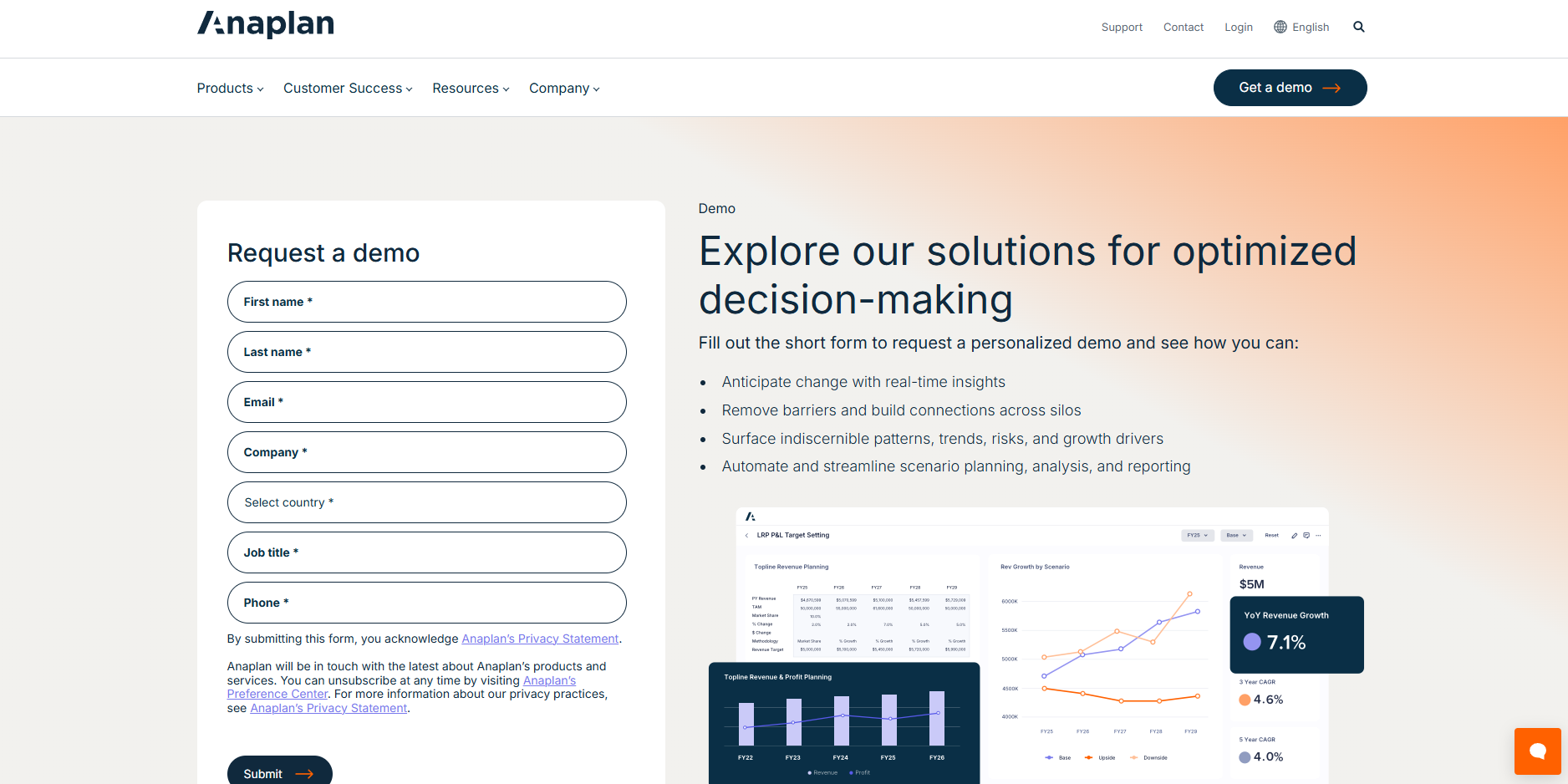
In 2026, Anaplan remains a core planning engine for enterprises that need workforce decisions tied directly to financial forecasts, sales capacity plans, and operational targets. Its strength lies in scenario modeling, rolling forecasts, and what-if analysis, especially across complex, multi-entity organizations.
Standout features:
- Operational Workforce Planning Application: Provides a real-time view of positions, requisitions, workforce trends, and labor costs. Supports position-level planning for hires, transfers, promotions, and exits.
- Multi-Variable Scenario Modeling: Model changes in demand drivers, talent supply, cost assumptions, and sourcing strategies. Assess both cost and capability impact before finalizing decisions.
- Anaplan Workforce Analyst (AI Agent): Enables natural-language queries to analyze workforce gaps, cost trade-offs, and alignment between talent supply and business demand.
- Cross-Functional Connected Planning: HR, Finance, and Operations work within the same financial model. Labor costs, staffing changes, and business targets remain connected.
- Pre-Built HCM, ATS, and ERP Integrations: No-code and extensible integrations reduce manual data consolidation across HR and financial systems.
- Budget Variance Monitoring: FP&A teams track workforce changes against approved budget scenarios, including hiring pace, location mix, and cost variances.
For enterprises with mature FP&A teams, Anaplan is a strong workforce capacity modeling engine. However, for organizations seeking unified HR and Finance execution in one platform, it addresses the modeling layer, not the operational workflow layer.
4. Rippling
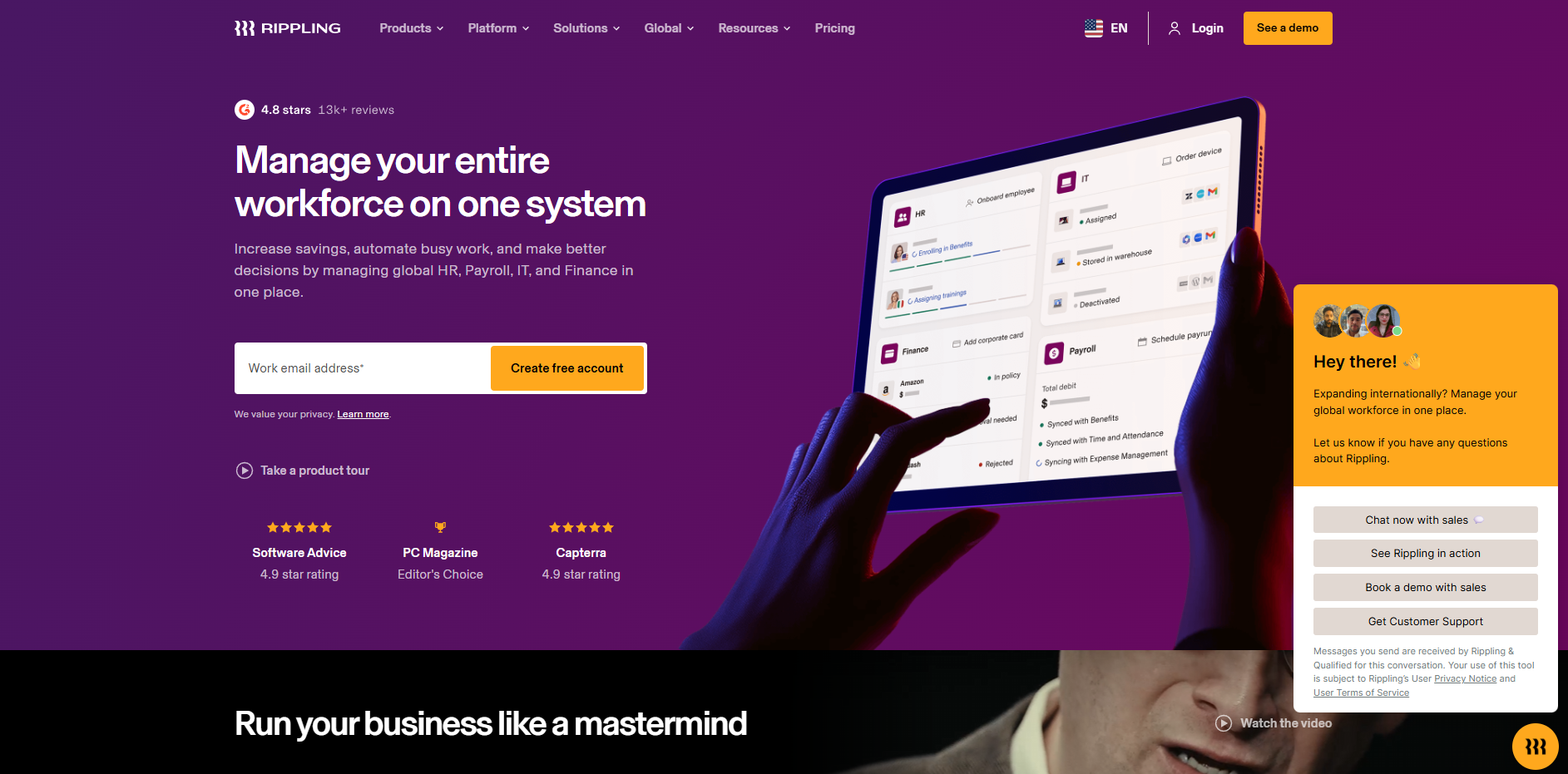
Rippling’s headcount planning module, including the budgeting feature, ties hiring plans directly to finance-set spending limits and tracks progress against the budget in real time. Rippling reduces that friction by keeping planning and execution in one system.
Standout features:
- Unified Headcount Planning with Live Budget Tracking: HR and Finance review approved roles, remaining headcount, and budget status in one interface. When a role is filled, the plan updates automatically, and downstream tasks trigger without manual follow-up.
- Compensation Band Enforcement: Employees are mapped to defined pay bands by role. The system flags or blocks out-of-band adjustments before offers or changes are finalized.
- Dynamic Approval Routing: Custom approval policies route requests based on plan status, department, or role. Off-plan hires escalate automatically; on-plan hires move forward without delay.
- Role-Based Permissions and Governance: Access to headcount, compensation, and workforce data adjusts automatically as employees change roles.
- Comprehensive Headcount Reporting: Track planned vs. actual headcount and labor costs by department, manager, location, or plan, without manual report building.
- HRIS, Payroll, and IT in One System: Workforce data flows directly into payroll processing and IT provisioning, reducing tool sprawl and reconciliation errors.
Rippling enforces compensation bands and tracks budget well, but it is not built for complex multi-scenario workforce modeling or advanced compensation cycle design.
5. Lattice
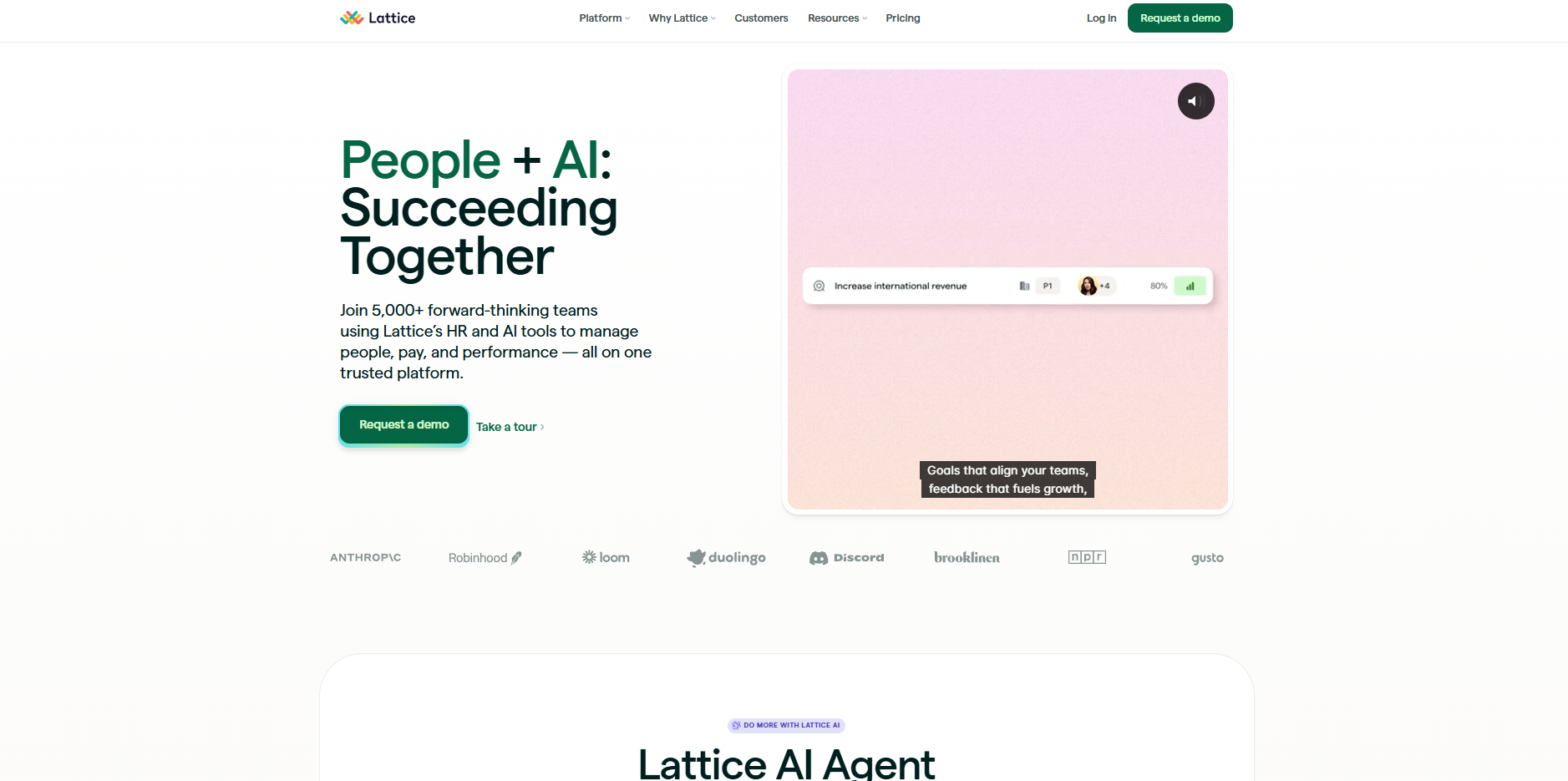
As HR teams consolidate tech stacks under budget pressure, Lattice owns the performance and engagement layer. Lattice does not position itself as a headcount planning engine. It strengthens the talent intelligence behind capacity planning, identifying risk, readiness, and internal mobility signals early.
Standout features:
- Performance and Succession Planning: Structured succession tools identify ready-now and ready-soon candidates for critical roles. Planned hires can be evaluated against internal pipelines before opening external requisitions.
- Lattice AI Agent: An embedded assistant that answers HR questions and automates routine workflows, reducing administrative load for lean teams.
- Compensation Module: Supports merit cycles, bonus planning, manager reviews, and progress tracking. Provides structured compensation review without a standalone comp platform.
- Engagement and Pulse Surveys: Real-time engagement data highlights attrition risk at the team or role level, allowing HR to adjust workforce assumptions proactively.
- Performance Analytics: Advanced reporting surfaces high performers, promotion readiness, and development gaps, inputs that directly affect succession and hiring plans.
- Integrations with HRIS and Communication Tools: Connects with major HRIS platforms, Slack, and Microsoft Teams to keep performance and workforce data aligned.
However, Lattice does not manage headcount approvals, enforce pay bands at the offer stage, or run finance-linked scenario modeling. Companies that require unified headcount, compensation, and budget control will need to pair it with a dedicated workforce planning platform.
For scaling companies that need workforce capacity planning to connect directly to compensation, headcount governance, and offer workflows, without stitching together three separate tools, CandorIQ is built exactly for you.
Also Read: Workforce Optimization Strategies to Maximize Productivity
Conclusion
Workforce capacity planning separates reactive hiring from deliberate growth. For U.S. companies scaling from 150 to 1,000 employees, the difference between having a workforce plan and having an operational system built around it is measured in budget overruns, slow hiring, and misaligned offers.
The framework is clear. Connect your demand forecasting, headcount governance, pay bands, and comp cycle into one repeatable process. Stop letting HR and Finance plan from different spreadsheets and start from the same data.
Ready to build a workforce capacity plan that your CFO and CPO will actually agree on? See how CandorIQ connects headcount planning, compensation, and offer workflows in one platform. Book a demo today.
FAQs
What are workforce capacity planning metrics?
Key metrics include headcount plan vs. actual by quarter, time-to-fill for approved roles, cost per approved headcount vs. budget, attrition-adjusted capacity, open req age, and headcount approval cycle time.
What are the components of an effective workforce capacity planning framework?
The core components are demand forecasting, current supply assessment, gap analysis, pay band and budget mapping, headcount governance workflows, compensation cycle alignment, and quarterly plan reviews.
How does workforce capacity planning connect to your compensation cycle?
Capacity planning determines how many roles you need and when. Compensation planning prices those roles. When disconnected, offers go above band, and approved headcount becomes unfilled because pay ranges are outdated or below market.
What causes workforce capacity planning to fail?
The most common causes are HR-Finance silos, no headcount governance process, approving headcount without mapping it to comp budgets, using flat attrition assumptions, and treating capacity planning as an annual exercise instead of a quarterly cycle.
Ready to modernize your workforce and compensation strategy?
See how CandorIQ brings workforce planning and compensation together with AI.