

10 Best Tools for Org Chart Planning and Team Restructuring
Explore the best tools for Org chart planning and team restructuring that help HR and leaders improve visibility, model changes, and scale teams efficiently.

As organizations grow, clear team structures and reporting lines become critical. In fact, a 2025 survey found 88% of HR leaders report visibility and planning challenges within their organizations. Without clear visibility into who reports to whom and how teams are aligned, companies risk inefficiencies, duplicated work, and poor decision-making. Traditional methods like spreadsheets or static charts often can’t keep up with fast-changing organizations.
Modern org chart planning and team restructuring tools address these challenges by offering centralized platforms for visualization, scenario planning, and strategic workforce management. They enable HR and finance teams to align headcount with business objectives, forecast future needs, and maintain clarity across departments.
This blog explores the significance of org chart planning tools, the factors to consider before choosing them, the top tools available in 2026, and tips to select the best solution for your organization.
In a nutshell:
- Modern org chart planning and team restructuring tools provide clarity on reporting lines, reduce manual effort, and support growing or distributed teams.
- These tools enable workforce alignment, cross-functional collaboration, scenario planning, and scalable organizational design.
- Leading platforms in 2026 offer features ranging from interactive org charts and analytics to compensation integration and scenario modeling.
- Choosing the right tool depends on integrations, ease of use, planning capabilities, collaboration features, and long-term scalability.
What is an Org Chart Planning and Team Restructuring Tool?
Org chart planning and team restructuring tools are software solutions designed to help organizations visualize, plan, and manage workforce structures effectively. These platforms consolidate employee data, reporting hierarchies, and departmental workflows into interactive dashboards that are easy to navigate.
Fast-growing organizations, distributed teams, and companies with frequent structural changes benefit particularly from these tools. By providing a centralized platform, they reduce reliance on manual processes and improve collaboration between teams.

Why Org Chart Planning and Team Restructuring Tools are Important for Your Organization?
Organizations that grow rapidly or operate with distributed teams often face challenges in aligning roles, reporting lines, and workforce planning.
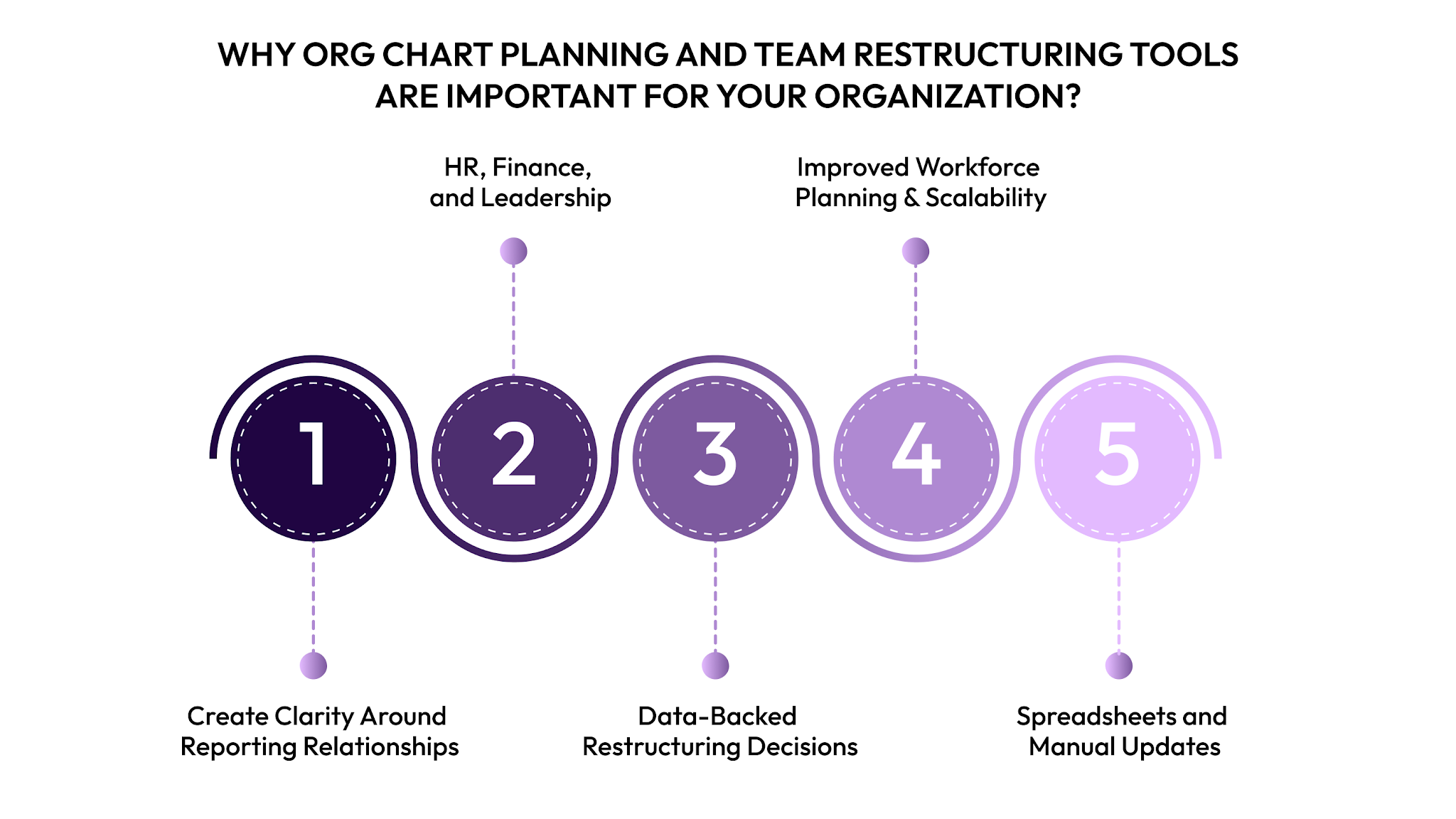
Here’s how Org chart planning and team restructuring tools help address these challenges:
- Create clarity around reporting relationships: These tools offer a single, accurate view of who reports to whom, reducing confusion around ownership, accountability, and decision-making authority.
- Better alignment between HR, Finance, and leadership: By working from shared data, teams can avoid miscommunication and make workforce decisions that stay aligned with budgets and business priorities.
- Data-backed restructuring decisions: Scenario modeling allows teams to review the impact of role changes, team merges, or new hires before making changes permanent.
- Improved workforce planning and scalability: As headcount increases, structured planning tools make it easier to adapt org designs without disrupting operations.
- Reduced reliance on spreadsheets and manual updates: Automated updates from HR systems help maintain accuracy and reduce time spent reconciling outdated files.
Understanding your workforce structure is essential to make informed decisions about hiring, promotions, and team alignment.
Also Read: The 7 Best Headcount Planning Strategies to Scale Smarter
In the next section, we’ll explore the top tools available in 2026 that can help you identify the solution that fits your organization best.
Top 10 Tools for Org Chart Planning and Team Restructuring in 2026
The market for org chart planning and team restructuring software has grown significantly, offering a range of features for different organizational needs. Here’s a list of the top 10 tools you can consider in 2026.
1. CandorIQ
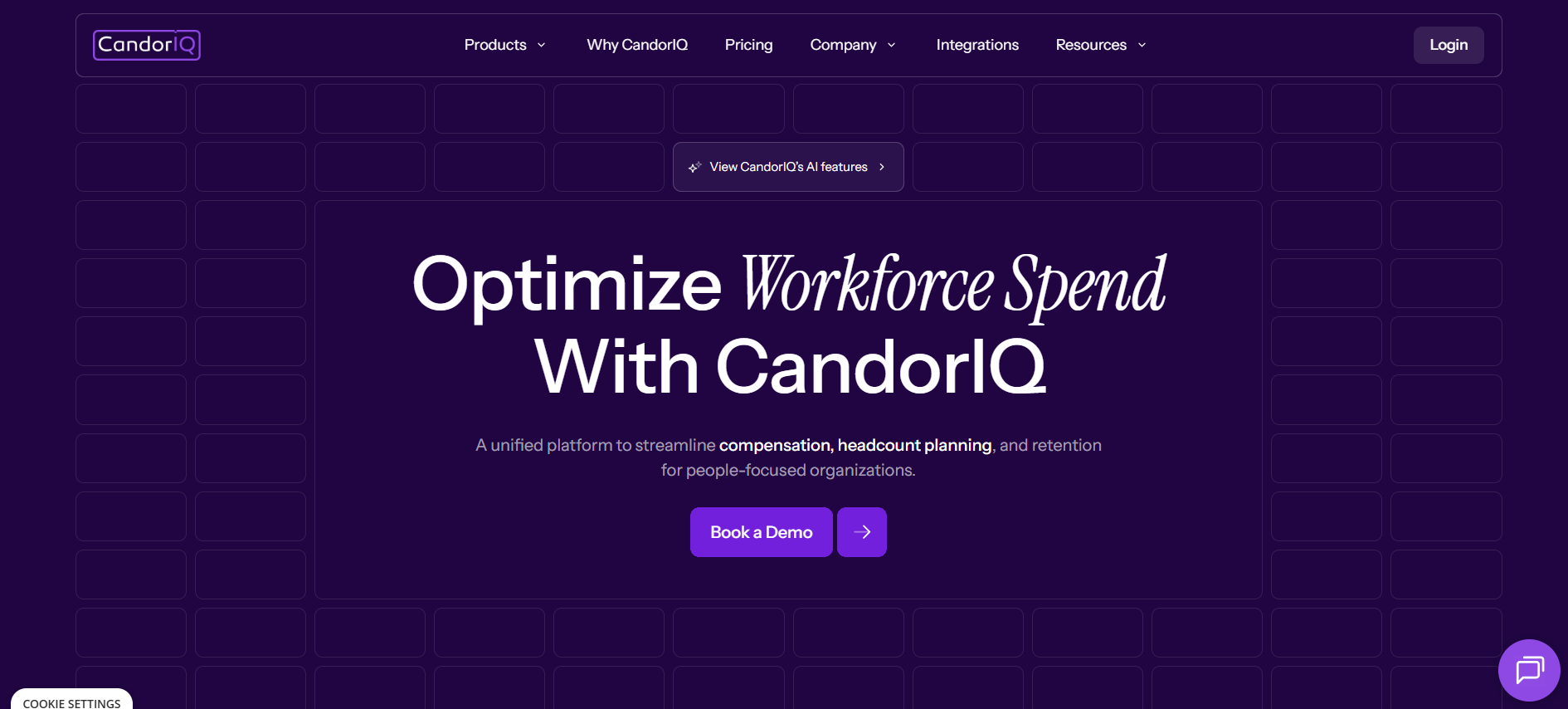
CandorIQ goes beyond visual charts by linking organizational structure with compensation and headcount planning. As a unified platform, CandorIQ lets HR and finance teams track how roles, pay bands, and workforce forecasts connect.
Key Features:
- Compensation & Payband Builder: Define pay bands by level, location, and department, with real-time pay distribution and historical tracking.
- Compensation Cycle: Automate merit and bonus reviews, track budgets in real time, and collaborate through email or Slack alerts.
- Candidate Offers: Display total compensation including salary, equity, and benefits, with future-value modeling and interactive help.
- Headcount Scenario Planning: Model future org charts, compare multiple hiring scenarios, and assess their financial impact.
- Headcount Requests & Approvals: Submit structured new hire requests, route approvals dynamically, and sync with ATS and finance systems.
- Workforce Management: Track roles, attrition, promotions, and headcount vs. plan with customizable dashboards for HR and executives.
- AI Agent: Receive comp recommendations, ask natural language questions, and forecast with professional-level analysis.
Best For: Mid‑sized and growth‑stage companies that require people planning and compensation modeling in a single platform.
2. ChartHop
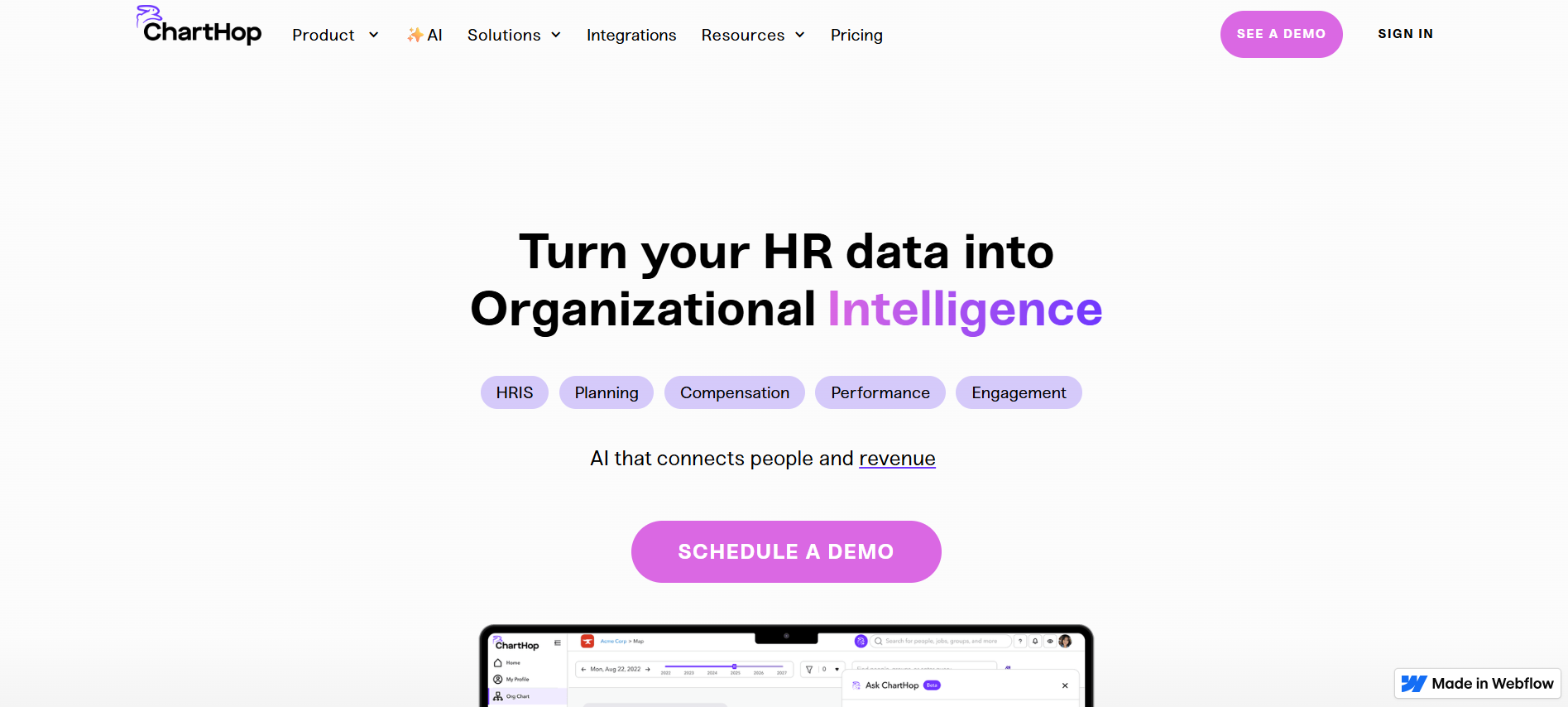
ChartHop consolidates people data from HR systems to create dynamic org charts and deliver deeper workforce insights. Integrated headcount planning and scenario tools let teams visualize changes before they happen.
Key Features:
- Interactive Org Charts: Drag-and-drop interface to update reporting lines.
- Data Analytics: Insights on headcount, turnover, and diversity metrics.
- Scenario Planning: Forecast changes and explore restructuring options.
- Employee Profiles: Centralized information about roles, skills, and experience.
Best For: Organizations that seek a unified people ops platform with analytics and workforce modeling.
3. Lucidchart
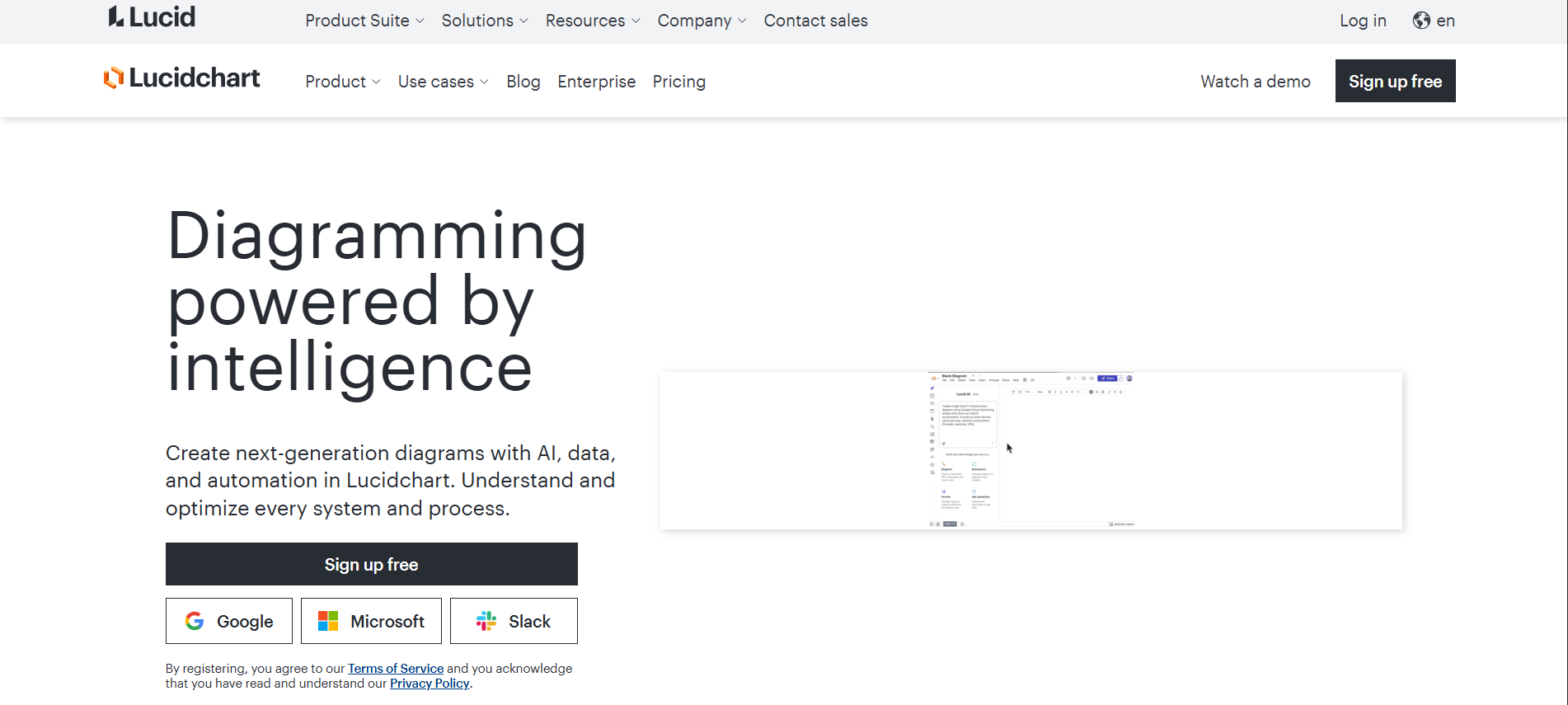
Lucidchart serves as a visual diagramming platform that supports org charts and other business visuals. Drag-and-drop layout tools and real-time collaboration simplify designing and updating team structures.
Key Features:
- Customizable Org Charts: Build charts with templates or from scratch.
- Collaborative Editing: Multiple users can work simultaneously.
- Integration: Connects with tools like Slack, G Suite, and Microsoft Office.
Best For: Teams that need professional, presentation‑ready charts with collaboration.
4. SmartDraw
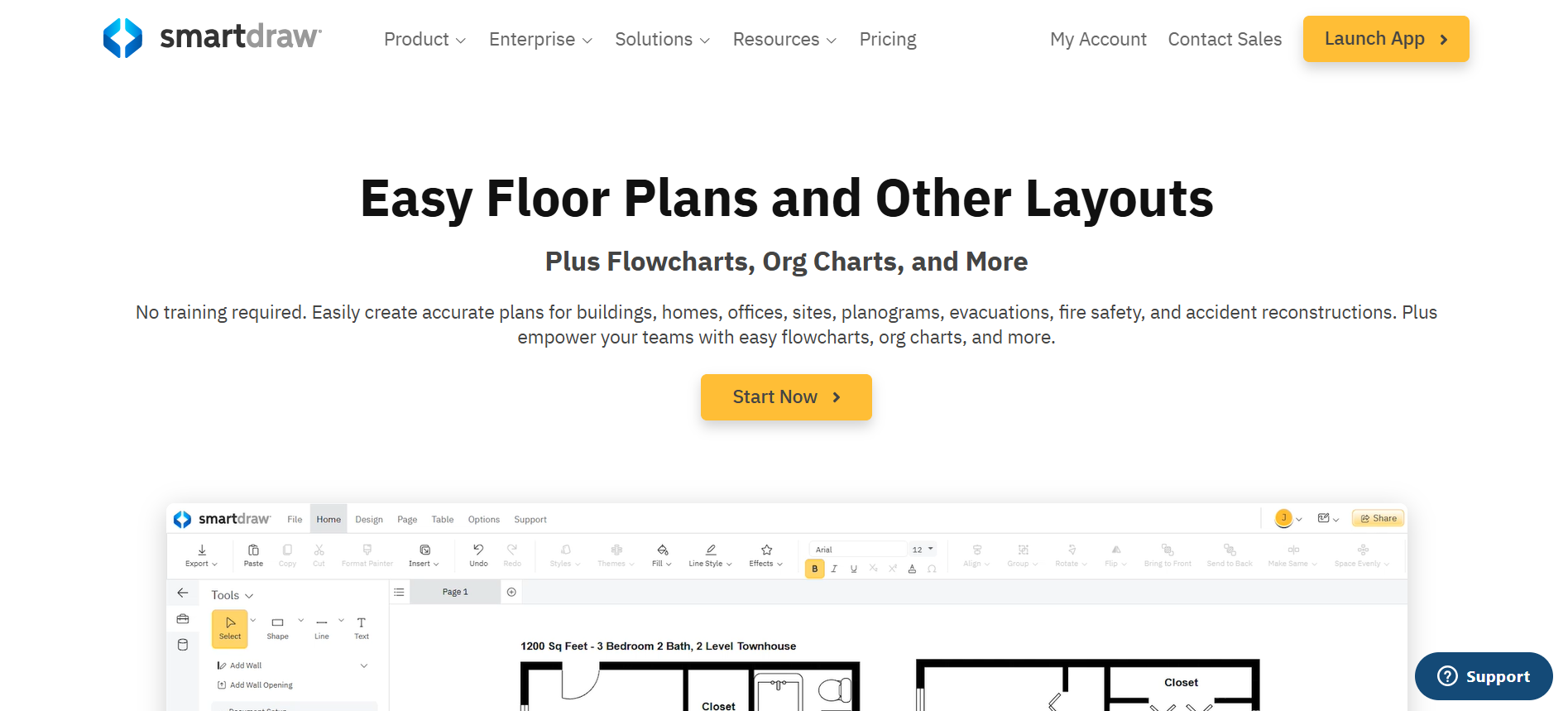
SmartDraw is a web‑based diagram tool that supports org charts, flowcharts, and other diagrams. Teams can quickly generate visuals using templates and integration options.
Key Features:
- Automatic Chart Generation: Import data from Excel or HR systems to generate org charts.
- Templates and Themes: Pre-built designs for fast chart creation.
- Reporting Tools: Generate visual reports for leadership and HR teams.
Best For: Organizations that require broad diagram capabilities alongside org chart visuals.
5. Creately
Creately emphasizes visual collaboration and org chart design. Smart shapes, real-time editing, and easy sharing let teams build charts without steep learning curves.
Key Features:
- Visual Collaboration: Real-time editing and commenting.
- Templates: Ready-to-use org chart and process templates.
- Integration: Connects with popular project management and productivity tools.
Best For: Teams that prefer a simple, visual workspace for planning and diagramming.
6. Softr
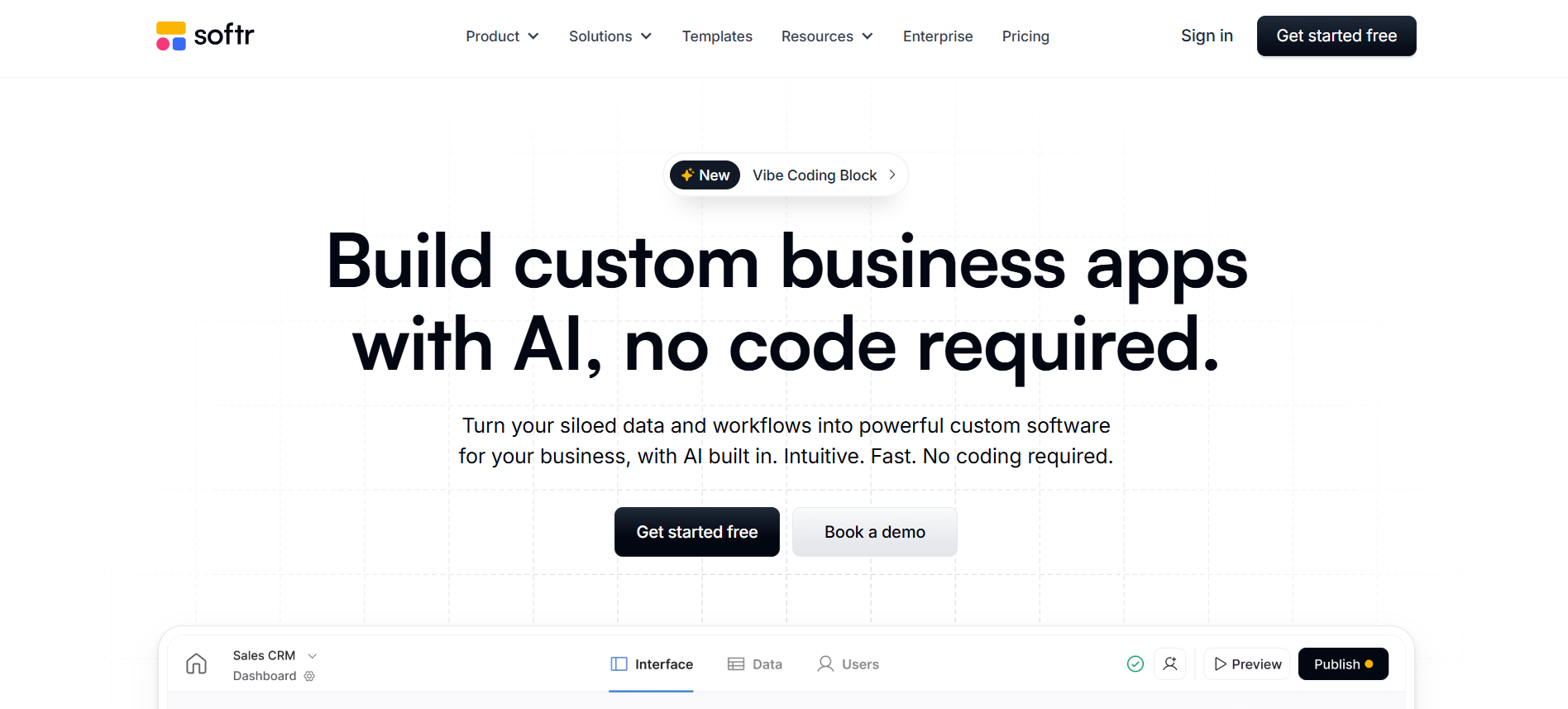
Softr provides teams with no-code tools to build custom org charts and internal portals. It connects to data sources like Airtable or Google Sheets, keeping charts updated automatically.
Key Features:
- Customizable Charts: Build charts tailored to your organizational needs.
- Automation: Automate approvals and workflows within org structures.
- Integration: Connects with Airtable and other databases.
Best For: Companies that want a custom org chart experience tied to their data stack.
7. Miro
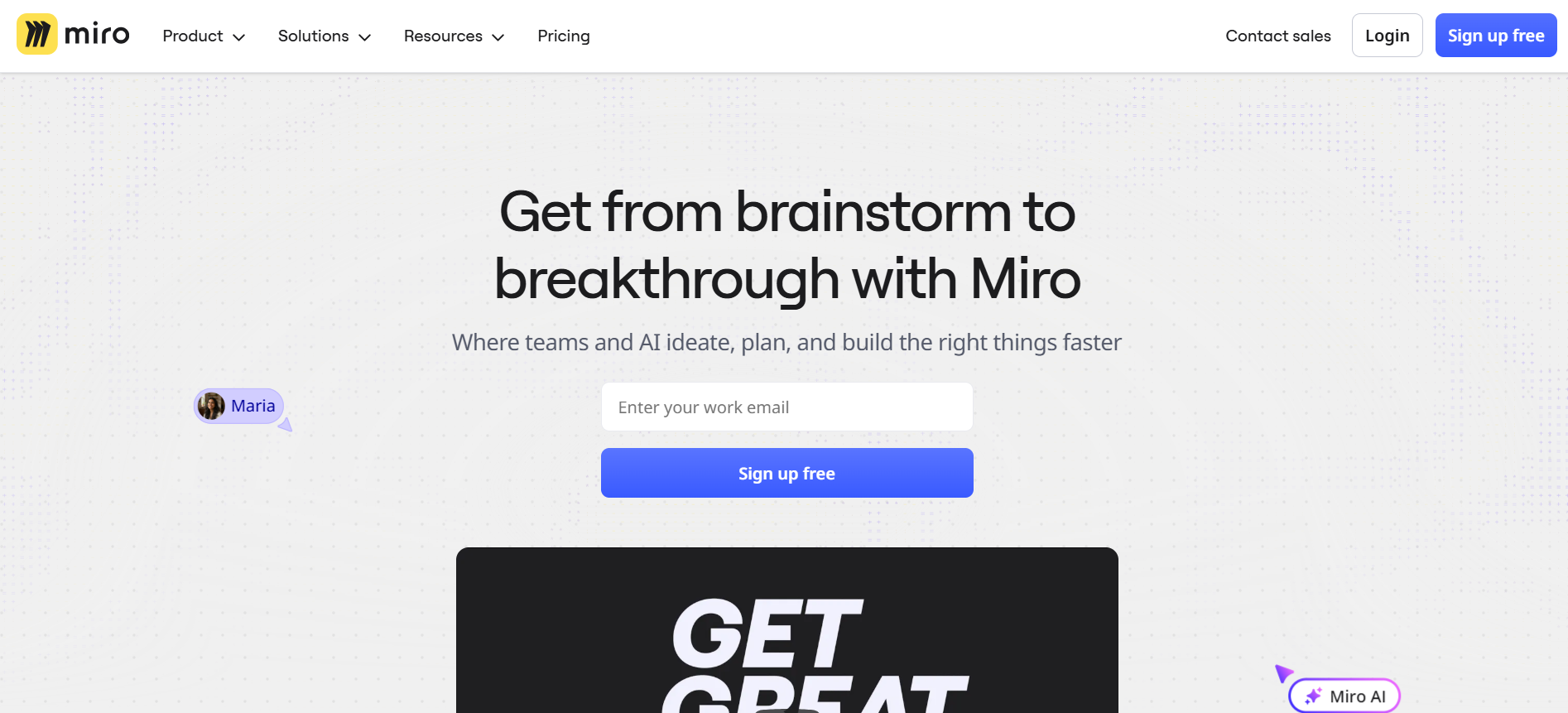
Miro is a collaborative whiteboard platform that teams use for org chart planning and team design. It shines during brainstorming or restructuring workshops with visual drag‑and‑drop tools.
Key Features:
- Interactive Boards: Create, share, and update org charts in real time.
- Templates: Includes templates for org charts and team structures.
- Collaboration Tools: Comments, sticky notes, and voting features for team input.
Best For: Leadership or HR teams that plan org changes visually in group sessions.
8. Microsoft Visio

Visio is part of the Microsoft suite and supports detailed org charts and diagrams. Its tight integration with Microsoft apps makes it familiar to many teams.
Key Features:
- Data Linking: Sync charts with Excel or other HR databases.
- Professional Templates: Extensive templates for org charts, flowcharts, and process diagrams.
- Integration: Integrates smoothly with the Microsoft Office suite.
Best For: Organizations already embedded in the Microsoft ecosystem.
9. Pingboard
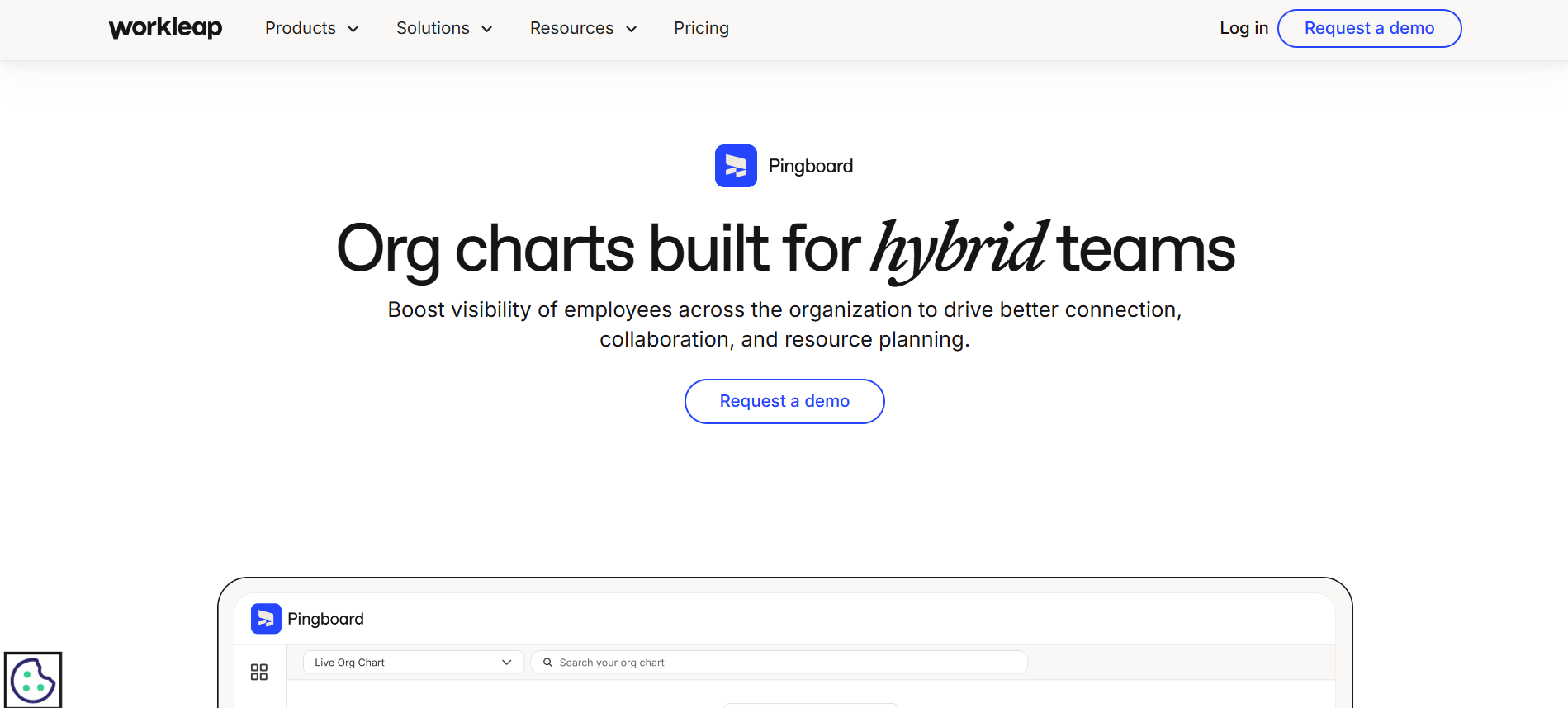
Pingboard is an org chart and employee directory tool designed for clarity and speed. It creates shareable charts from HR data and provides searchable team info.
Key Features:
- Live Org Charts: Automatically update charts as employee data changes.
- Employee Directory: Centralized information for all team members.
- Collaboration Features: Add photos, bios, and social links for better team visibility.
Best For: Growing teams that want a simple, shareable structural view.
10. Sift
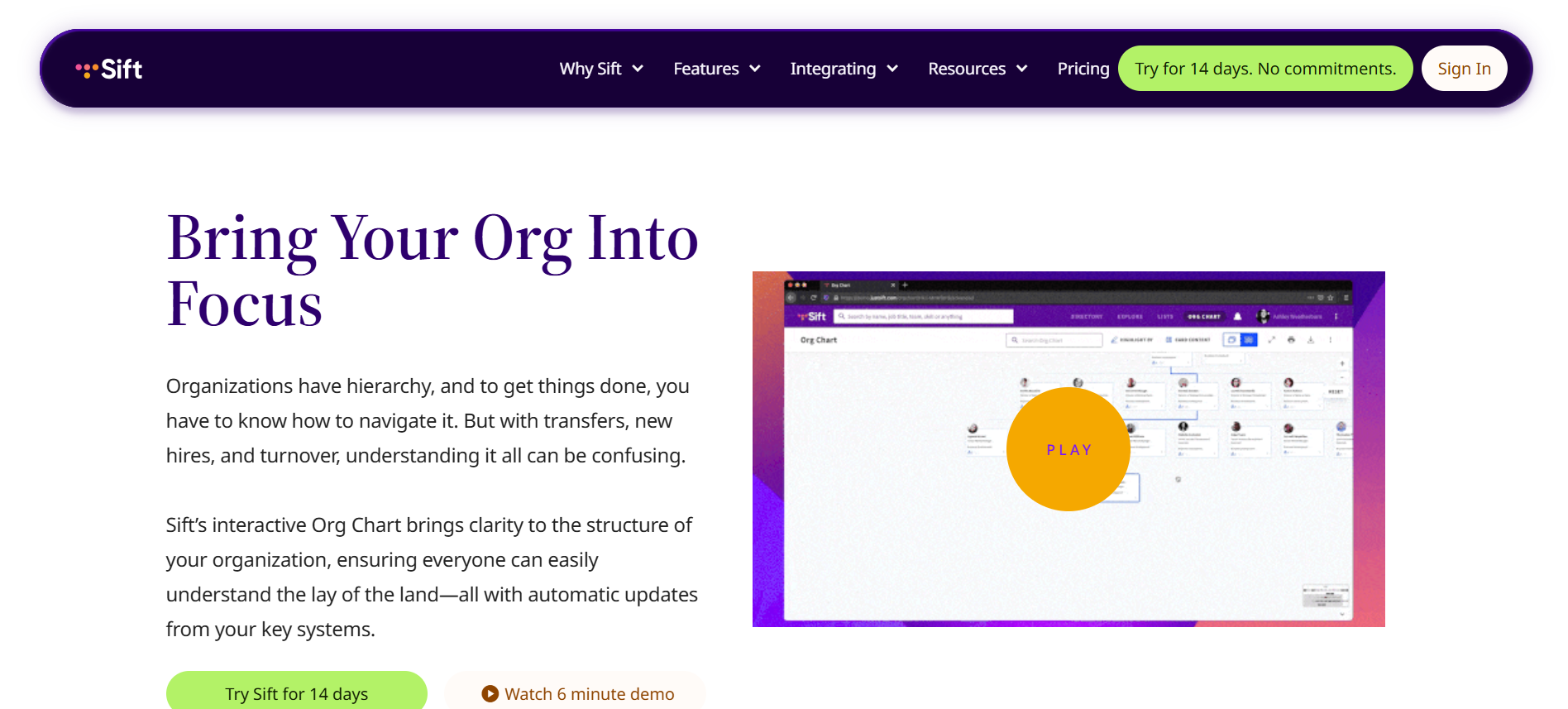
Sift helps teams visualize org structures and rich employee profiles with real‑time updates. Its dynamic charts and search make it easy to explore team relationships and skills at scale.
Key Features:
- Org Visualization: Explore reporting relationships and departmental structures.
- Analytics Dashboard: Insights on headcount, tenure, and team distribution.
- Scenario Modeling: Plan team changes and assess operational impact.
Best For: Mid‑to‑large organizations that want searchable, data‑rich org visuals.
In the next section, we’ll offer tips on how to decide which tool fits your needs best.
Also Read: Top Workforce Compliance and Optimization Tools 2025
Tips to Choose the Best Tool for Org Chart Planning and Team Restructuring
Selecting the right tool makes workforce management easier and helps you make smarter decisions. Here are practical tips to help you make the best choice:
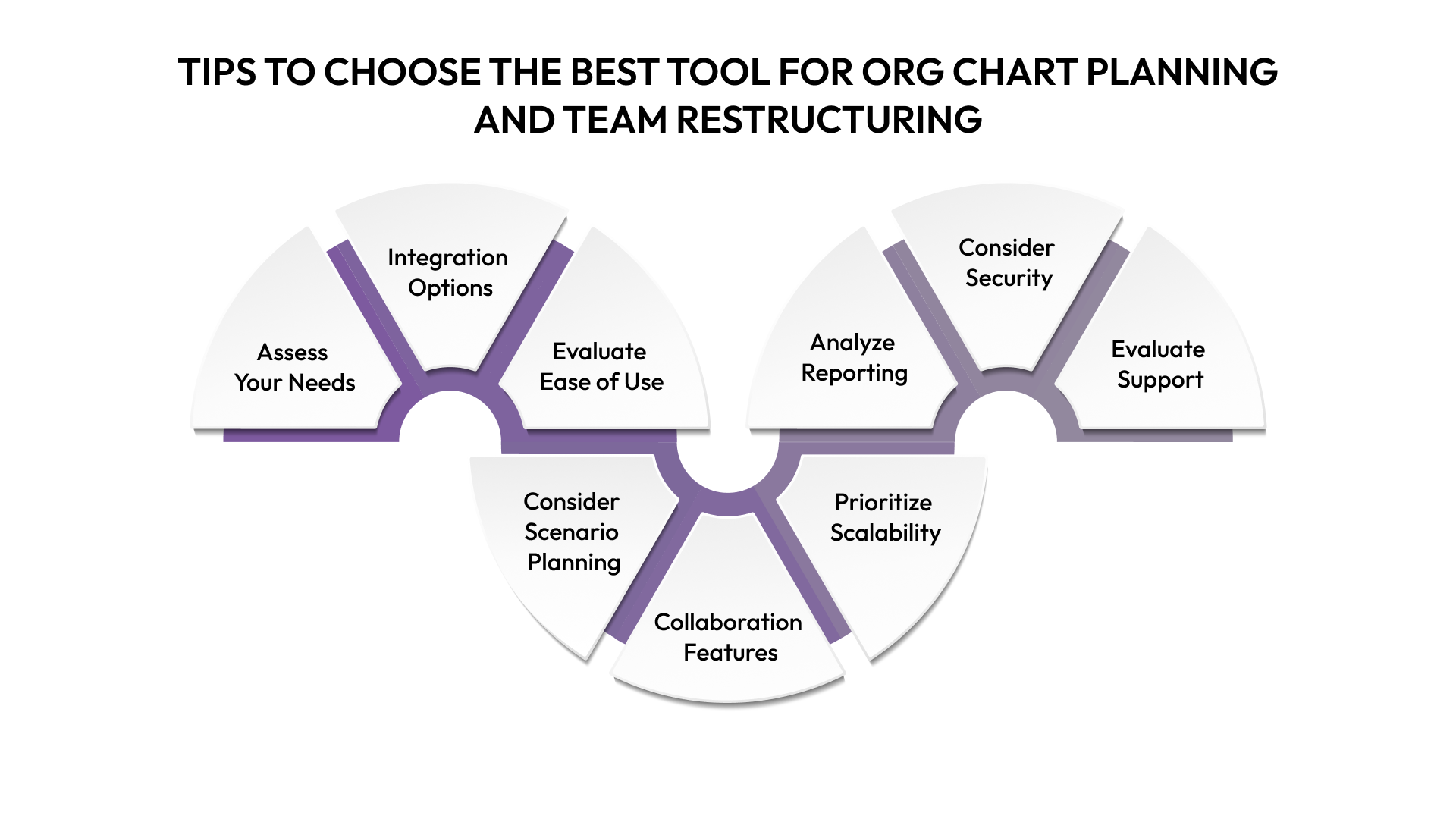
- Assess Your Needs: Identify whether you require basic visualization, detailed analytics, or integrated compensation and headcount planning to support strategic decisions.
- Check Integration Options: Make sure the tool connects with your HRIS, ATS, payroll, and collaboration platforms to keep employee data accurate and up to date.
- Evaluate Ease of Use: Choose a platform with an intuitive interface so HR, finance, and leadership teams can adopt it quickly without extensive training.
- Consider Scenario Planning Capabilities: Use tools that let you run “what-if” analyses to explore the impact of hiring, promotions, or restructuring on budgets and team performance.
- Look for Collaboration Features: Shared access, comment capabilities, and approval workflows help teams work together effectively and reduce miscommunication.
- Prioritize Scalability: Pick a platform that can grow with your organization, support complex reporting structures, and adapt to changing business needs.
- Analyze Reporting and Insights: A good tool should provide clear dashboards and reports to track headcount, budget utilization, turnover, and team performance metrics.
- Consider Security and Compliance: Check that the platform protects sensitive employee data and meets regulatory requirements relevant to your industry and location.
- Evaluate Support and Updates: Choose a vendor that offers responsive customer support, regular feature updates, and training resources to help maximize the platform’s value.
Keeping these tips in mind will help you choose a tool that brings clarity and strategic alignment to your team.
Conclusion
Effective org chart planning and team restructuring tools are essential for maintaining business agility and ensuring organizational clarity. Modern tools provide visibility into reporting lines, simplify scenario modeling, and help HR and leadership teams make data-driven decisions.
Choosing the right software saves time, reduces errors, and improves collaboration between departments. Platforms like CandorIQ offer a comprehensive approach by integrating workforce planning, compensation insights, and interactive org chart capabilities into a single platform.
Book a demo with CandorIQ today to see how your team can benefit from clearer org planning and better workforce decisions.
.png)
FAQs
1. What customization options are essential for visualizing remote team hierarchies?
Essential options include flexible layout views, role- and location-based grouping, custom labels, colour coding, and time-zone indicators. These features help teams clearly visualise reporting lines, distributed roles, and collaboration across regions without confusion.
2. How does AI enhance automatic updates and layout optimization in org charts?
AI enables real-time org chart updates by syncing with HR systems and detecting role changes automatically. It also optimises layouts by adjusting spacing, hierarchy depth, and visual balance, making complex structures easier to understand as teams evolve.
3. What free options exist for generating org charts from CSV or spreadsheet data?
Several tools offer free org chart generation from CSV or spreadsheet uploads, including basic versions of Lucidchart, Draw.io, and Google Sheets add-ons. These options support simple hierarchies, quick imports, and easy edits without advanced analytics.
4. How can org chart tools link team roles to project timelines and budgets?
Advanced org chart tools integrate with project management and financial systems to map roles to timelines, workload allocation, and budget ownership. This linkage helps teams track accountability, resource utilisation, and cost impact during planning and execution.
5. What analytics features help identify skill gaps during restructuring?
Useful analytics include role-to-skill mapping, competency heatmaps, workload analysis, and succession readiness scores. These insights highlight missing capabilities, overdependence on key individuals, and areas needing upskilling or strategic hiring during restructuring.
Ready to modernize your workforce and compensation strategy?
See how CandorIQ brings workforce planning and compensation together with AI.