

10 Best HRIS Systems in the USA (2026): Pricing + Use Cases
Compare 10 best HRIS systems in USA with pricing, integrations, and use cases. Find the right tool for payroll, hiring, and workforce planning decisions.


You don’t start evaluating HRIS systems when things are working.
It starts when headcount numbers don’t match, payroll needs fixes, and compensation lives in spreadsheets instead of your system. As teams grow, trusting your data becomes harder.
Most teams expect clarity at this stage. Instead, they end up with tools that manage records but do not help plan hiring or control budgets.
That gap matters. Deloitte’s 2026 Global Human Capital Trends survey found that 7 in 10 business leaders say speed and agility are their main competitive advantage. When workforce decisions depend on scattered data, that speed disappears.
This guide shows which of the best HRIS systems actually fit your team, how to compare them based on real workflows, where they fall short, and how to choose without creating new operational issues.
Key Takeaways
- Most HRIS systems break when Finance needs real-time visibility into how hiring and compensation changes impact budgets, creating delays and reliance on outdated data.
- The real difference between tools is workflow continuity, specifically how cleanly data flows from hiring approvals to payroll without manual fixes or reconciliation.
- Tools like BambooHR and Zoho People fit low-complexity teams, while Rippling, Deel, and HiBob improve coordination but still lack built-in compensation and headcount planning.
- The biggest evaluation mistake is relying on demos instead of testing a full hiring-to-payroll cycle, which leads to data mismatches and reporting issues post-implementation.
- A complete setup requires separating roles clearly: HRIS for records, payroll for execution, and a dedicated system for compensation and headcount planning to maintain financial control.
Best HRIS Systems for HR and Finance Teams Evaluating Tools in 2026
Different HRIS systems vary based on company size, geographic footprint, and operational complexity. Tools like BambooHR and Zoho People suit smaller teams, while platforms like Rippling, Deel, and HiBob support scaling and global operations with deeper automation, compliance, and workforce planning capabilities.
Best HRIS Systems at a Glance (Quick Comparison)
Compare leading HRIS platforms in the USA by pricing, core strengths, and limitations to identify the right fit for your hiring and payroll workflows
Decision Insight: Choose BambooHR or Zoho People for simple HR operations. Use Rippling or HiBob for automation and scaling workflows. Pick Deel or ADP for global payroll and compliance. Choose Justworks or TriNet for outsourced HR support. Use UKG for workforce scheduling and large-scale operations.

1. Bamboo hr
.jpg)
BambooHR is an all-in-one HR platform that centralizes employee data, payroll, benefits, and performance management in a single system. It is designed for small to mid-sized teams that want an easy-to-use solution to manage core HR workflows and improve data visibility.
Key Features
- Centralized HR data, reporting, and employee records management.
- Hiring and onboarding workflows with applicant tracking and e-signatures.
- Payroll, time tracking, and benefits administration in one platform.
Pros and Cons
Pricing: Starts at $10 per employee/month, with higher-tier plans (Pro, Elite) offering advanced features like performance management and compensation tools.
Integrations: Offers 150+ pre-built integrations through its marketplace, allowing connectivity with payroll, benefits, and other business systems. It can also work alongside platforms like CandorIQ, which helps HR and Finance teams centralize compensation and headcount planning for clearer workforce decision-making.
2. Deel
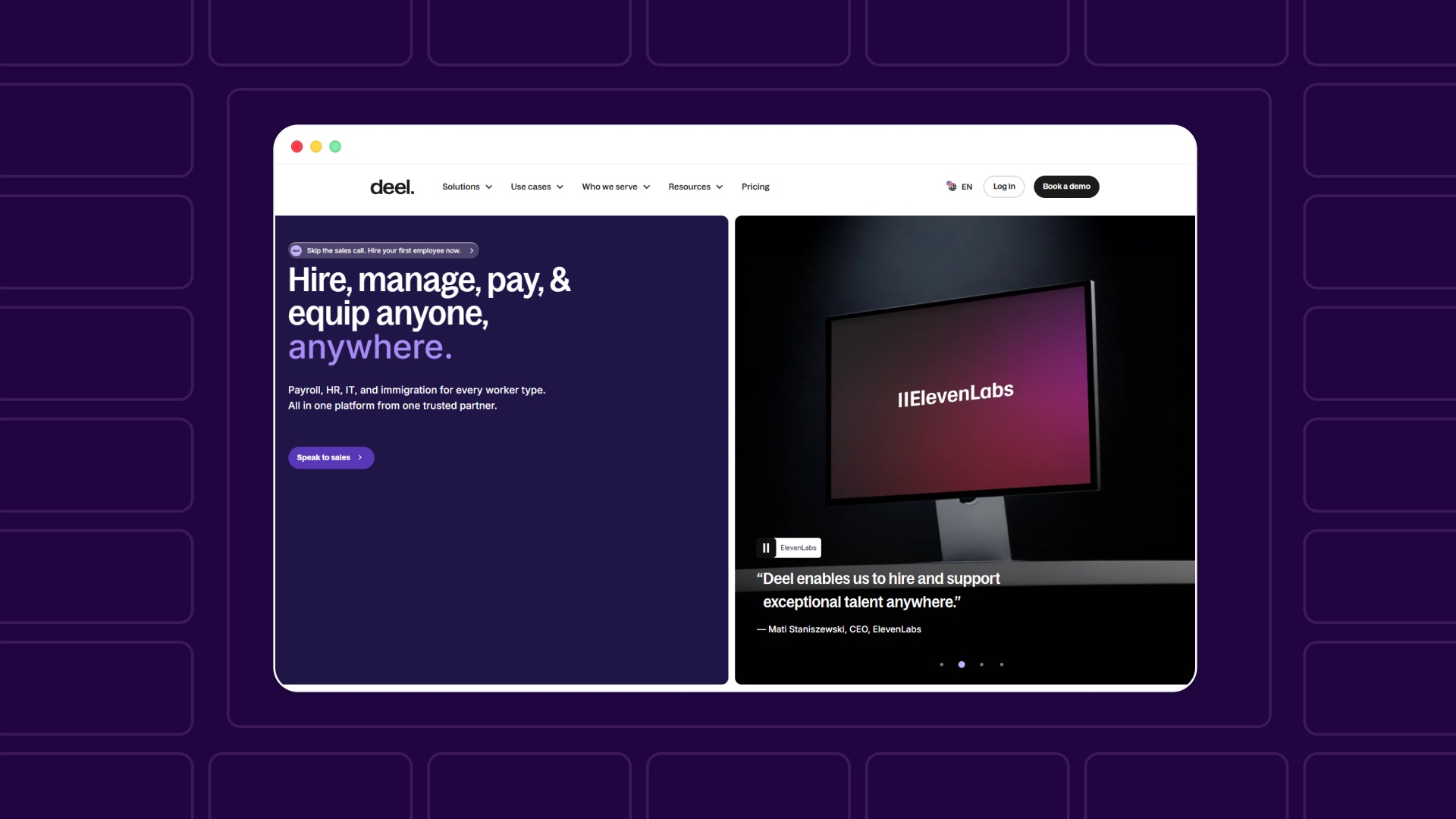
Deel is a global HR platform designed to manage international employees and contractors from a single system. It helps HR teams handle hiring, payroll, compliance, and workforce operations across multiple countries without setting up local entities.
Key Features
- Global HRIS with centralized employee data, workflows, and approvals.
- Employer of Record (EOR) and global payroll across 100+ countries.
- Workforce planning, compensation management, and performance tools in one system.
Pros and Cons
Pricing: Starts at $599 per employee/month for Employer of Record services, with additional plans for contractors and global payroll.
Integrations: Integrates with platforms like CandorIQ, Slack, and Microsoft Teams, allowing HR workflows such as approvals and time-off management to run directly within existing work environments.
3. Trinet
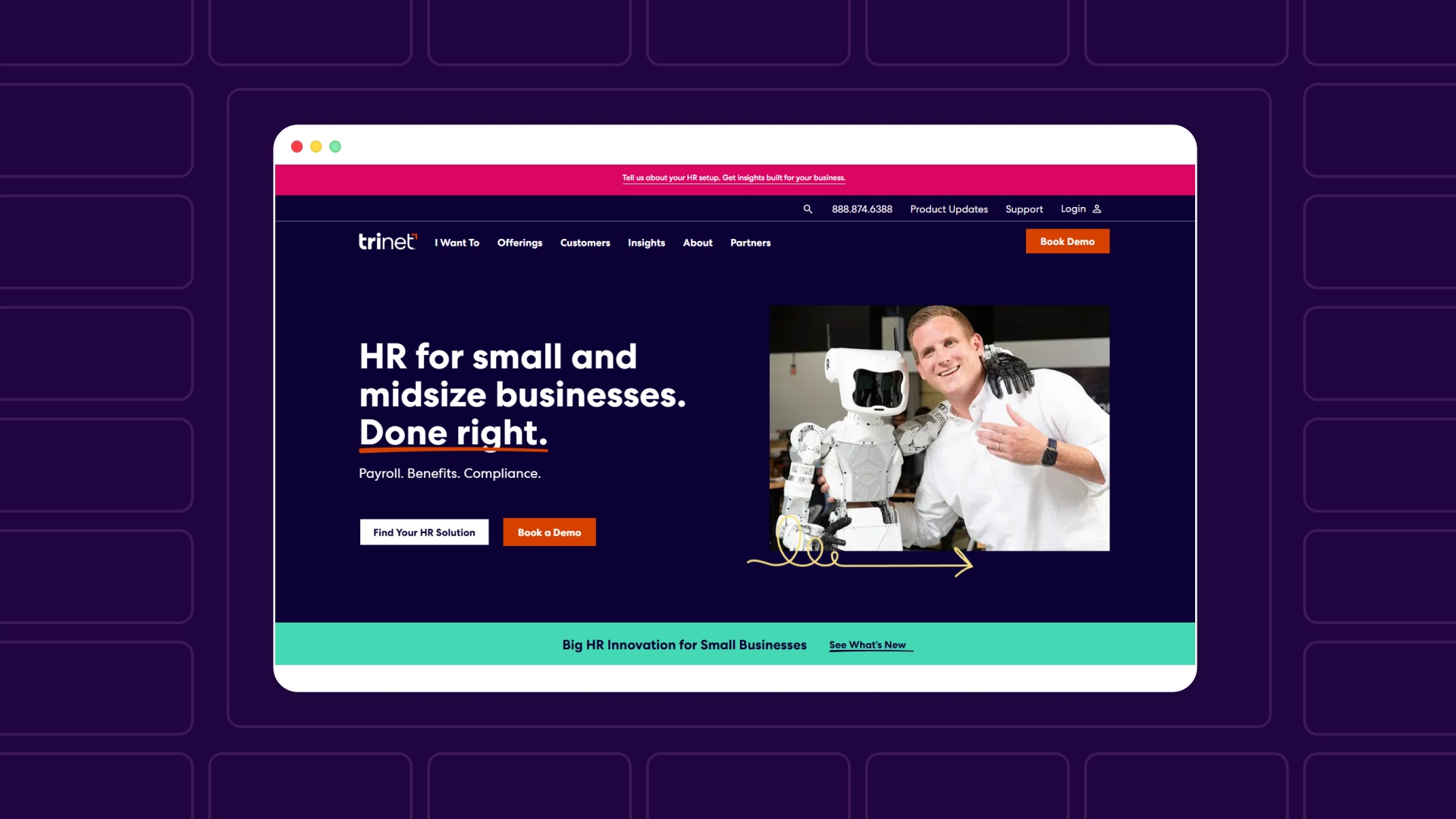
TriNet is an HR platform that combines technology with outsourced HR services, allowing businesses to manage payroll, benefits, and compliance while offloading day-to-day HR operations. It is designed for small to mid-sized companies that want expert HR support alongside software.
Key Features
- Full-service HR support, including payroll processing, benefits, and compliance management.
- Access to large-company benefits and HR consulting expertise.
- Integrated HR platform for time tracking, leave management, and workforce operations.
Pros and Cons
Pricing: Custom pricing based on services (PEO or HR Plus), with costs varying by company size and level of HR support required.
Integrations: Supports contractor and global workforce management through integrations with external partners, allowing businesses to handle international teams alongside core HR functions.
4. Rippling
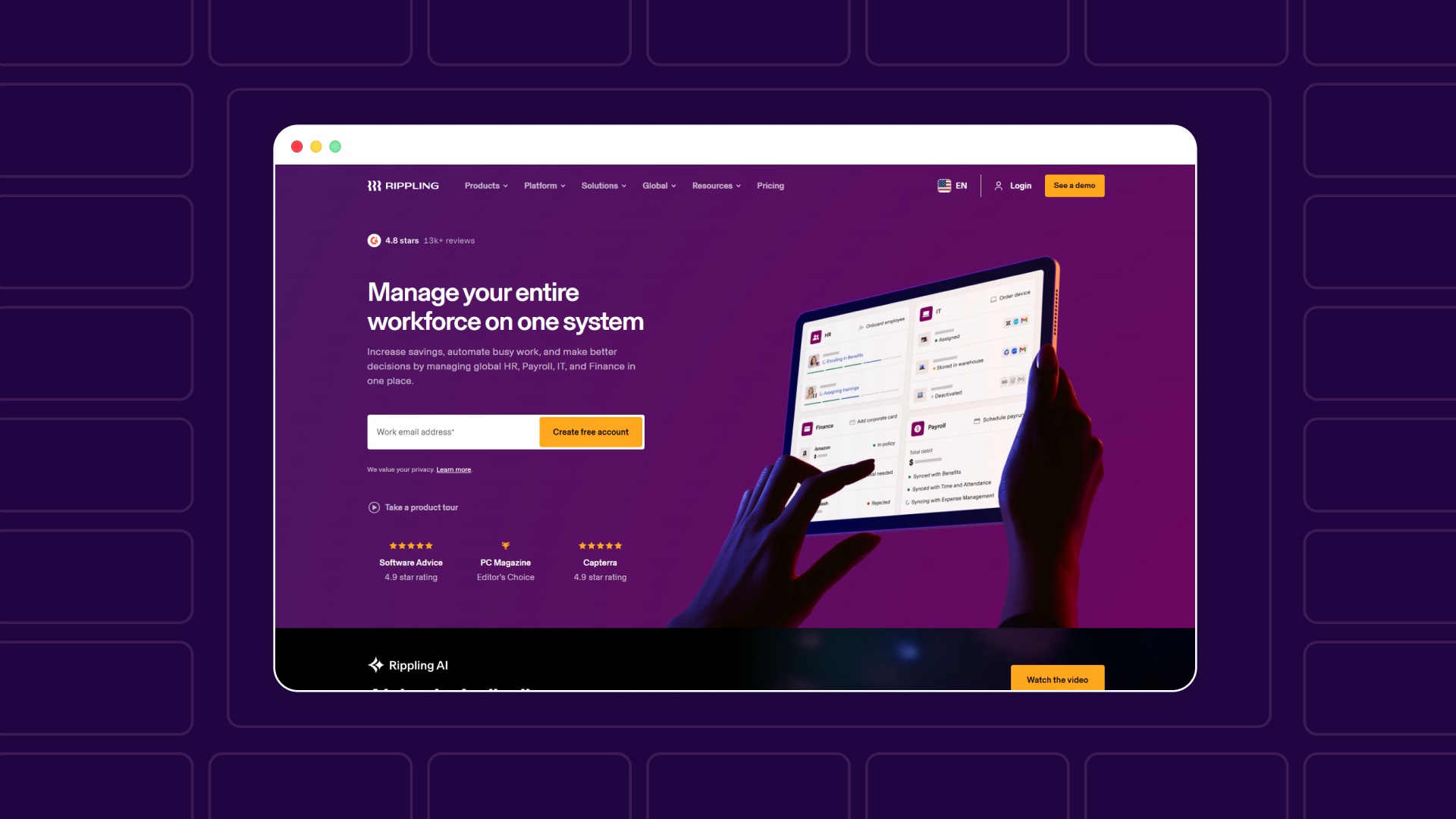
Rippling is an all-in-one workforce platform that unifies HR, IT, and payroll operations in a single system. It helps companies automate manual HR processes, manage employee data centrally, and reduce compliance risk through integrated workflows and real-time updates.
Key Features
- A unified employee data system that automatically updates across all connected systems.
- Workflow automation to trigger actions across HR, IT, and finance processes.
- Global HRIS with payroll, compliance, and workforce management capabilities.
Pros and Cons
Pricing: Custom pricing based on selected modules and company size, with quotes customized to specific workforce needs.
Integrations: Offers 650+ integrations with tools like Slack, Microsoft Teams, and other business systems, allowing automated workflows and real-time data sync across platforms.
5. UKG
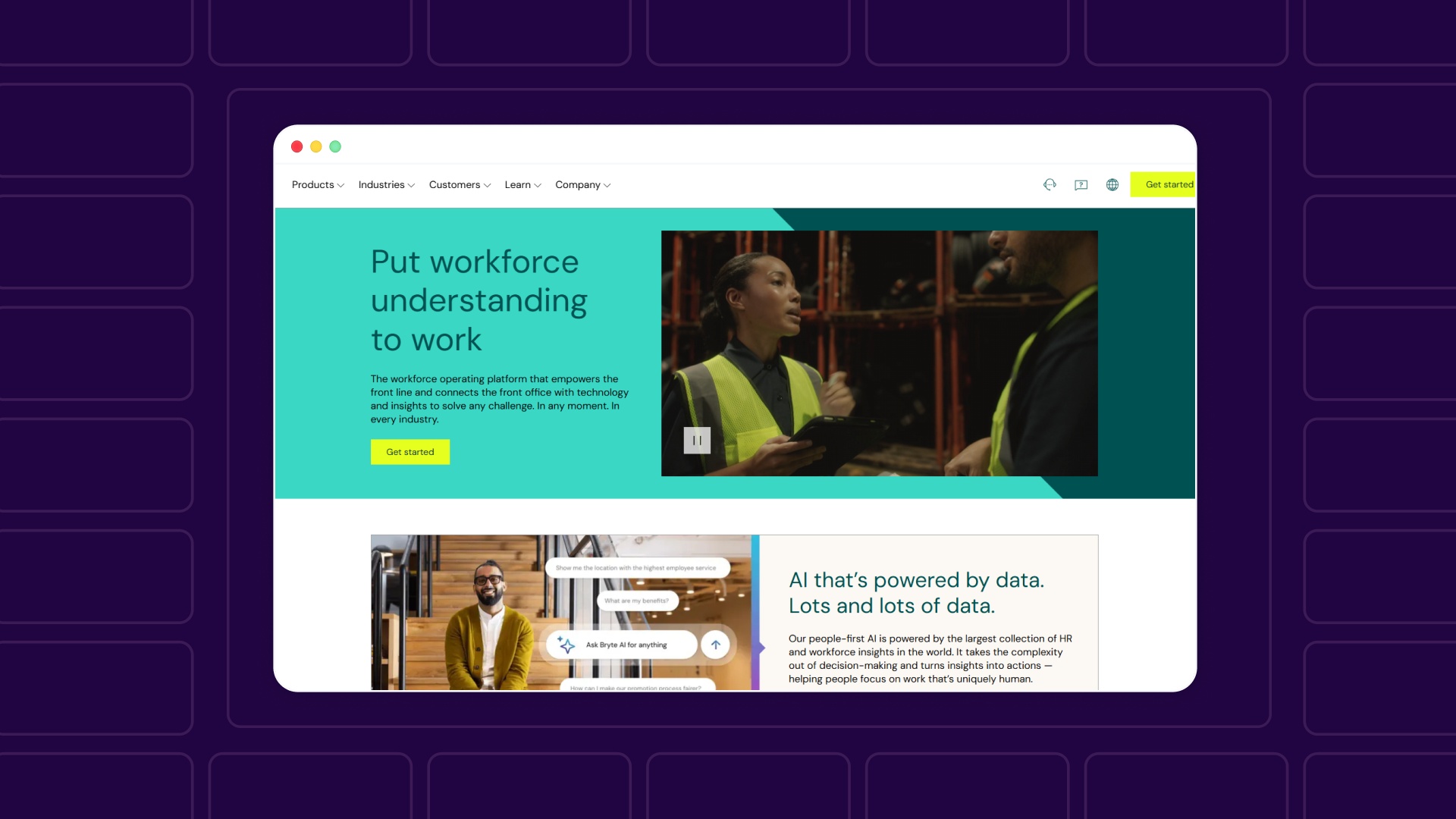
UKG is a workforce management and HCM platform designed to help organizations manage scheduling, workforce productivity, and employee engagement at scale. It connects frontline operations with workforce data and insights to support better staffing and operational decisions.
Key Features
- Workforce management tools, including scheduling, time tracking, and attendance.
- AI-powered insights using large-scale workforce data to improve decision-making.
- Analytics and reporting for real-time workforce visibility across operations.
Pros and Cons
Pricing: Custom pricing based on company size, workforce complexity, and selected modules.
Integrations: Integrates workforce management, analytics, and HR systems within a unified platform, connecting frontline operations with back-office systems for real-time visibility and coordination.
6. Namely
.jpg)
Namely is an HRIS and HCM platform designed for mid-sized companies to manage the full employee lifecycle, from onboarding to payroll and performance. It centralizes HR, benefits, and payroll data into a single system while supporting employee engagement and compliance.
Key Features
- Centralized system of record for HR, payroll, and benefits data.
- Workforce management, including onboarding, performance, and compliance tracking.
- Employee engagement tools like newsfeed, directory, and goal setting.
Pros and Cons
Pricing: Starts at $9 per employee/month, with multiple tiers offering additional features and managed services.
Integrations: Supports integration across payroll, benefits, and HR workflows within a unified system, allowing smoother data flow across the employee lifecycle.
7. Justworks
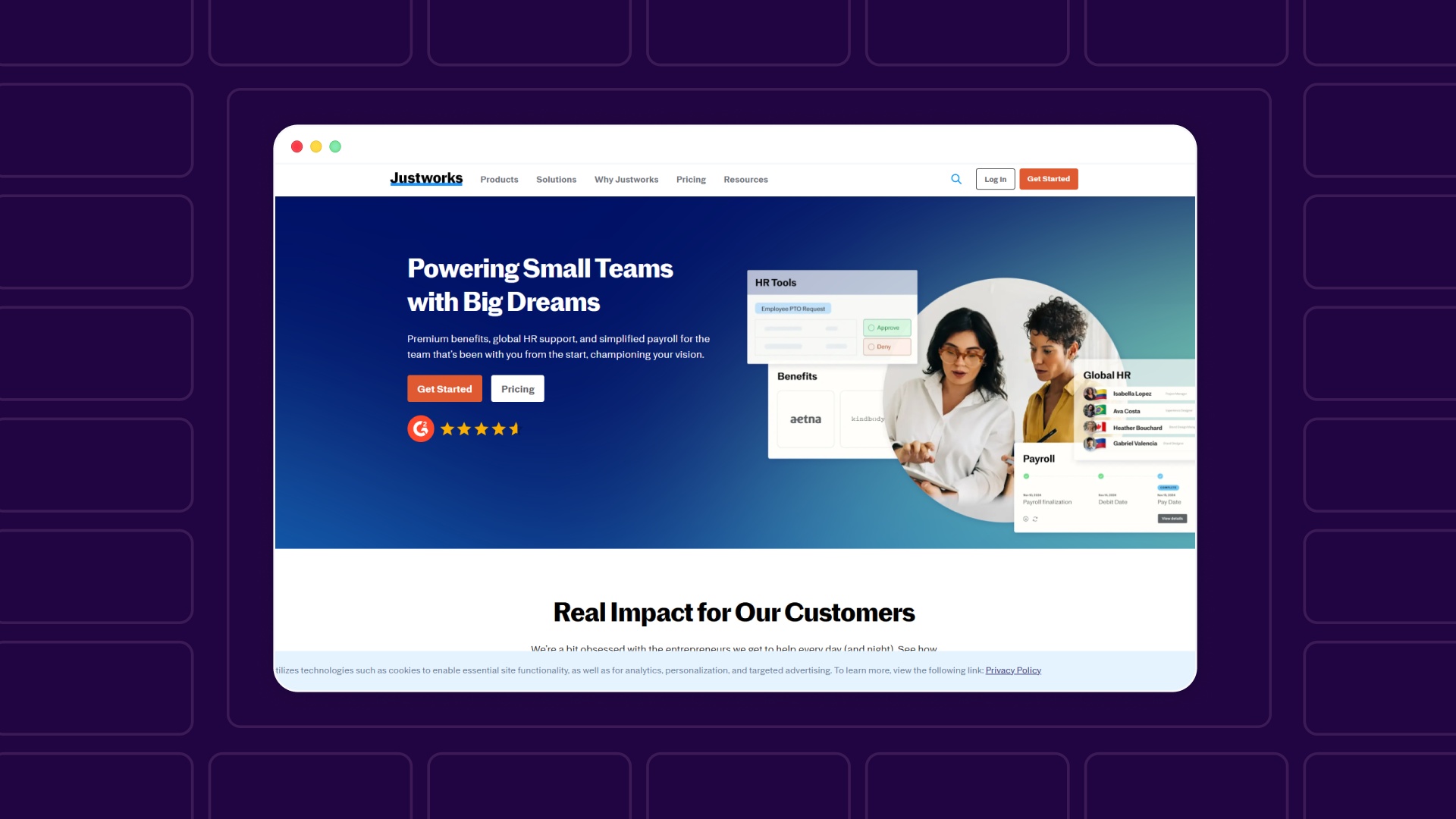
Justworks is an HR platform that combines payroll, benefits, compliance, and HR support into a single solution for small businesses. It offers both software and PEO services, helping teams manage HR operations while reducing administrative burden.
Key Features
- Payroll processing with tax filings, reporting, and multi-state support.
- Access to benefits, including health insurance, retirement plans, and compliance support.
- HR tools for onboarding, time tracking, and employee management.
Pros and Cons
Pricing: Starts at $8/month per employee (+ base fee) for payroll, with PEO plans starting at $79/month per employee and higher tiers for expanded benefits and support.
Integrations: Supports integrations with accounting systems, payroll tools, and other HR workflows, allowing smoother data management across employee lifecycle processes.
8. Hibob
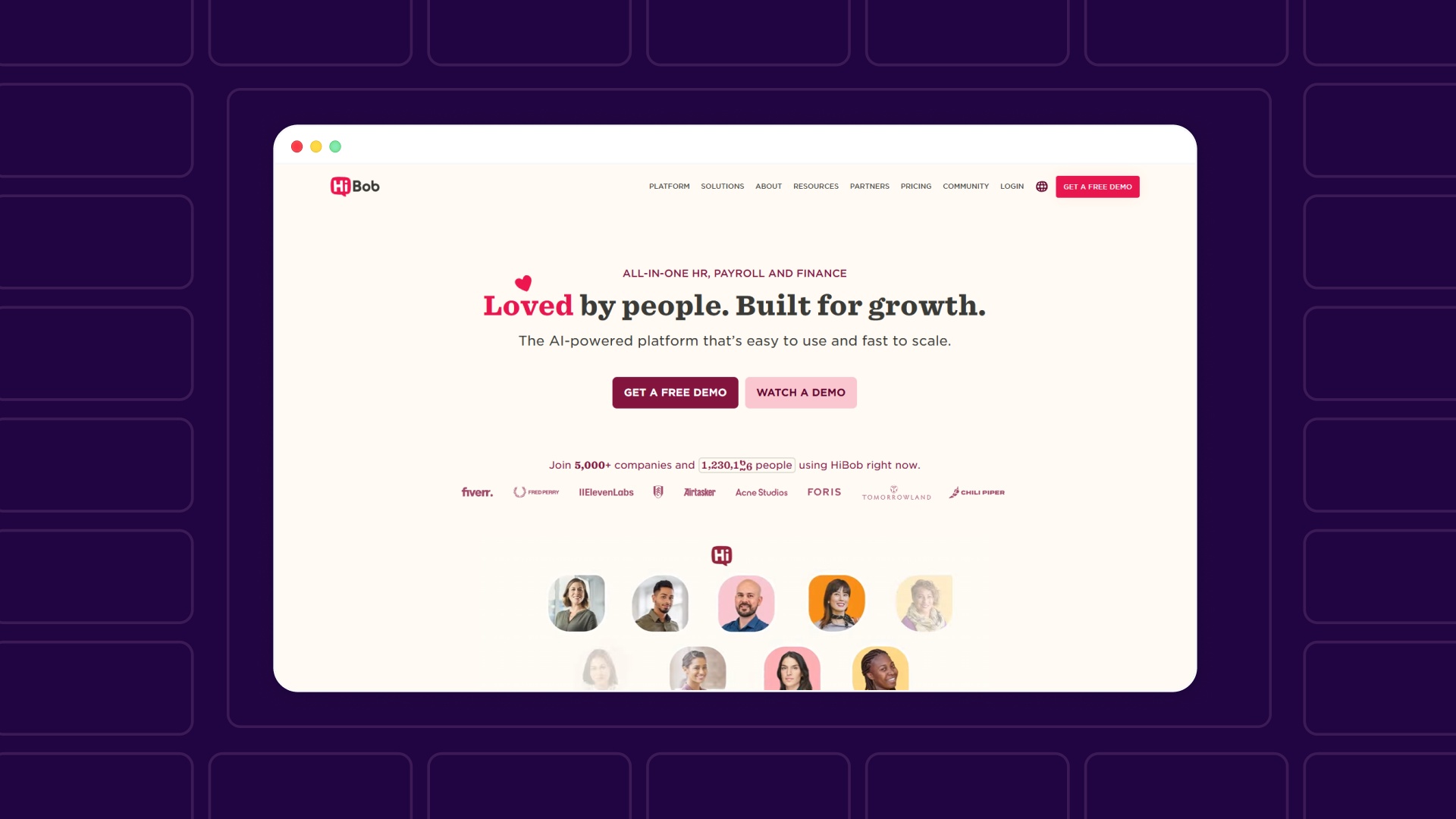
HiBob (Bob) is an AI-powered HCM platform designed for fast-growing, mid-sized, and global companies. It combines HR, payroll, talent management, and workforce planning into a single system, helping teams automate processes, centralize data, and make faster workforce decisions.
Key Features
- Core HR system with workflows, approvals, document management, and employee data.
- Talent and performance tools, including onboarding, reviews, and learning programs.
- Workforce planning and compensation tools with scenario planning and analytics.
Pros and Cons
Pricing: Custom pricing based on company size, modules, and workforce needs.
Integrations: Offers 100+ integrations across payroll, recruiting, collaboration, and data systems, including tools like Slack, Microsoft Teams, and ERP platforms.
9. ADP
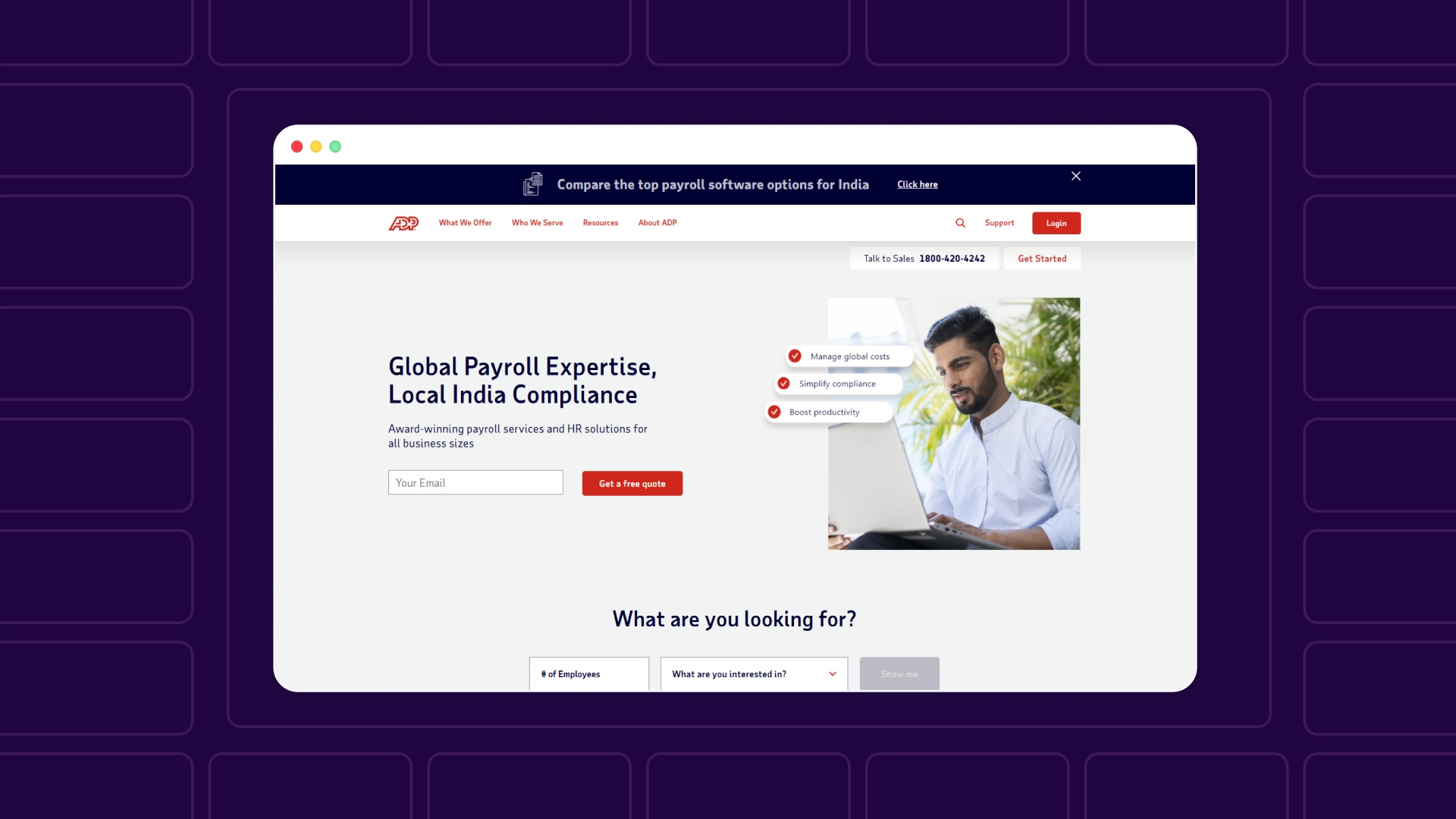
ADP is a global payroll and HR platform that provides payroll processing, HR services, and workforce management solutions for businesses of all sizes. It combines local compliance expertise with global payroll capabilities, making it suitable for companies operating across multiple regions.
Key Features
- Global payroll processing with compliance support across multiple countries.
- HR services, including reporting, workforce data insights, and employee management.
- Time and attendance tracking integrated with payroll systems.
Pros and Cons
Pricing: Custom pricing based on business size, geography, and services required.
Integrations: Supports integration of payroll, HR, and time tracking systems within a unified platform, allowing smooth data flow across workforce operations and reporting.
10. Zoho

Zoho People is a cloud-based HRIS designed to help businesses manage employee data, attendance, performance, and HR workflows from a single platform. It offers flexible customization and automation, making it suitable for small to mid-sized organizations looking to simplify HR operations.
Key Features
- Centralized employee database with document management and self-service portals.
- Time-off, attendance, and shift management are integrated with HR workflows.
- Performance management, compensation tracking, and HR analytics tools.
Pros and Cons
Pricing: Starts at ₹48/user/month, with multiple tiers (Professional, Premium, Enterprise) offering advanced HR features and analytics.
Integrations: Integrates with Zoho’s broader ecosystem, including payroll, recruitment, expense management, and collaboration tools, allowing a connected HR workflow across business operations.
There is no single best HRIS system, only the one that aligns with your operational complexity, growth stage, and geographic scope. The right choice becomes clearer when you prioritize what matters most: simplicity, scalability, compliance, or control.
Avoid rollout delays, data issues, and adoption challenges by following the 5 steps for successful HRIS implementation.
How to Choose the Right HRIS System
Choosing the right HRIS comes down to how accurately it supports payroll inputs, hiring approvals, and cost visibility, not feature depth.
Evaluation should reflect how workforce costs flow into financial planning:
- Define cost visibility needs: Check if the system shows real-time salary, benefits, and headcount impact on budgets
- Validate payroll inputs: Ensure compensation changes flow cleanly into payroll without manual correction
- Test approval workflows: Confirm hiring and salary approvals reflect in financial reports without delay
- Check system dependencies: Identify where Finance still relies on spreadsheets or offline tracking
- Run a real scenario: Test one hiring cycle from offer approval to payroll to identify gaps
A system works only if it reduces reconciliation effort and improves cost predictability.
Understand how HRIS impacts payroll accuracy, approvals, and reporting across teams in key benefits of HRIS for employers and employees.
Common Mistakes When Choosing an HRIS
Most teams make HRIS decisions based on pricing or demos, not operational reality. The biggest issues show up after implementation when hidden costs, broken workflows, and poor adoption create delays in payroll, approvals, and reporting across HR and Finance.
Mistakes typically surface when evaluation skips real operational validation:
- Ignoring True Cost: Overlook setup, data cleanup, and internal effort beyond subscription pricing.
- Unclear Requirements: No documented RFP (Request for Proposal) leads to a tool mismatch.
- Demo-Led Decisions: Selecting based on demos without testing real workflows.
- Weak Adoption Planning: Late communication and poor training reduce usage.
- No Integration Check: Fails to sync with payroll or accounting systems.
Most failures come from skipping validation steps, not from choosing the wrong vendor upfront.
Define clear requirements before evaluating tools with a guide to conducting an effective HRIS needs analysis
Where HRIS Systems Fall Short for Compensation and Headcount Planning
HRIS platforms manage employee records well, but fall short in compensation decisions and headcount planning. They lack flexibility for modeling future costs, aligning hiring pipelines, and reflecting real-time workforce changes, which forces HR and Finance teams to rely on parallel tracking systems.
Gaps become visible when teams move from tracking to planning:
- No Market Benchmarking: Relies on internal salary data instead of external benchmarks; e.g., offering $110K while the market median for similar roles is $135K.
- Rigid Compensation Logic: Cannot handle complex pay changes; e.g., retention bonus or equity refresh tracked manually outside the system.
- No Scenario Planning: Lacks forward modeling; e.g., unable to test the budget impact of hiring 10 engineers before approval.
- Disconnected Headcount Views: Different team definitions; e.g., HR counts active employees, Finance includes future hires, causing mismatched reports.
- Delayed Data Sync: Updates are not real-time; e.g., approved hires reflect in reports after 24–48 hours, delaying cost visibility.
HRIS systems record workforce data accurately, but fail when teams need to plan future cost and hiring scenarios with precision.
Keep payroll, ATS, and finance systems aligned without manual syncing through best practices for integrating HR tools with systems.

How CandorIQ Supports Compensation and Headcount Planning
CandorIQ connects HRIS, payroll, and recruiting systems into a single planning layer, allowing HR and Finance to manage compensation cycles, headcount changes, and budget impact with real-time data instead of delayed reports or manual reconciliation across disconnected tools.
Value is driven by measurable improvements across planning workflows:
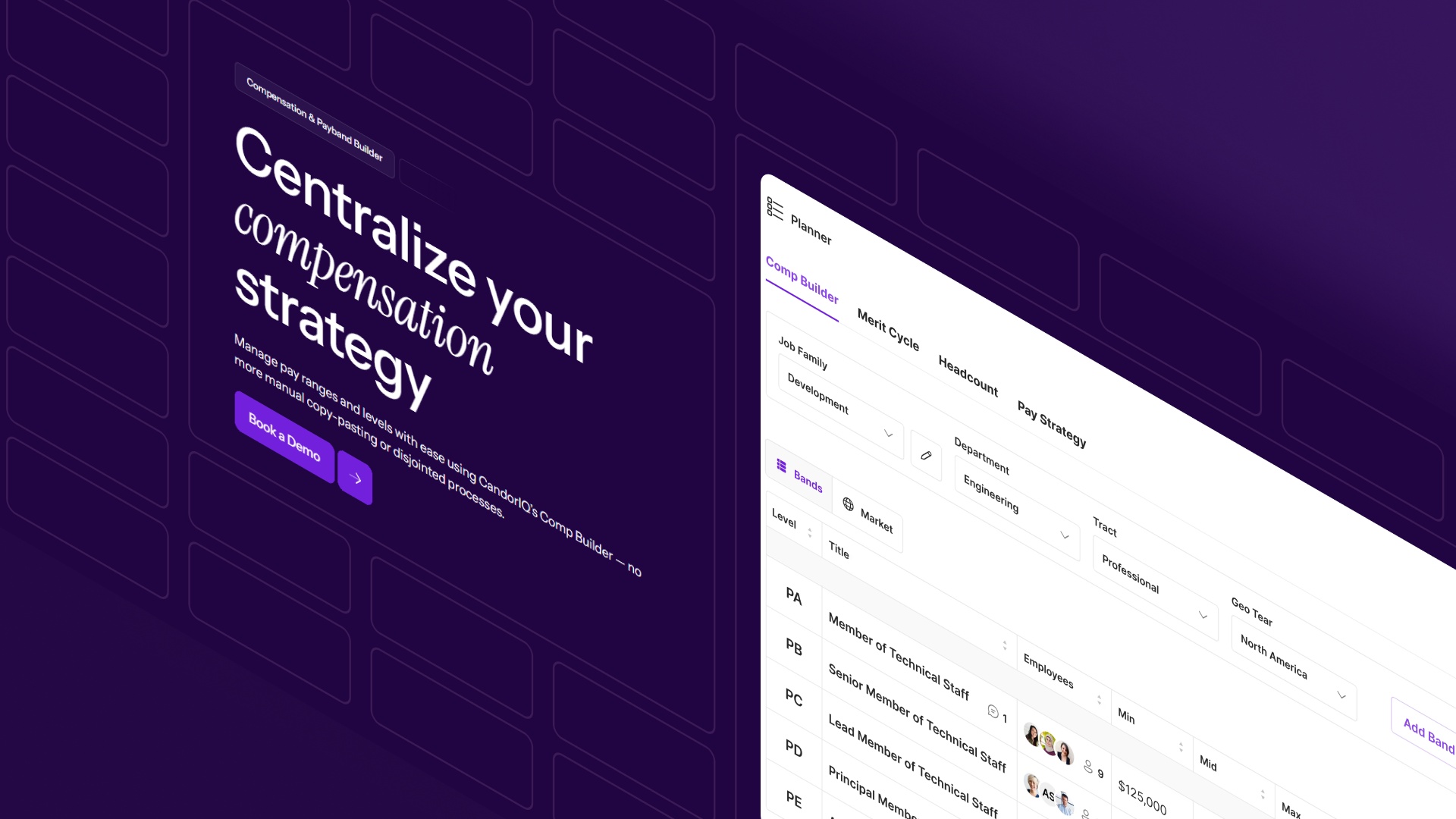
- Compensation & Payband Builder: Standardizes salary bands using market benchmarks and maps employees to levels in one system. This helps teams identify pay gaps early, align offers with internal structures, and avoid inconsistencies across roles and locations.
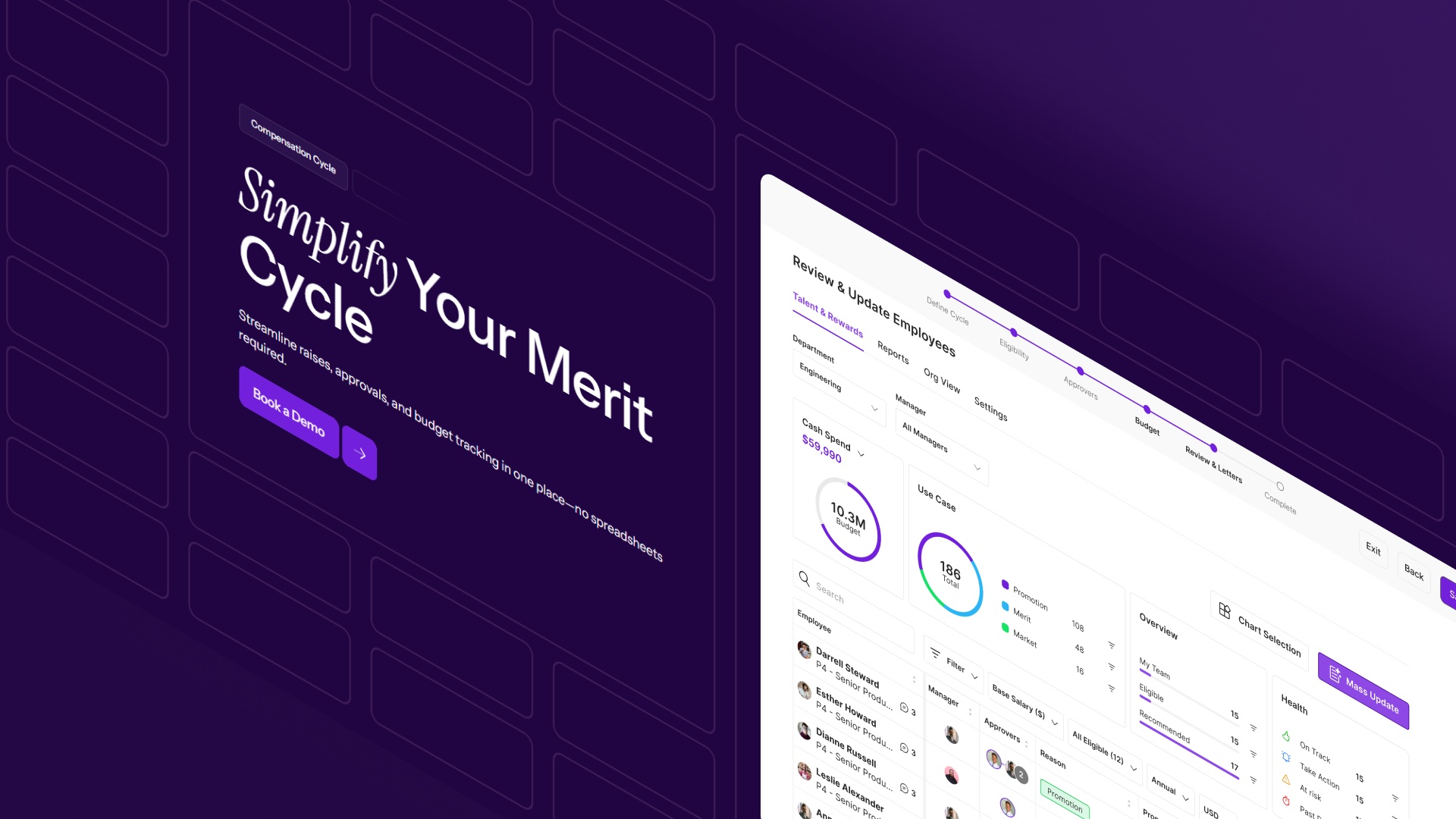
- Compensation Cycle: Runs merit increases, bonuses, and adjustments in a structured workflow with built-in tracking and visibility. This reduces manual coordination, shortens cycle time, and ensures compensation decisions stay within approved budgets.
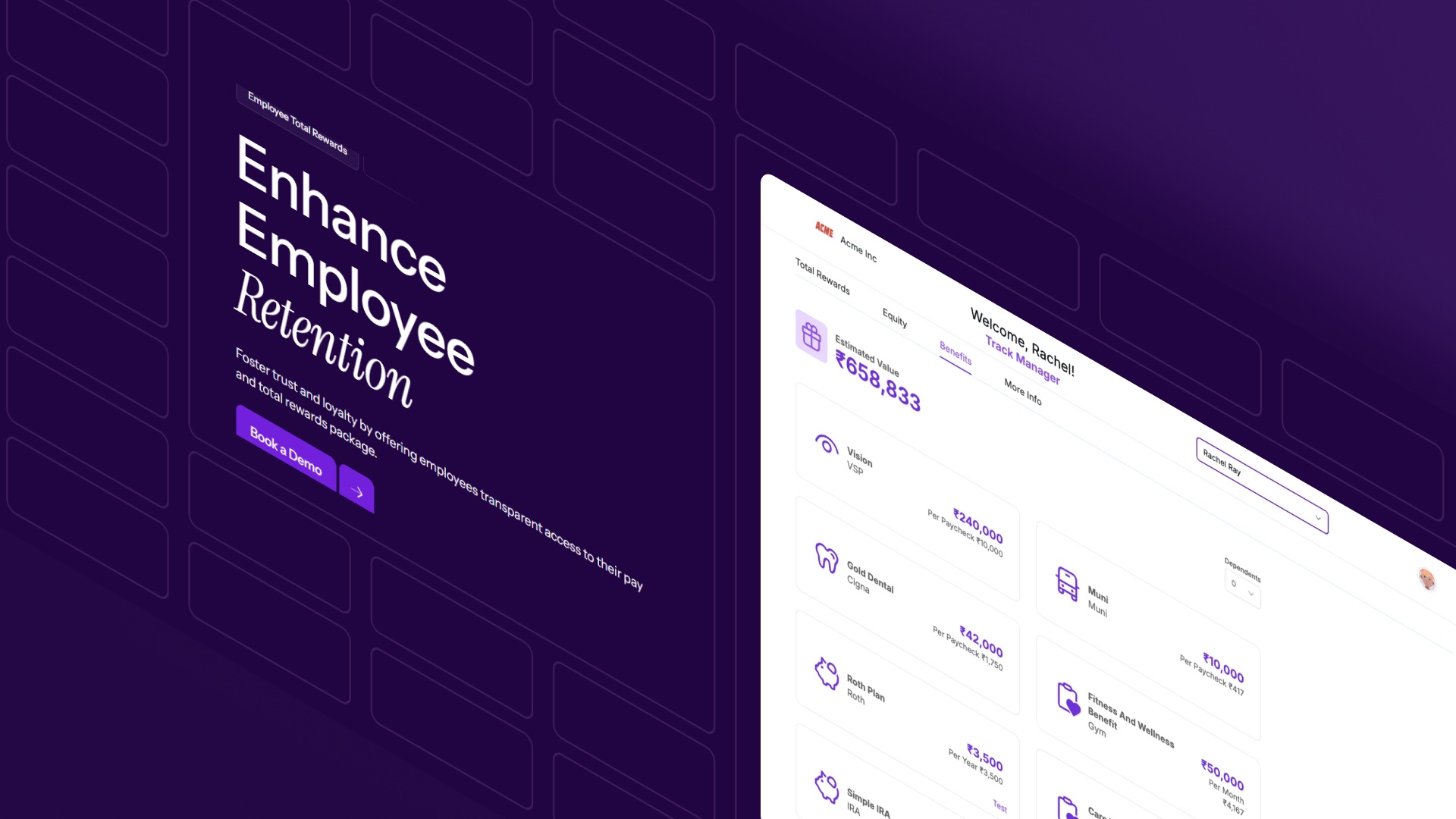
- Employee Total Rewards: Combines salary, equity, and benefits into a single view for both employees and leadership. This improves visibility into total compensation spend and supports clearer, more consistent pay conversations.
- Candidate Offers: Connects recruiting with compensation planning by tying offers to real-time pay bands and budgets. This helps teams generate and approve offers faster while maintaining internal pay consistency.

- Headcount Scenario Planning: Models hiring plans against budgets, growth targets, and organisational changes before decisions are finalised. This gives Finance visibility into cost impact early and helps prevent overhiring or misaligned plans.

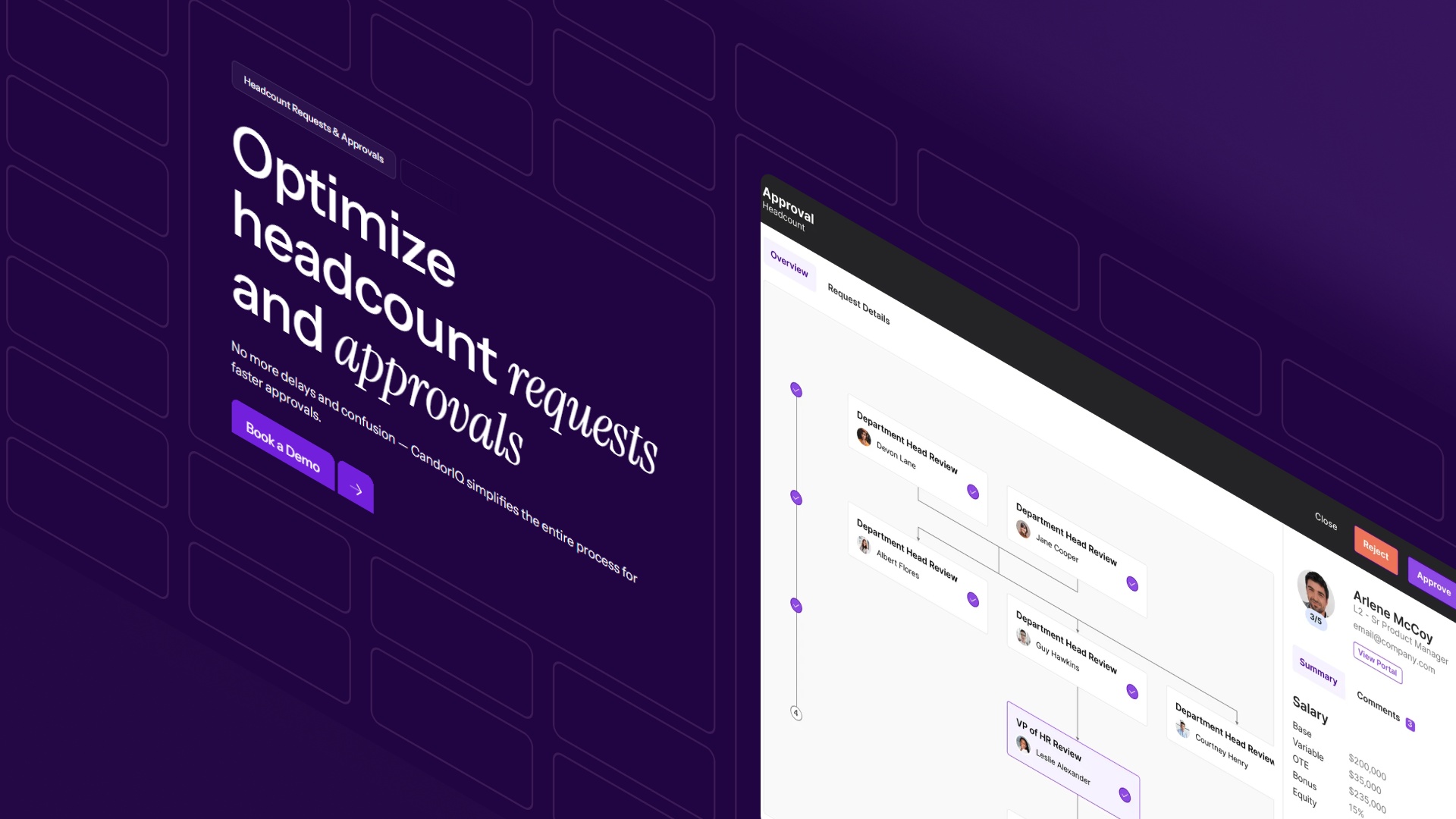
- Headcount Requests & Approvals: Structures hiring approvals across HR and Finance with clear workflows and budget context. This reduces delays, removes back-and-forth, and ensures roles are approved with full alignment.
- Workforce Management: Tracks headcount changes, internal movements, and role allocation across teams and geographies. This keeps workforce data consistent and helps teams understand actual vs planned headcount in real time.

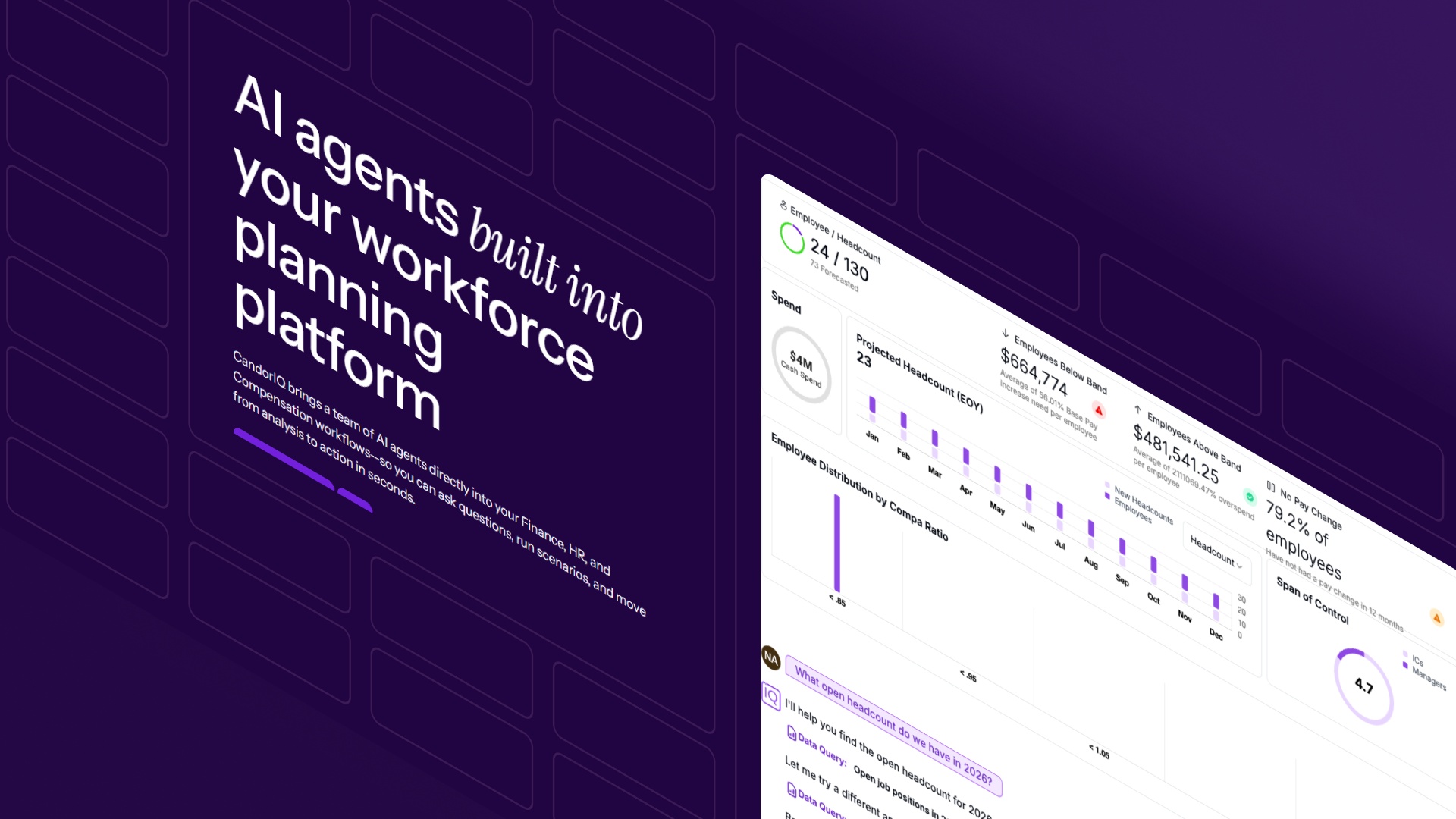
- AI Agent: Analyzes workforce, compensation, and budget trends to automatically surface risks and insights. This helps teams act earlier on issues like pay gaps, attrition risk, or cost overruns instead of reacting late.
FAQs About Best HRIS Systems
1. What are the different types of HRIS systems used in real operations?
Different types of HRIS systems are split into record-focused systems, workflow-driven systems, and planning-enabled platforms. Most teams start with record systems but add layers when hiring plans and compensation need to align with budgets.
2. How should HR and Finance teams compare HRIS systems during evaluation?
To compare HRIS systems, teams should validate how headcount changes, payroll inputs, and approvals flow across departments, not just how features are presented in demos.
3. What are common applications of HRIS that impact Finance directly?
Common applications of HRIS that affect Finance include payroll input validation, headcount tracking, and reporting accuracy, especially during monthly close and budget reviews.
4. What separates the best HRIS and payroll systems from basic HR tools?
The best HRIS and payroll systems reduce dependency on manual reconciliation by keeping payroll, employee data, and approvals aligned across HR and Finance workflows.
5. What are the risks of choosing the wrong HRIS system early?
Choosing the wrong HRIS system often leads to fragmented data across HR and Finance, forcing teams to rebuild workflows, reprocess payroll inputs, and re-evaluate tools within 12–18 months.
6. What should mid-sized companies look for in the best HRIS systems?
The best HRIS systems for mid-sized companies should support multi-level approvals, consistent headcount tracking, and clean payroll inputs without requiring manual reconciliation across teams.
Ready to modernize your workforce and compensation strategy?
See how CandorIQ brings workforce planning and compensation together with AI.